Compose a whole song
Composer
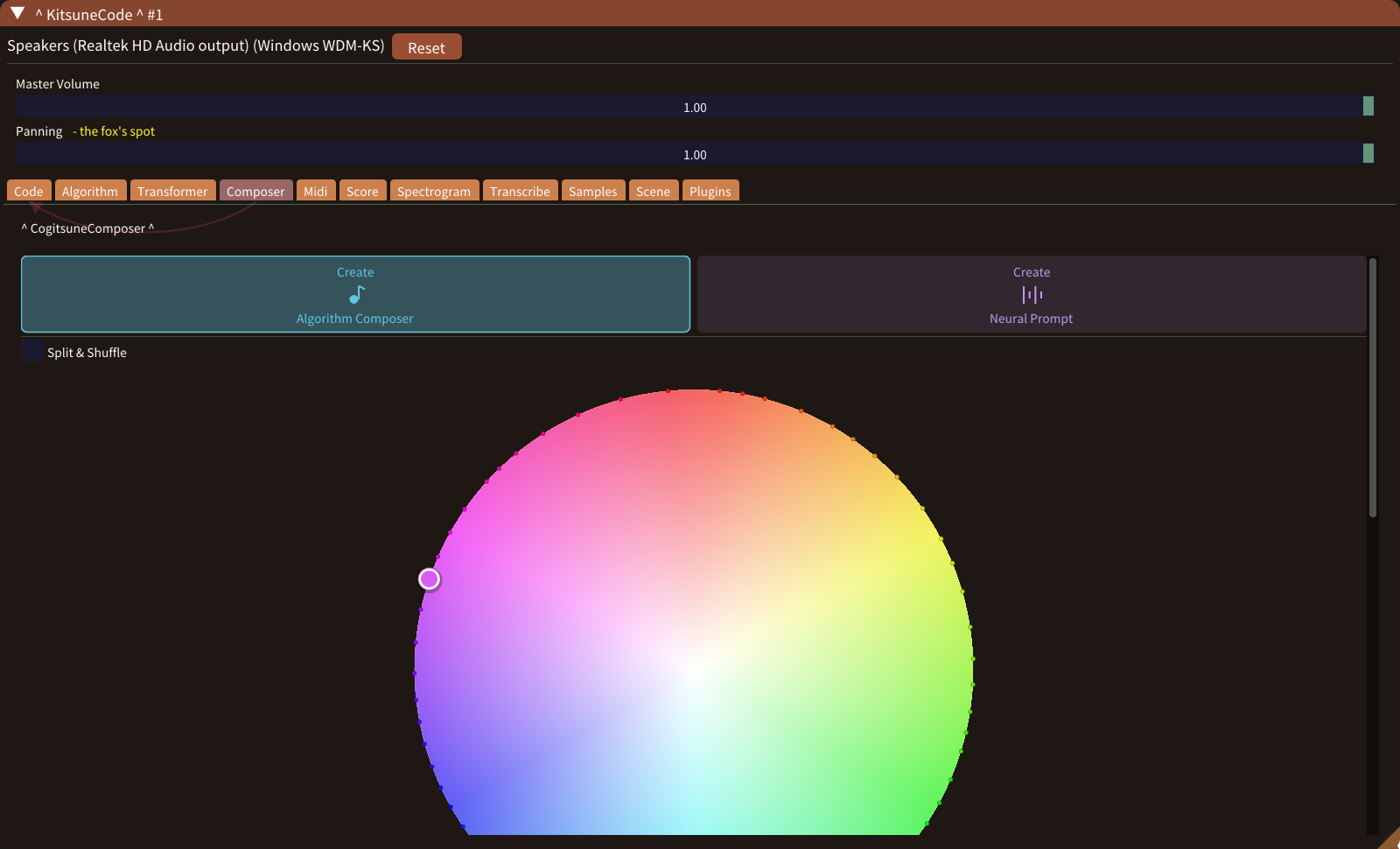
Pick a preset on the style circle or describe a song in words, and the Composer writes every part.
Compose your first songlive + algorithmic + data driven musical-phrase creator
Live Coding and Algorithm / Neural Network based Composition software
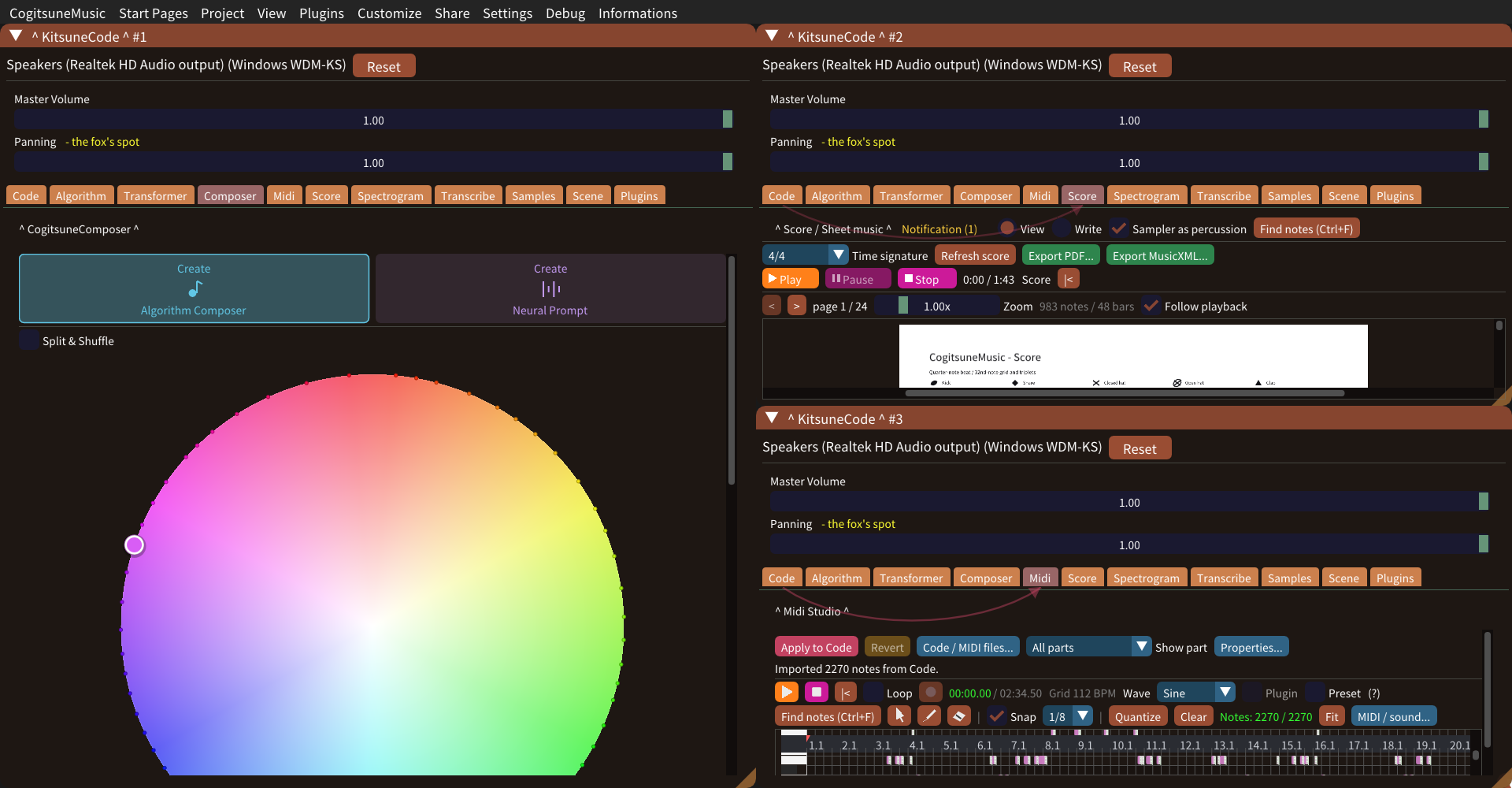
Windows · Cogitsune Music 2.0 · Features & guides
Compose from a preset or a sentence, write music as code or play a keyboard, then read, search, paint and share it.
Compose a whole song
Pick a preset on the style circle or describe a song in words, and the Composer writes every part.
Compose your first songWrite, hear, change
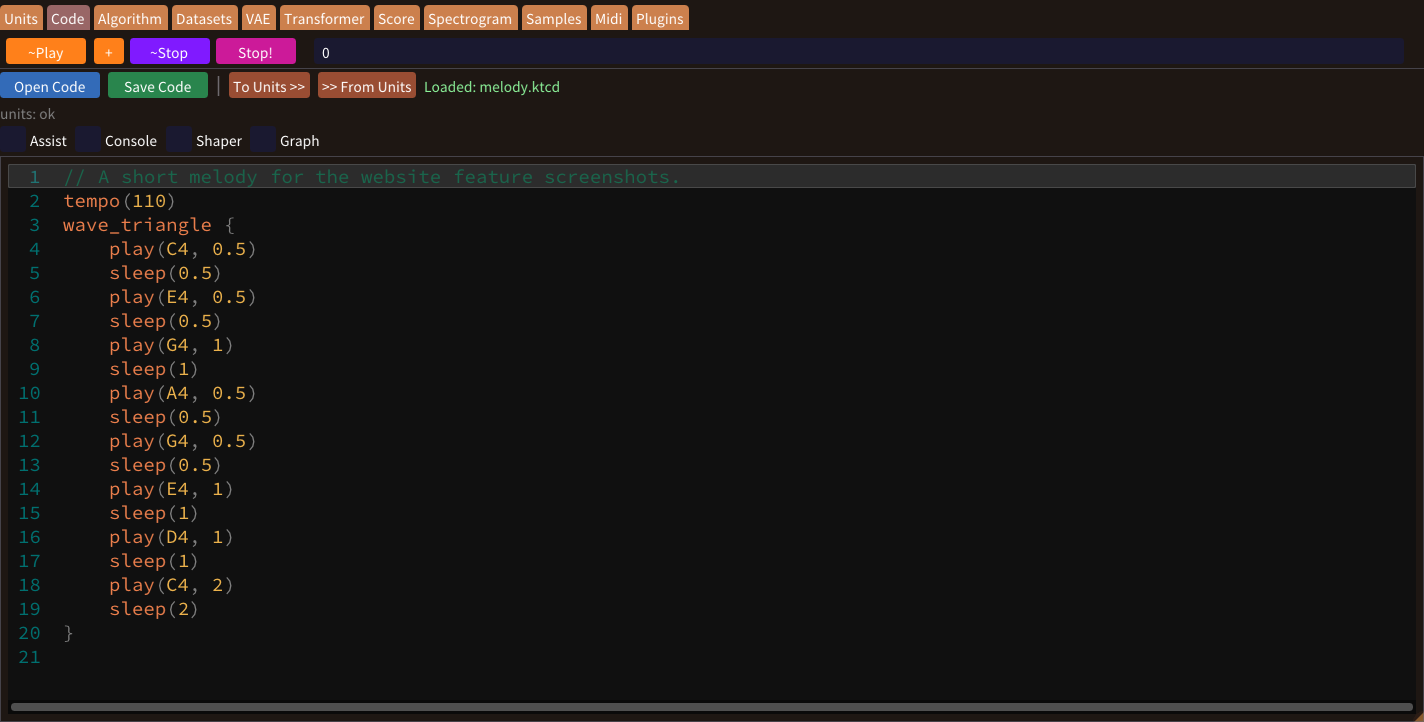
Write notes, chords, loops and parallel parts with play, sleep and tempo. Formulas can become melodies too.
Write your first phraseChoose your sound
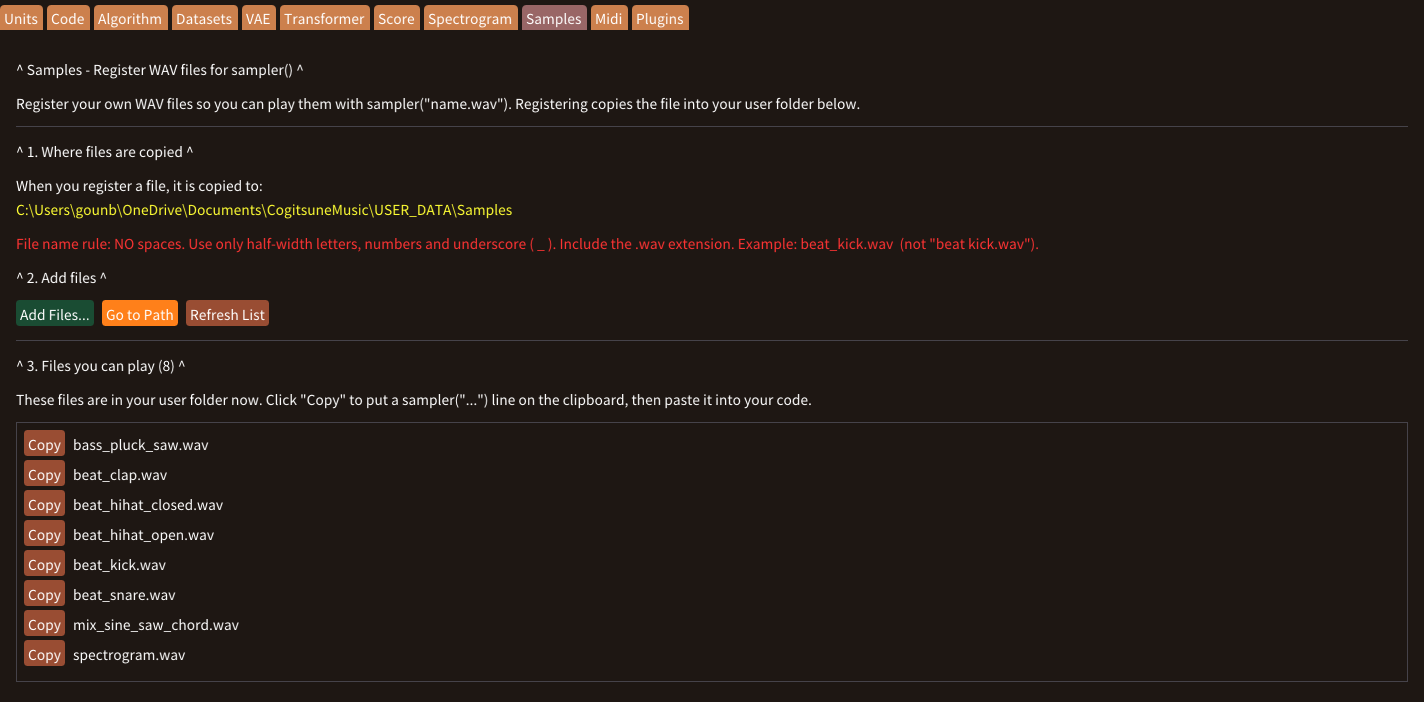
Use sine, saw, square or triangle waves, or play built-in and your own WAV samples with sampler().
Explore sounds and samplesCompose with rules
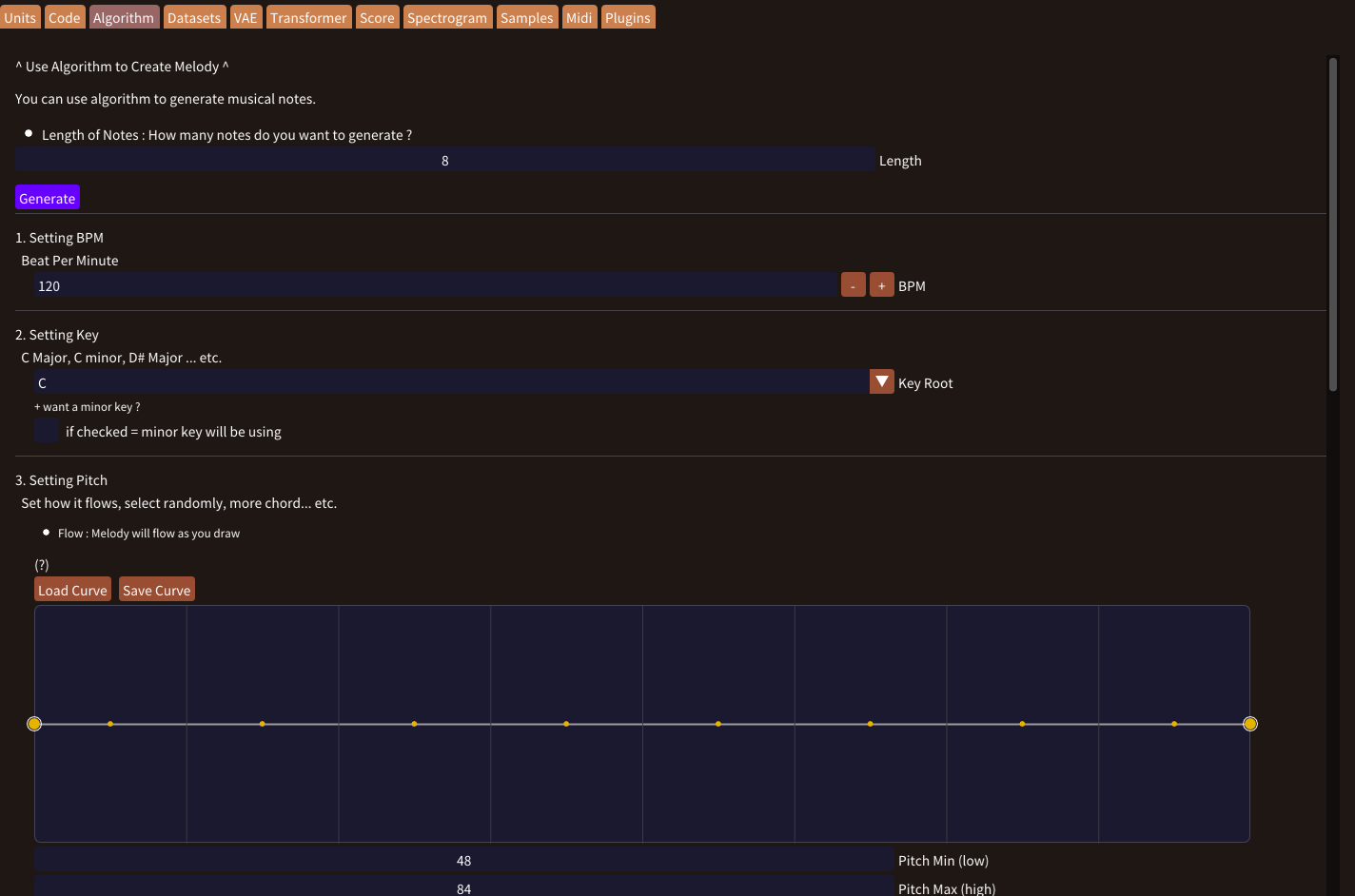
Set a key, a contour and rules for lengths and leaps, then generate a phrase into Code.
Generate a musical ideaWords to melody
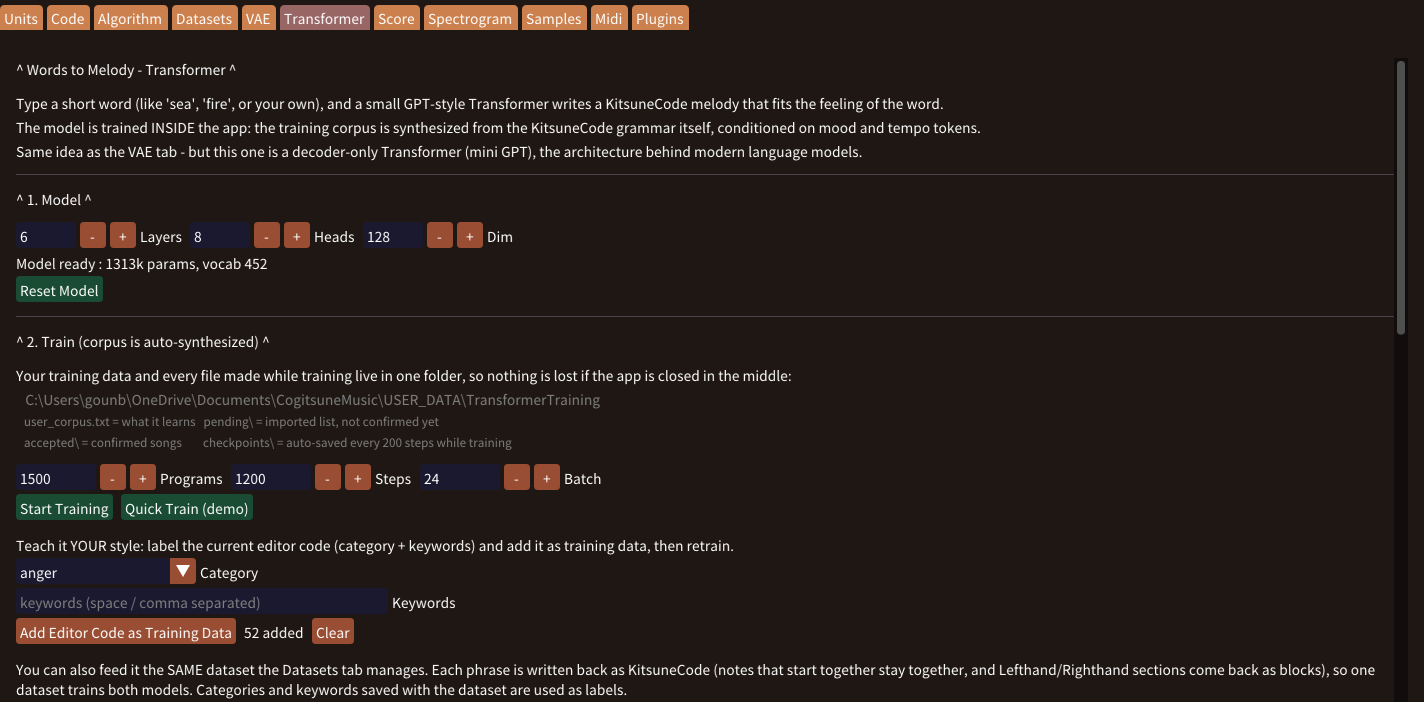
Type a word such as calm or jazz; with Style VAE on, every press gives a new melody.
Turn words into a melodyTeach the models
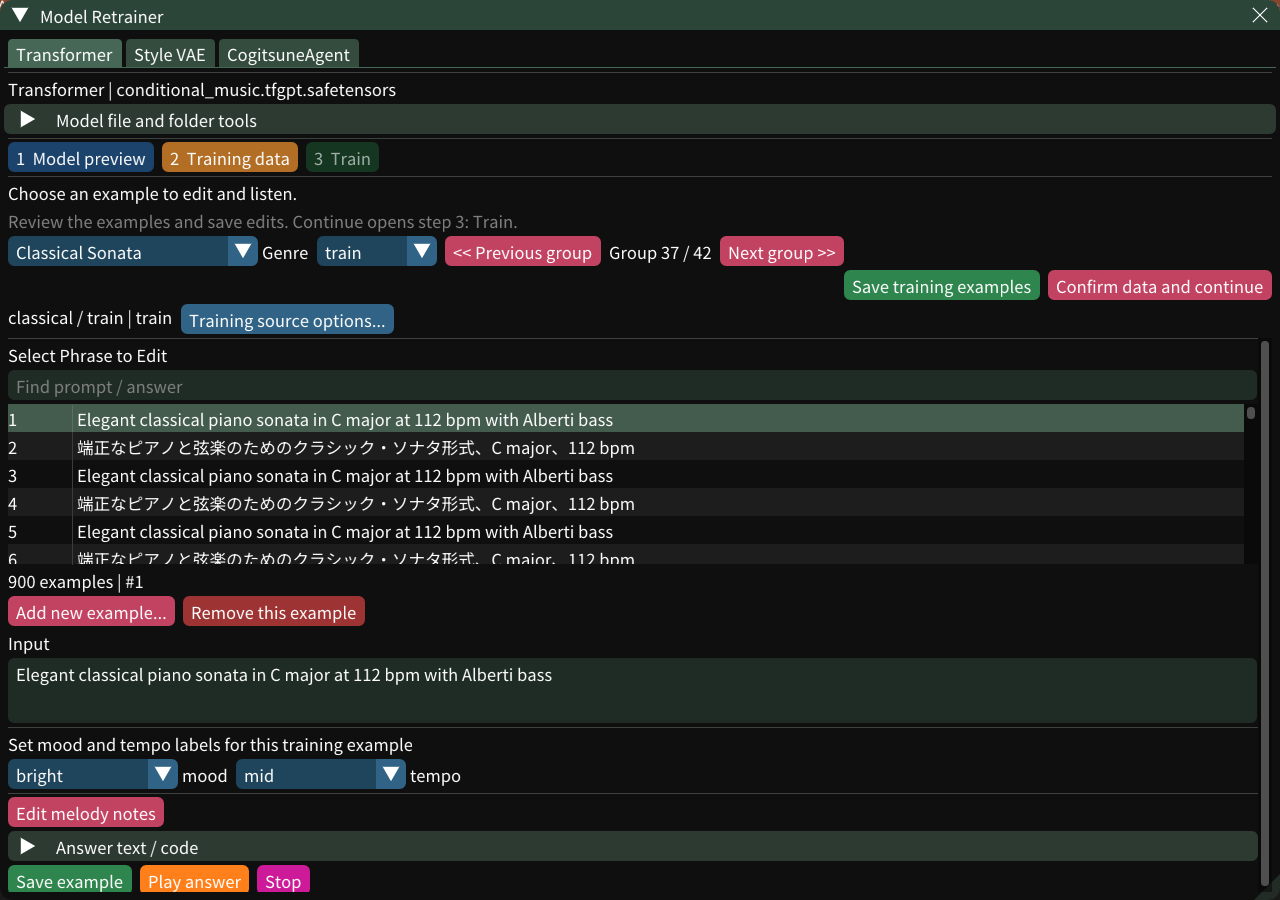
See the examples behind the built-in models, add your own music and retrain them into a new model.
Retrain with your own musicRead and write notation
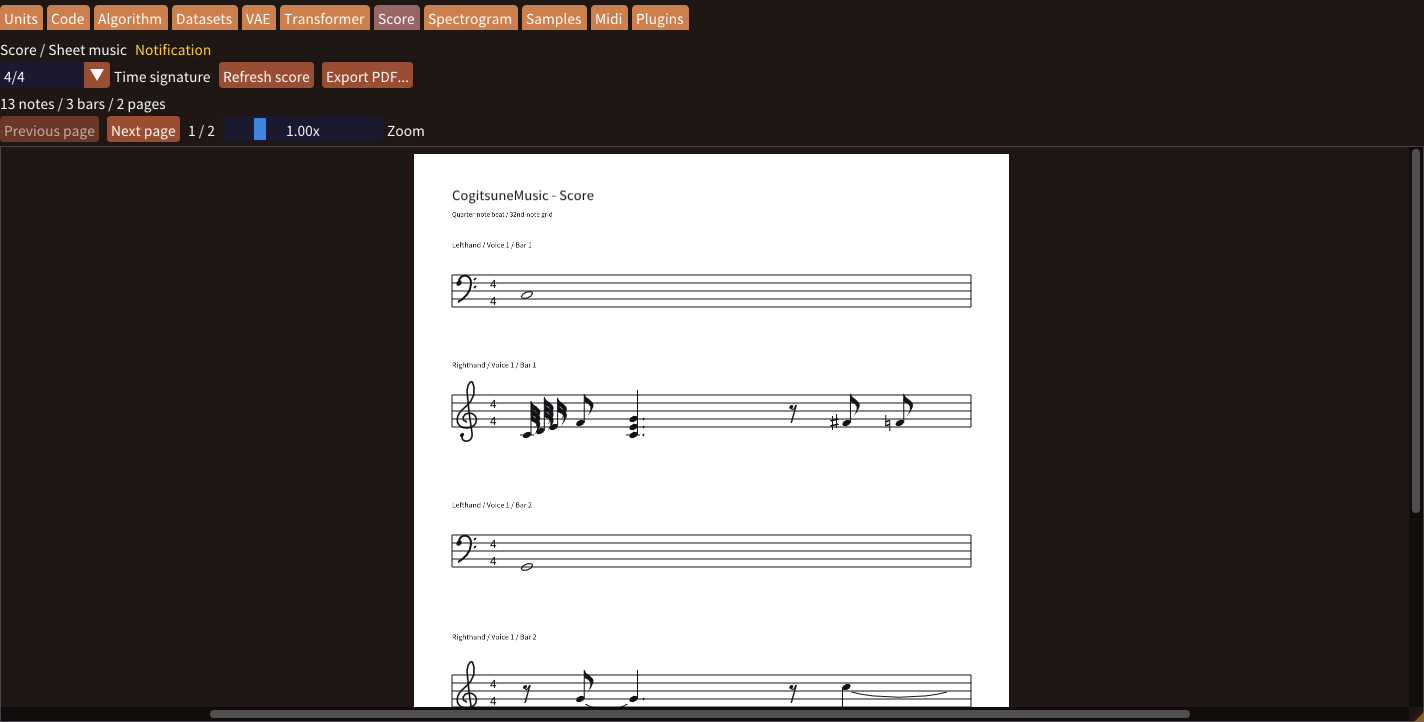
Read your code as sheet music, write notes in Write mode, and export PDF or MusicXML.
Make a scoreEdit on a grid
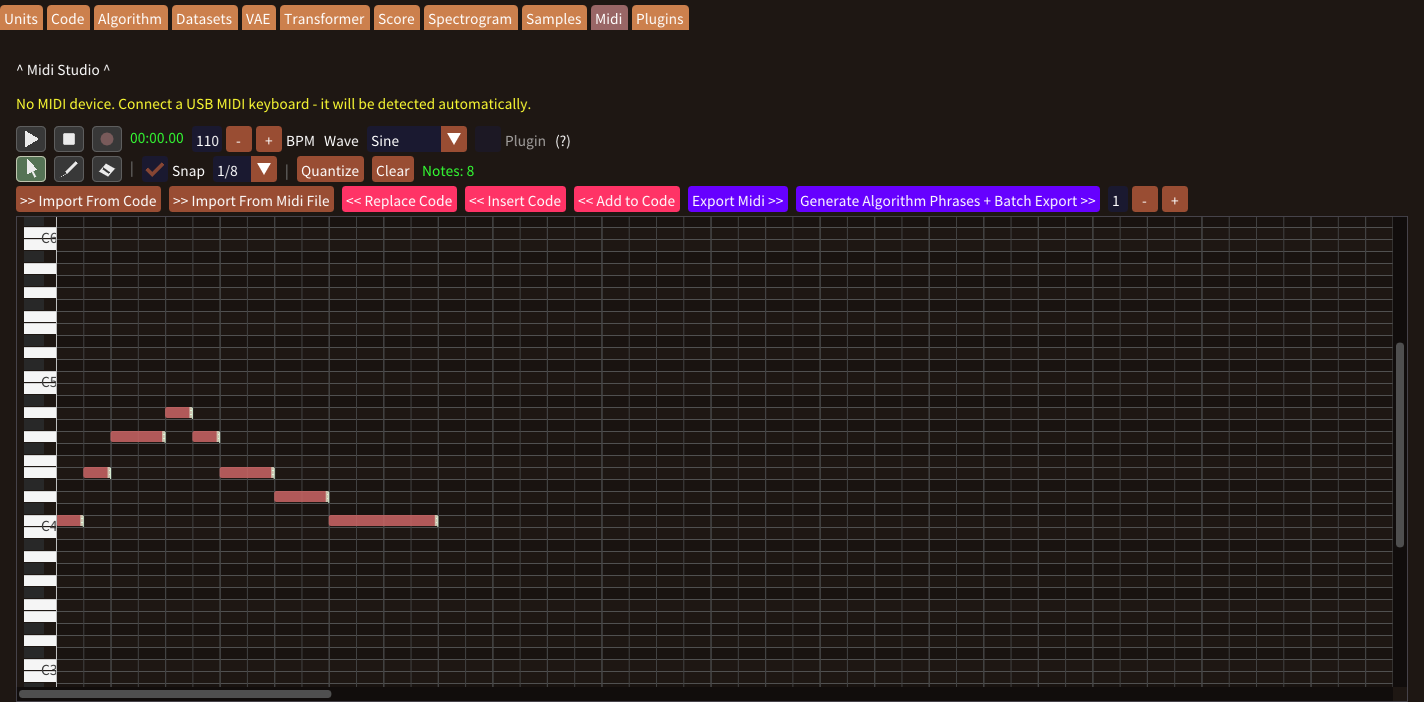
Draw, move and quantize notes, record from a MIDI keyboard, then apply them to Code or export MIDI.
Edit a phrase on the grid Connect and recordSearch your music
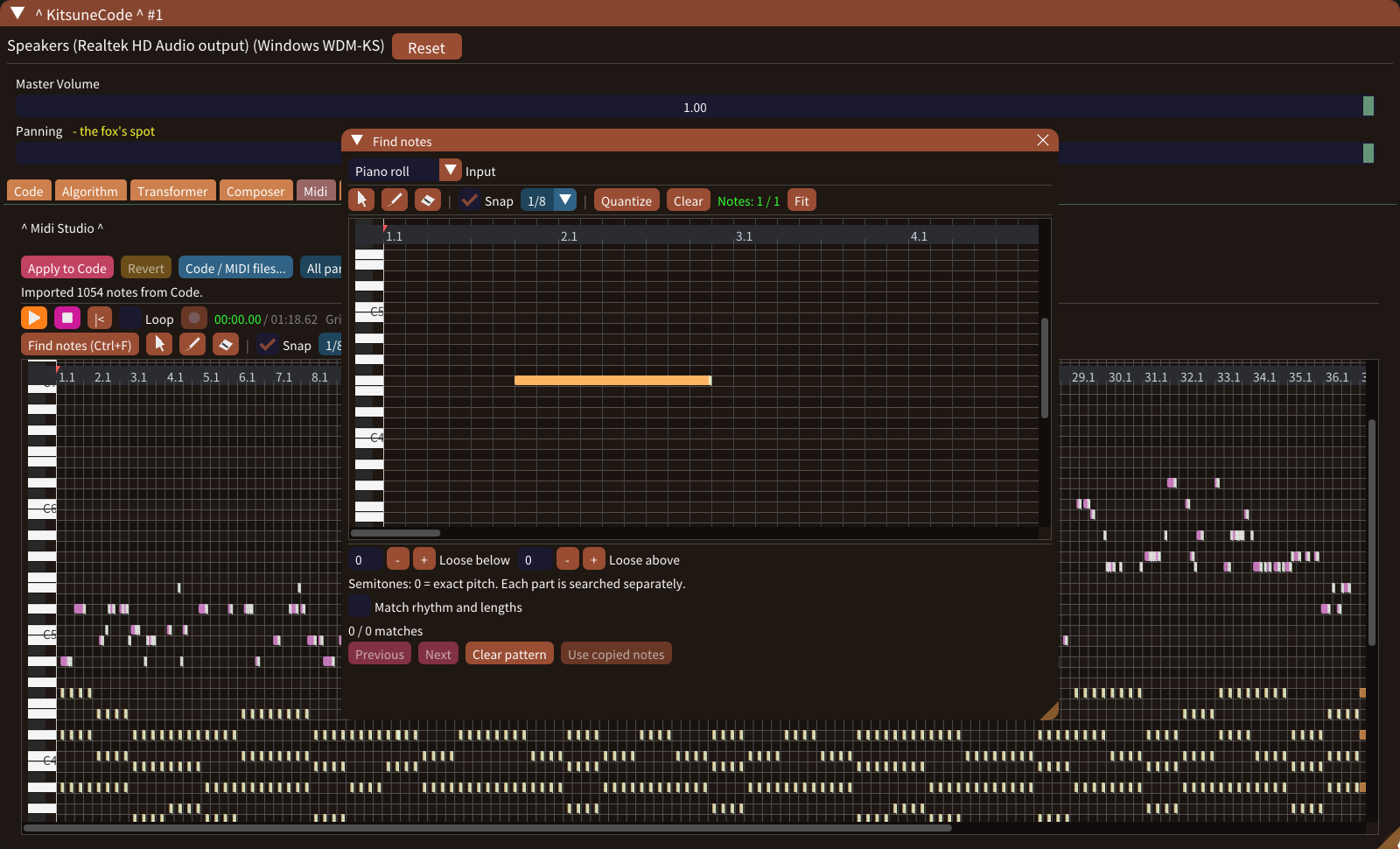
Press Ctrl+F in Code, Midi or Score to search for a melodic pattern, exactly or loosely.
Find a motifSound into notes
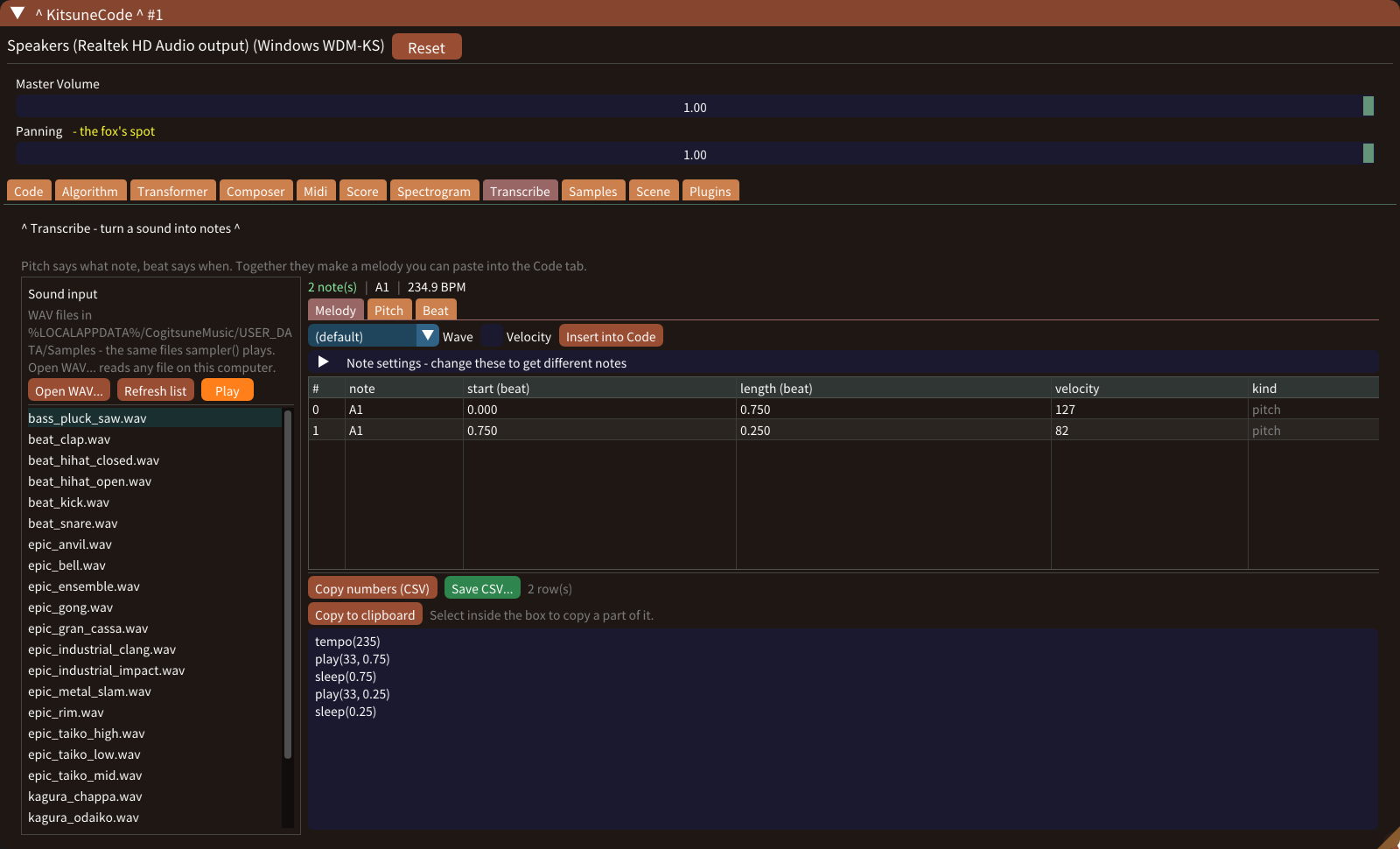
Read the pitch, beat and melody of a WAV, then insert it into Code as play() lines.
Transcribe a soundPaint a landscape
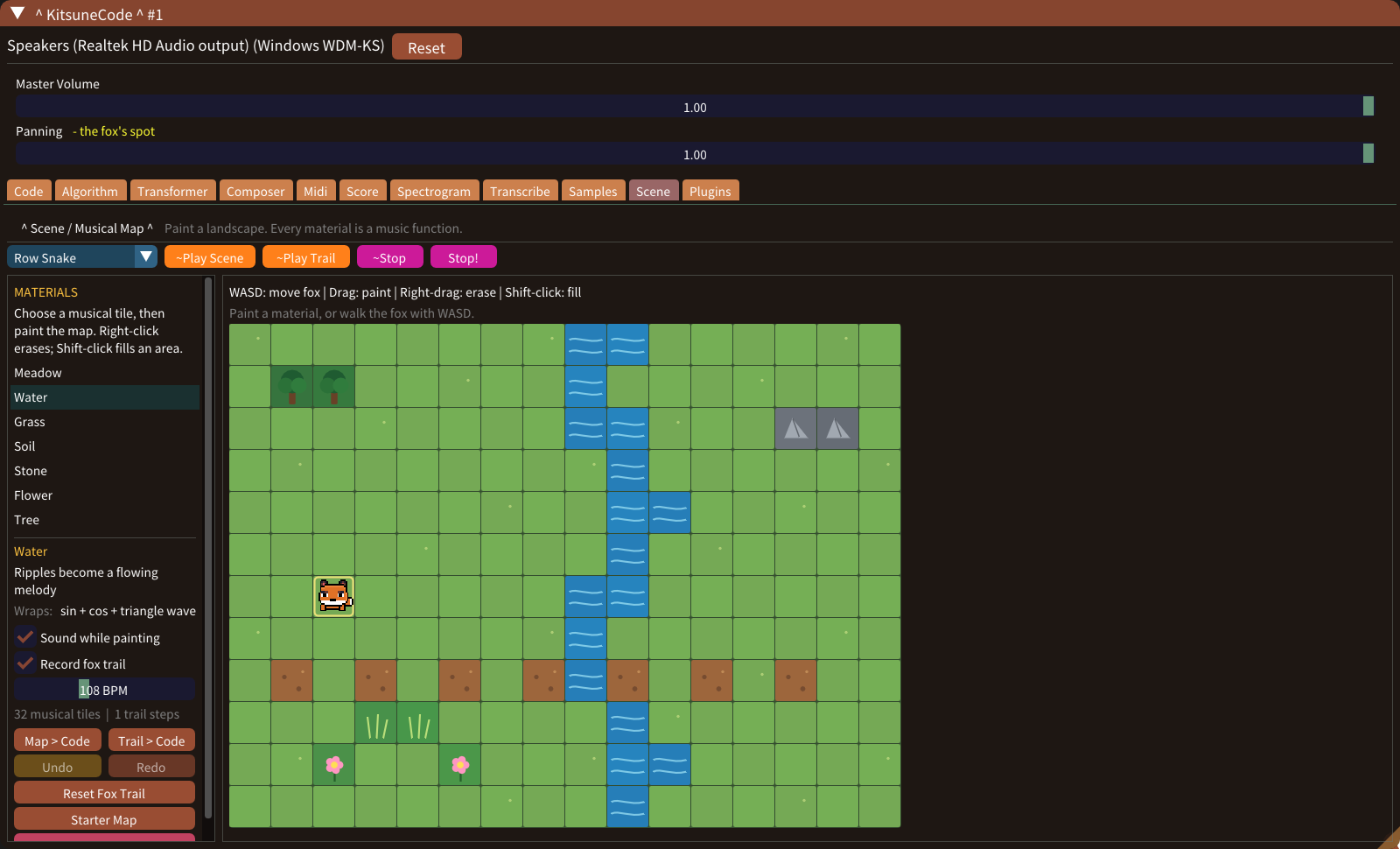
Paint a map where every material is music, then play the map or the fox’s trail.
Explore the musical mapDraw a sound
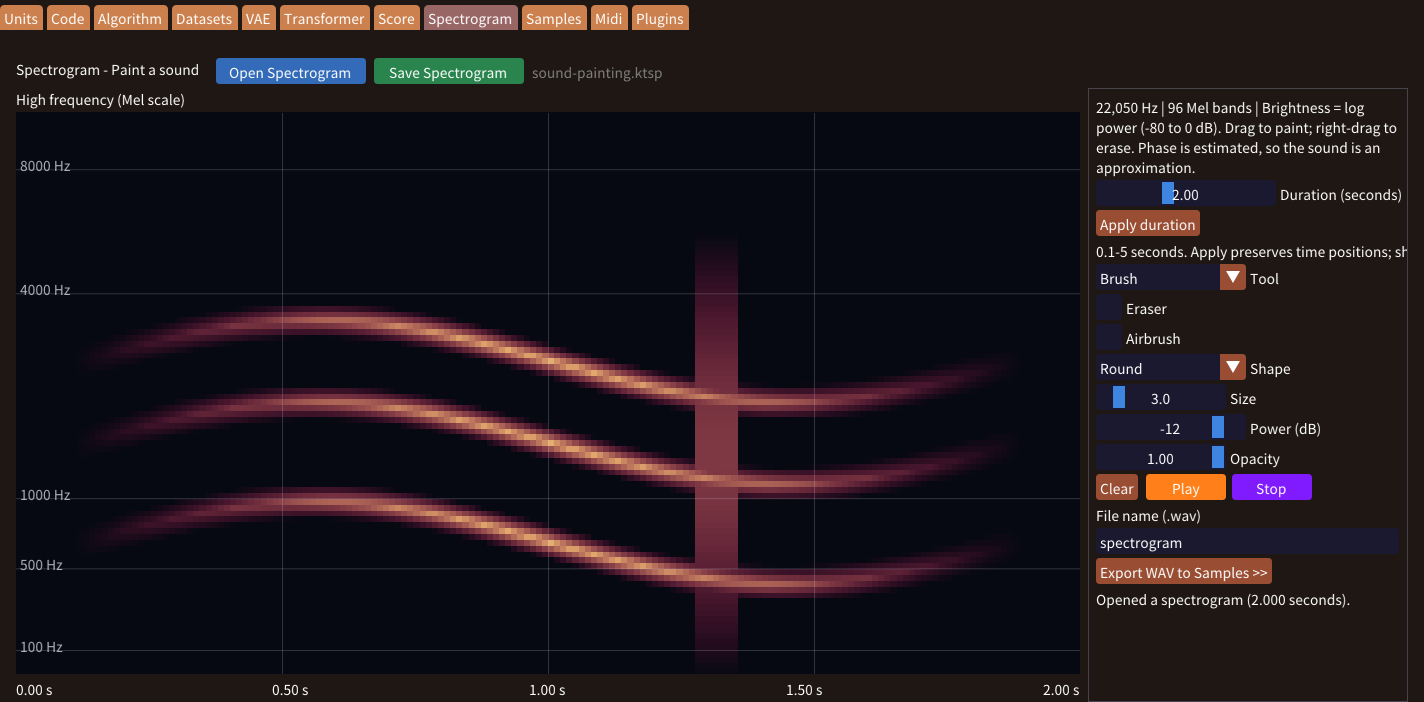
Paint time and frequency to make a new sound, then export it as a WAV sample.
Start painting soundShare as a video
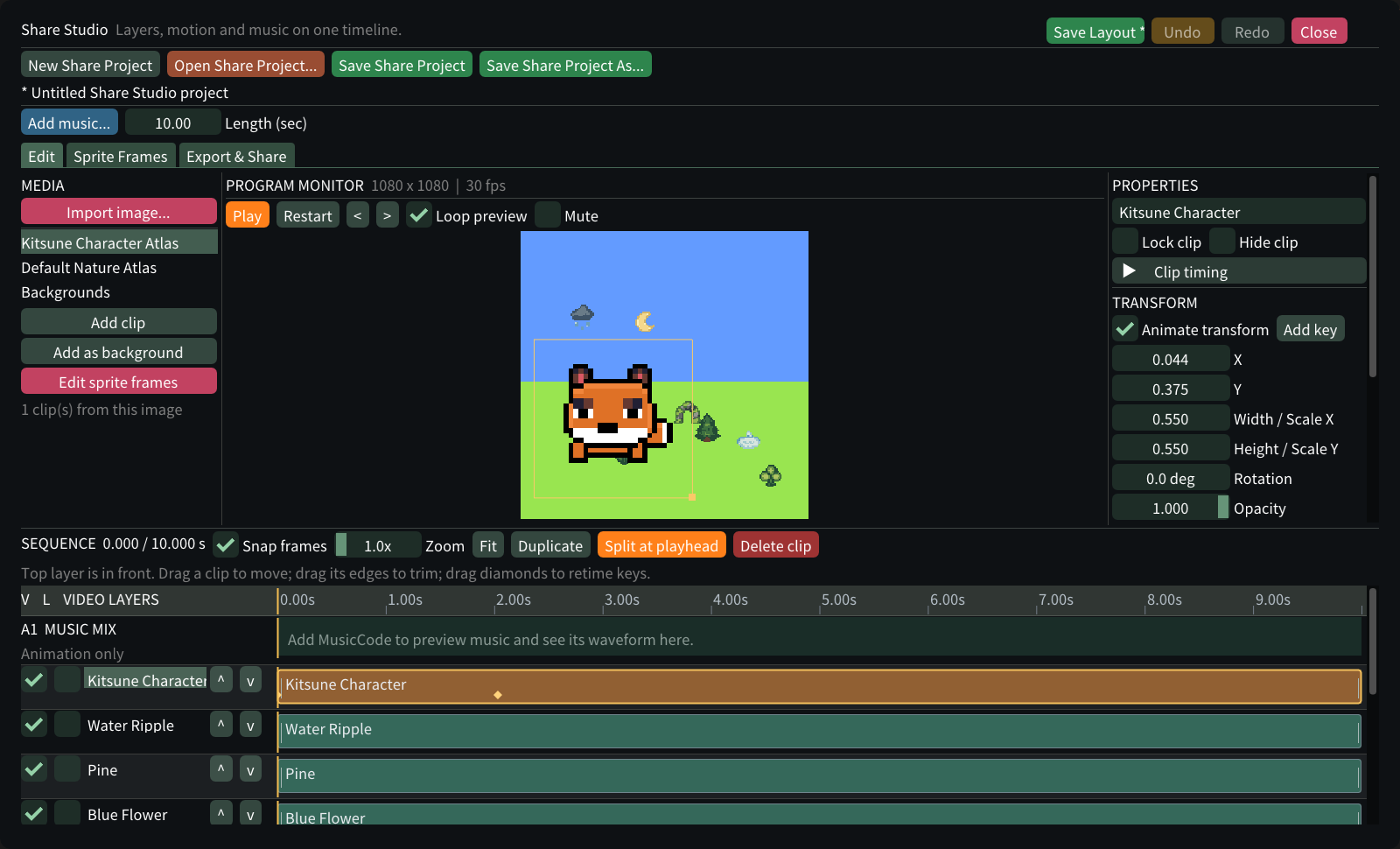
Put music, images and sprite animations on one timeline and export a square MP4.
Make a music videoTake it further
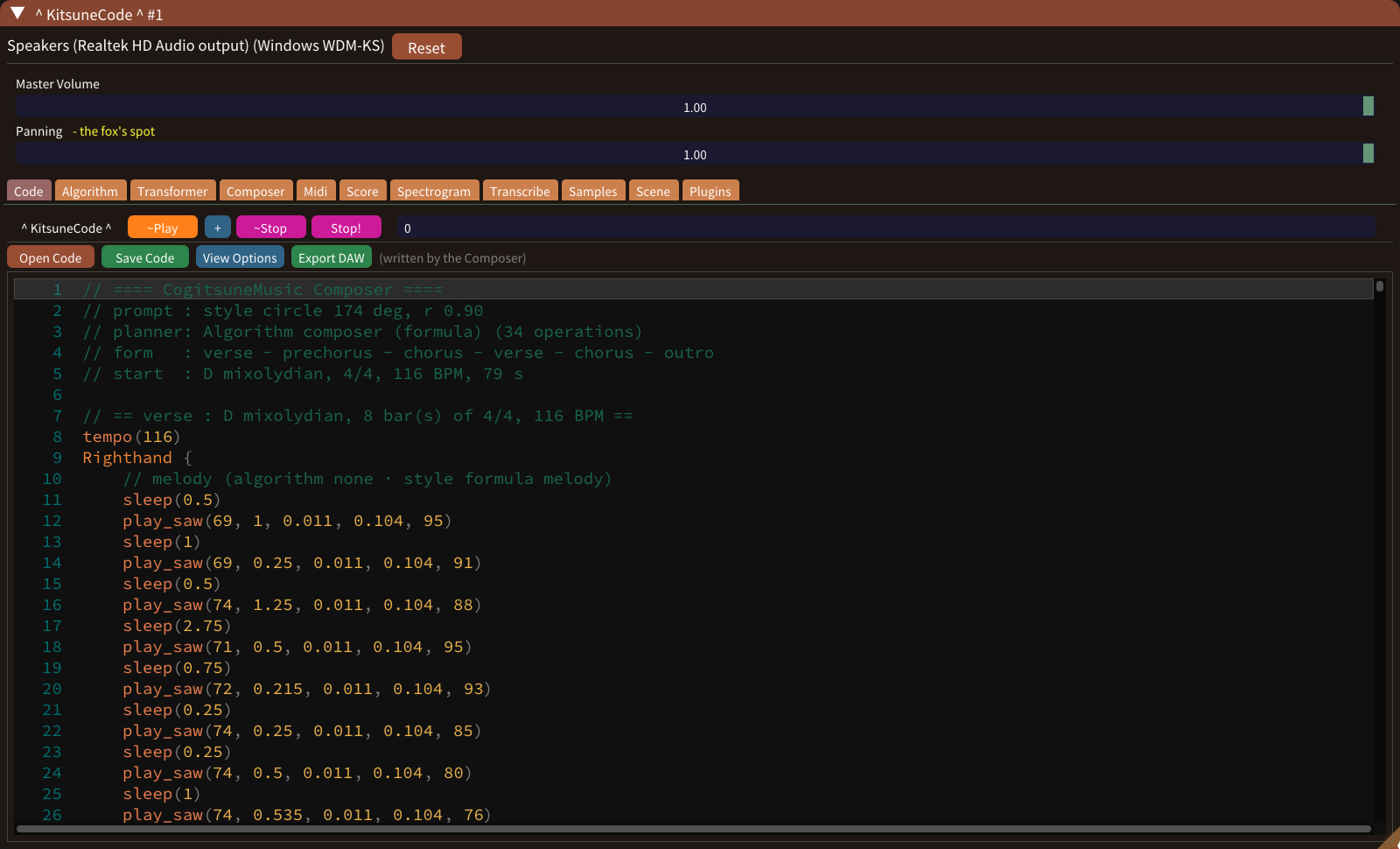
Record WAV, export MIDI, or write a DAWproject or LMMS file with a track for each part.
Choose your export formatSee the numbers
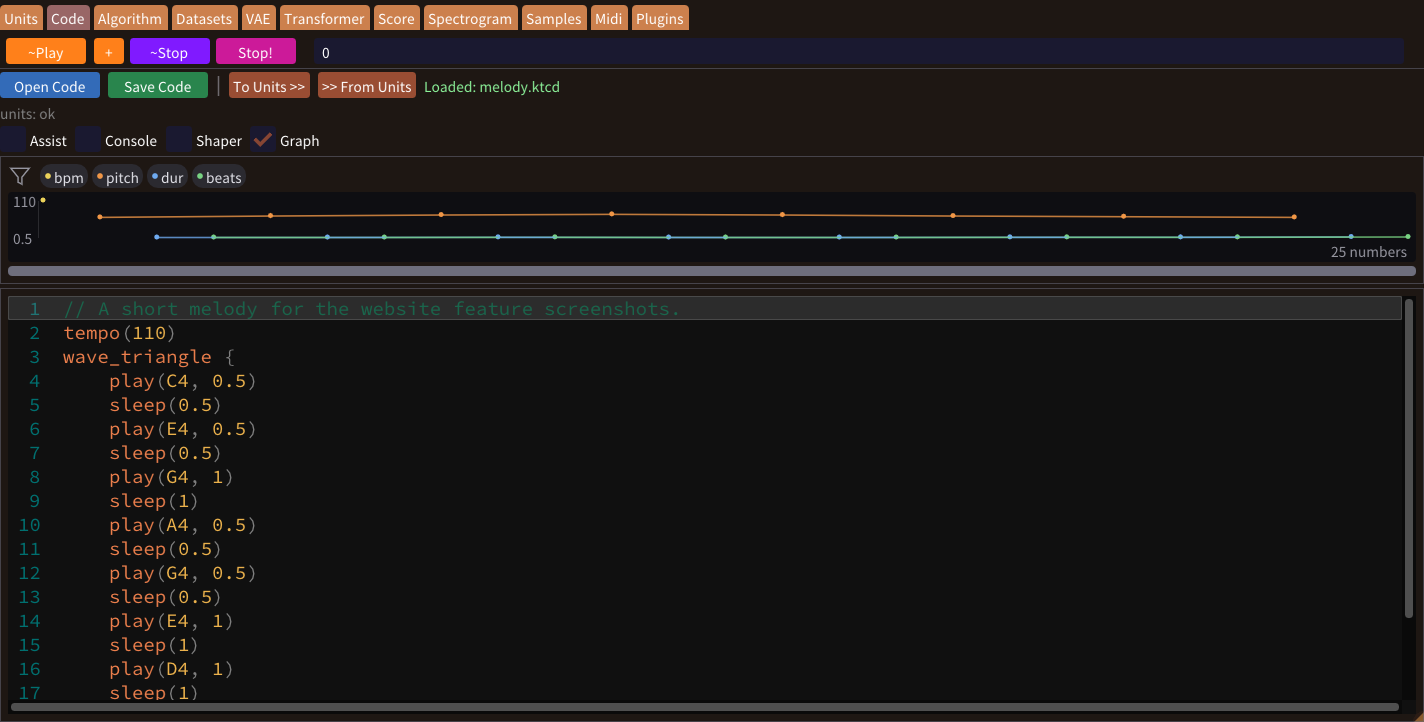
See tempo, pitch and durations in your code as a graph above the editor.
Read the graphsReshape a phrase
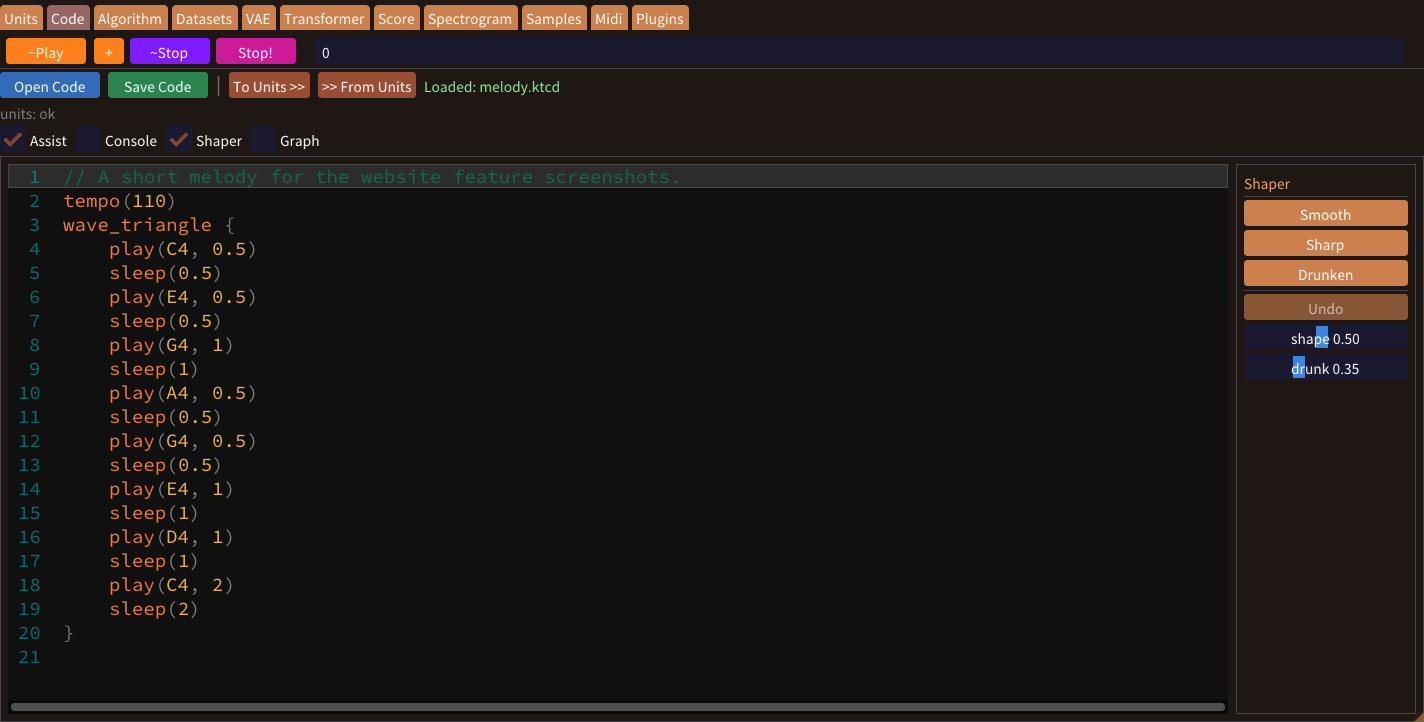
Brighten, darken or shorten selected notes, smooth a melody, and complete commands as you type.
Shape and editAdd instruments and effects
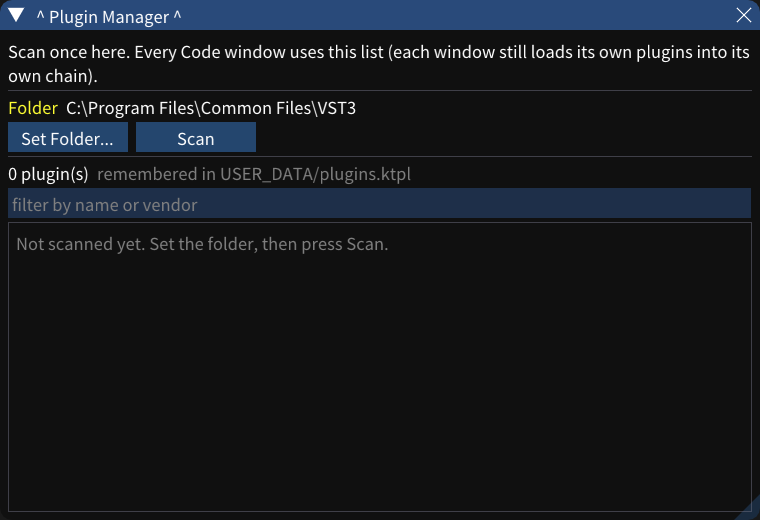
Scan your VST3 folder once, then chain up to four instruments and effects in each code window.
Manage your pluginsWrite notes and their timing, and hear your code played as music.
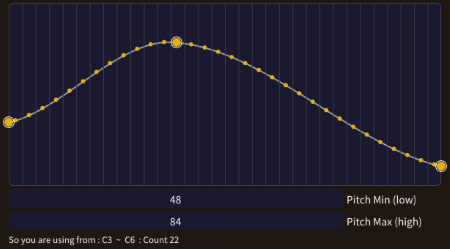
Generate phrases from your own rules: a key, a range, a contour and limits on rhythm and leaps.
The built-in models learned from thousands of songs. Give them a word or a sentence, or retrain them with your music.
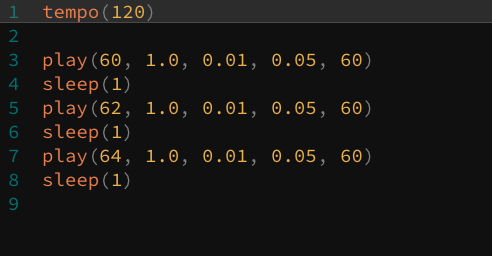
“Live coding” is an intriguing phrase. Programs can be huge or critical, yet making coding live means the joy of typing words and hearing them come alive at once.
Cogitsune Music began with a simple purpose: to let people enjoy writing code through music.
A computer calculates numbers and conditions at astonishing speed, and music is made of conditions: rules and structure combined with freedom.
So why not calculate them to make music? Join the long tradition of computing music.
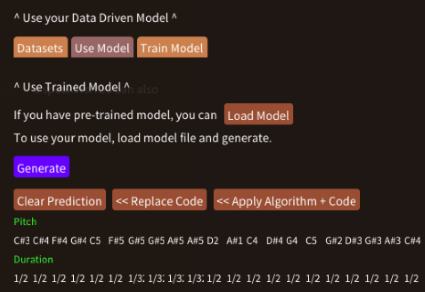
Today computers can learn from data itself, so the data you create can be learned too.
Here you can see what a model learned from, add your music and build your own learning machine.
Windows 10 / Windows 11
Choose a feature to read its guide.
| Composer — Songs from Presets or Words → A whole song from a style circle or a sentence. |
| Live Coding Interface → Notes, chords, loops and parallel parts in code. |
| Effects, Shaper & Code Input Assist → Reshape notes and complete commands as you type. |
| Built-in Synths & Samples → Four waveforms and WAV samples with sampler(). |
| Algorithmic Phrase Generation → Phrases from your rules for pitch, timing and velocity. |
| Transformer & Style VAE → A melody from a word, re-composed by genre. |
| Model Retrainer → Retrain the built-in models with your own music. |
| Score View & Write, PDF & MusicXML Export → Read, write and export notation. |
| MIDI Edit with Piano Roll → Draw and edit notes on a grid. |
| MIDI Keyboard → Monitor and record your playing. |
| Find Notes → Search for a note pattern in any editor. |
| Transcribe → Pitch, beat and melody from a WAV. |
| Scene — Musical Map → A landscape whose materials are music. |
| Spectrogram Painting & WAV Sample Creation → Paint a sound and save it as a sample. |
| Number Graphs → Your code’s values as graphs. |
| Share Studio → A square music video for social media. |
| WAV, MIDI, MusicXML & DAW Export → Audio, notes, notation and DAW projects. |
| Code & Spectrogram Files / Multi-window Projects → Save code, paintings and every window. |
| VST3 Plugin Support & Shared Plugin Manager → External instruments and effect chains. |
Thank you for taking a look at Cogitsune Music. I'm Gounbeee (goh-un-bee).
“Cogitsune” combines the Japanese “Ko” (child) and “Kitsune” (fox), spelled to bring to mind the Latin “Cogito” (I think), or so I hope!
As I write this in 2025, I believe non-human agents will handle more and more of our data. Even as change speeds up, people will still ask, “So what should I do next?”
At that point, in my view, the “value of the individual” will be questioned more deeply, and one day we may realize, “I, as a person, mattered much more than I thought.”
We often live as part of large organizations, for safety, for efficiency or simply because it is the norm, and that is fine. Still, doing as much as we can as individuals matters to those groups too.
That is why building this software and selling it myself is, for me, a meaningful form of personal expression, and why I made this place to connect with each customer.
Cogitsune Music is a Windows app, and I will keep adding updates and tutorials. Many ideas are experimental and things may change a lot, but I’d be very happy if you watched this project grow.