Write, hear, change
Live coding
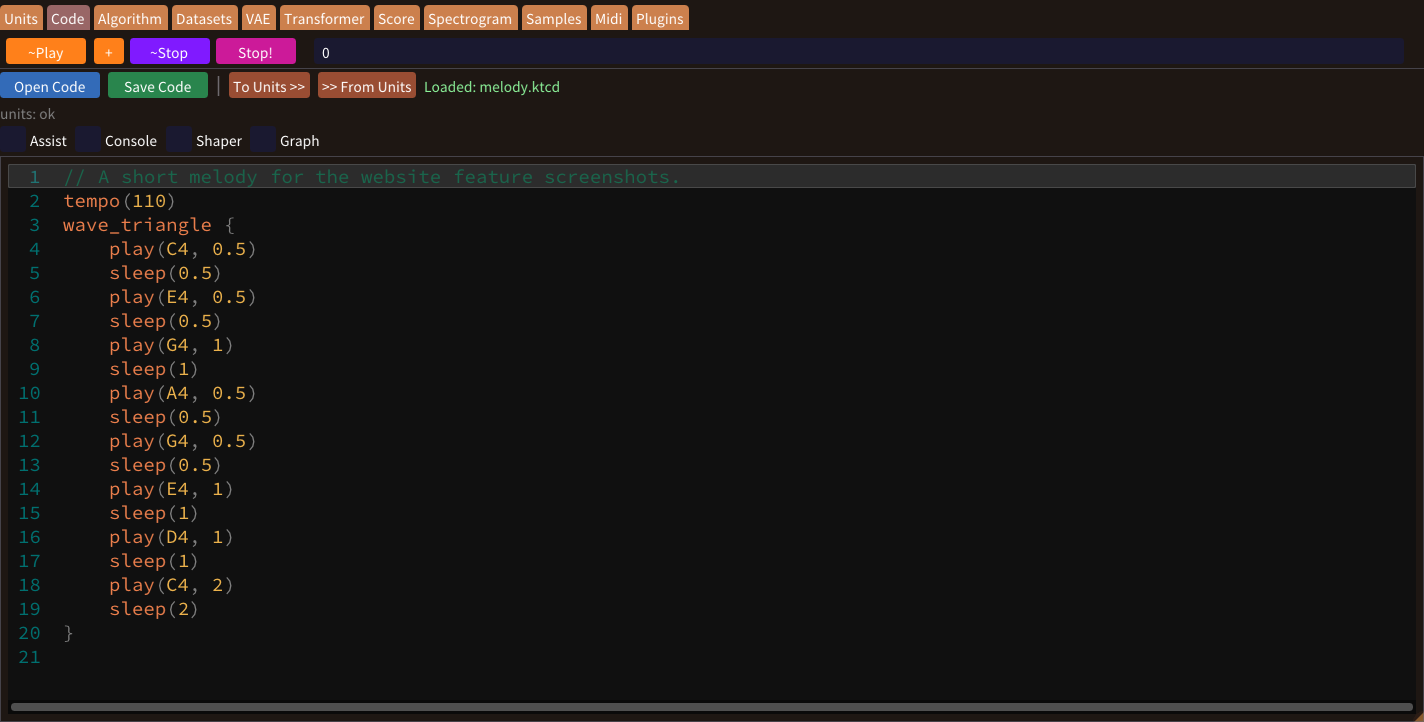
Make music with commands for notes, timing, chords and loops. Combine parallel parts, hear your phrase, and change the code to try your next idea.
Write your first phraselive + algorithmic + data driven musical-phrase creator
Live Coding and Algorithm / Neural Network based Composition software
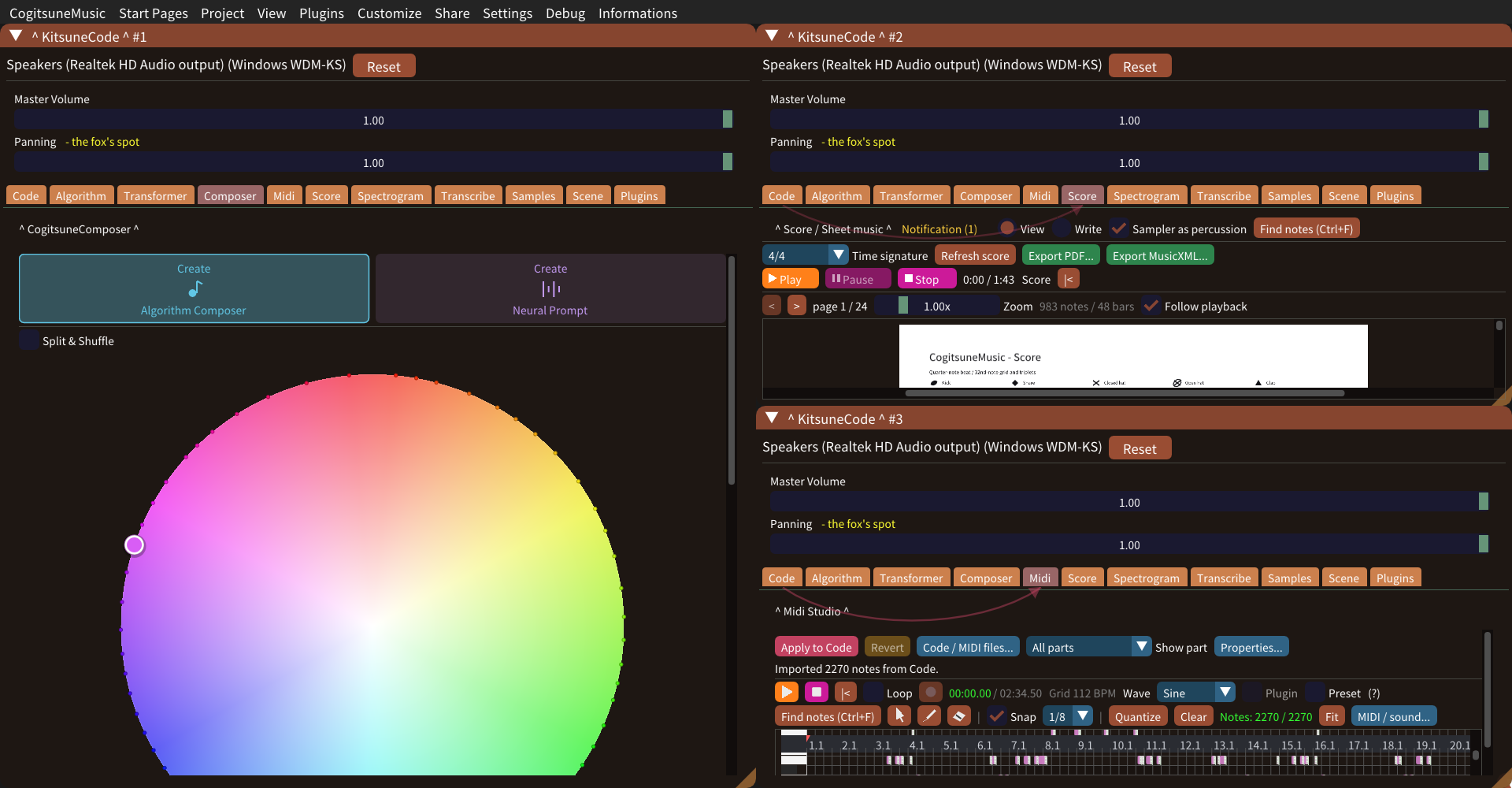
Windows · Features & guides
Write code, play a keyboard, or generate a phrase from rules and data. Explore built-in sounds, connect ideas as nodes, paint a sample, and take your music into audio, MIDI or a printable score.
Explore the app in screenshots. Select any image to enlarge it.
Browse the complete RAMAA tutorial library →
Write, hear, change
Make music with commands for notes, timing, chords and loops. Combine parallel parts, hear your phrase, and change the code to try your next idea.
Write your first phraseChoose your sound
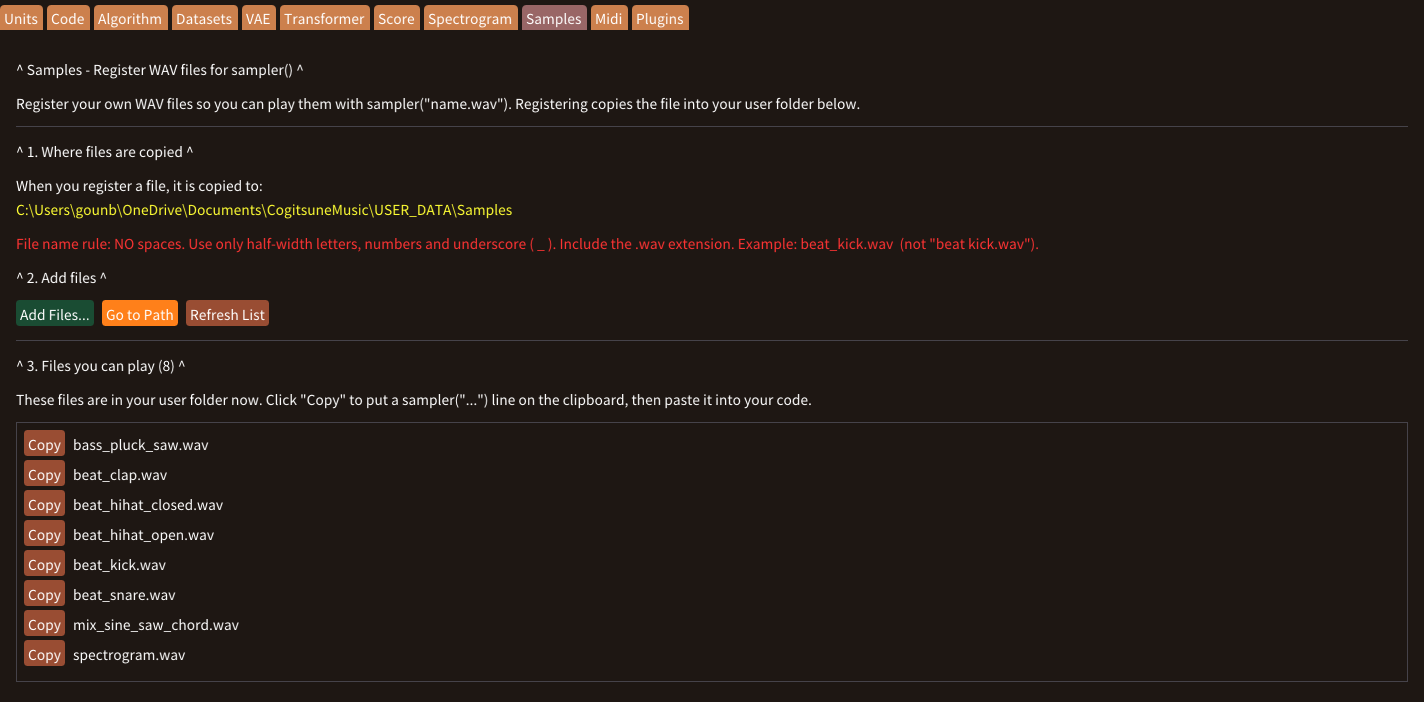
Explore sine, saw, square and triangle waves. Shape attack, fade and velocity, or bring in your own WAV samples to build rhythms and textures.
Explore sounds and samplesCompose with rules
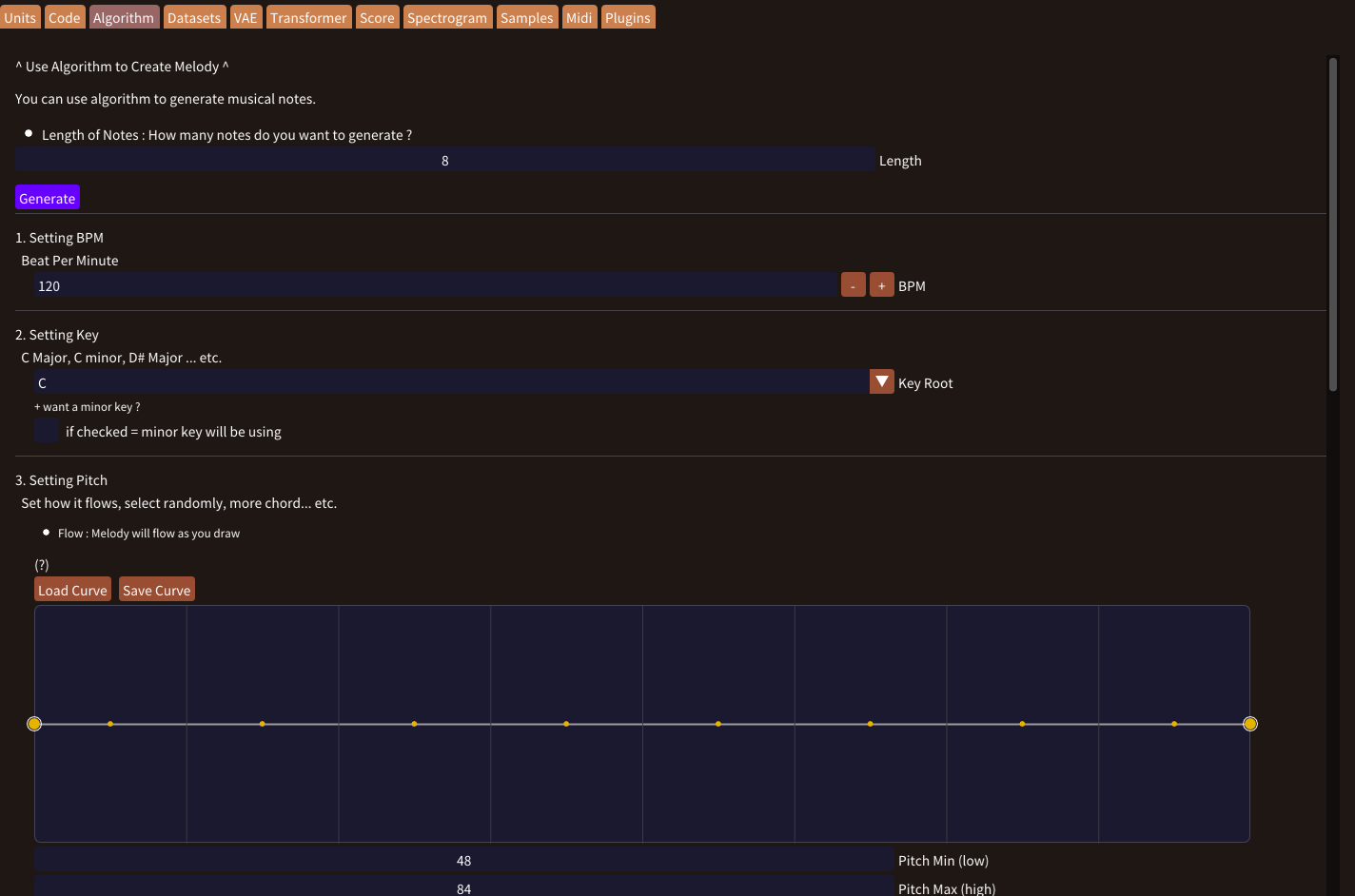
Choose a key, draw a melodic curve, and set rules for pitch, rhythm and velocity. Generate a phrase and bring it into Code to play and refine.
Generate a musical ideaCollect your musical ideas
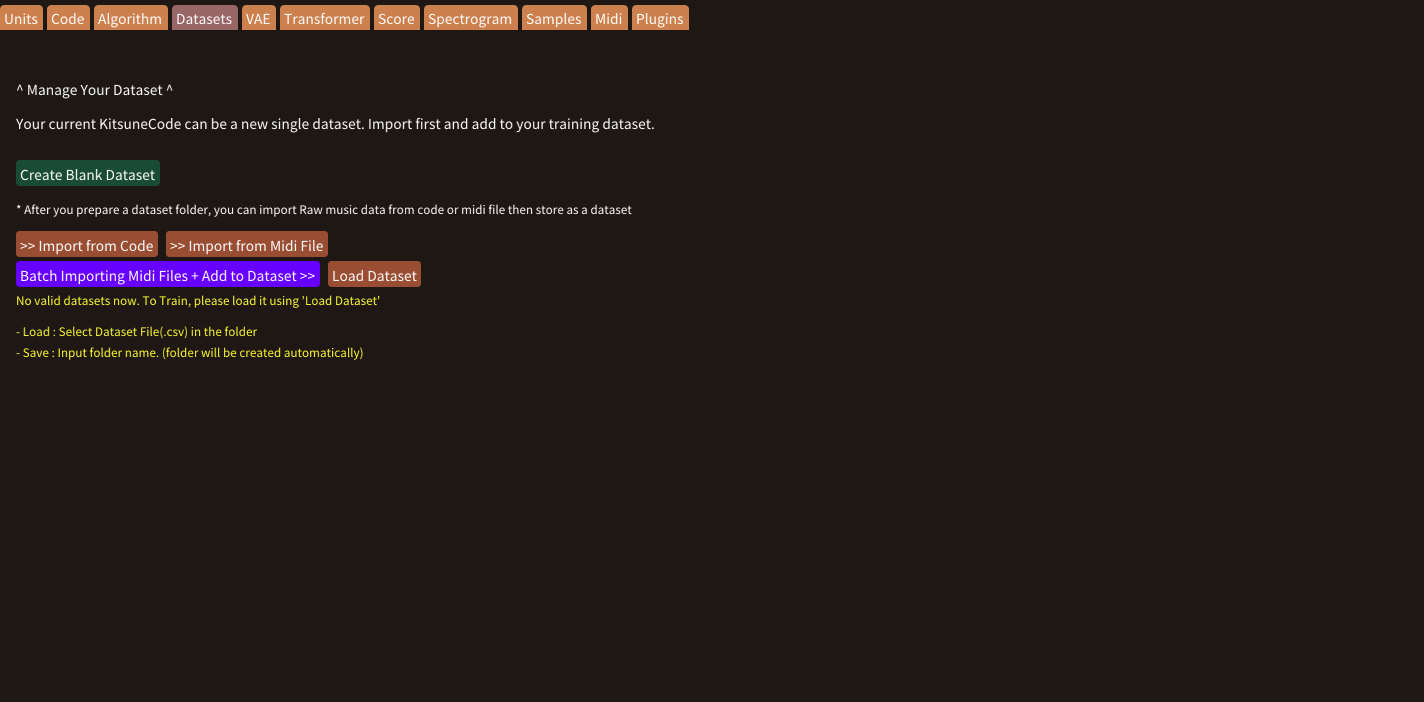
Collect phrases from Code or MIDI, review their notes, and add category and keyword labels. Reuse your collection or prepare it for model training.
Build your datasetLearn from music
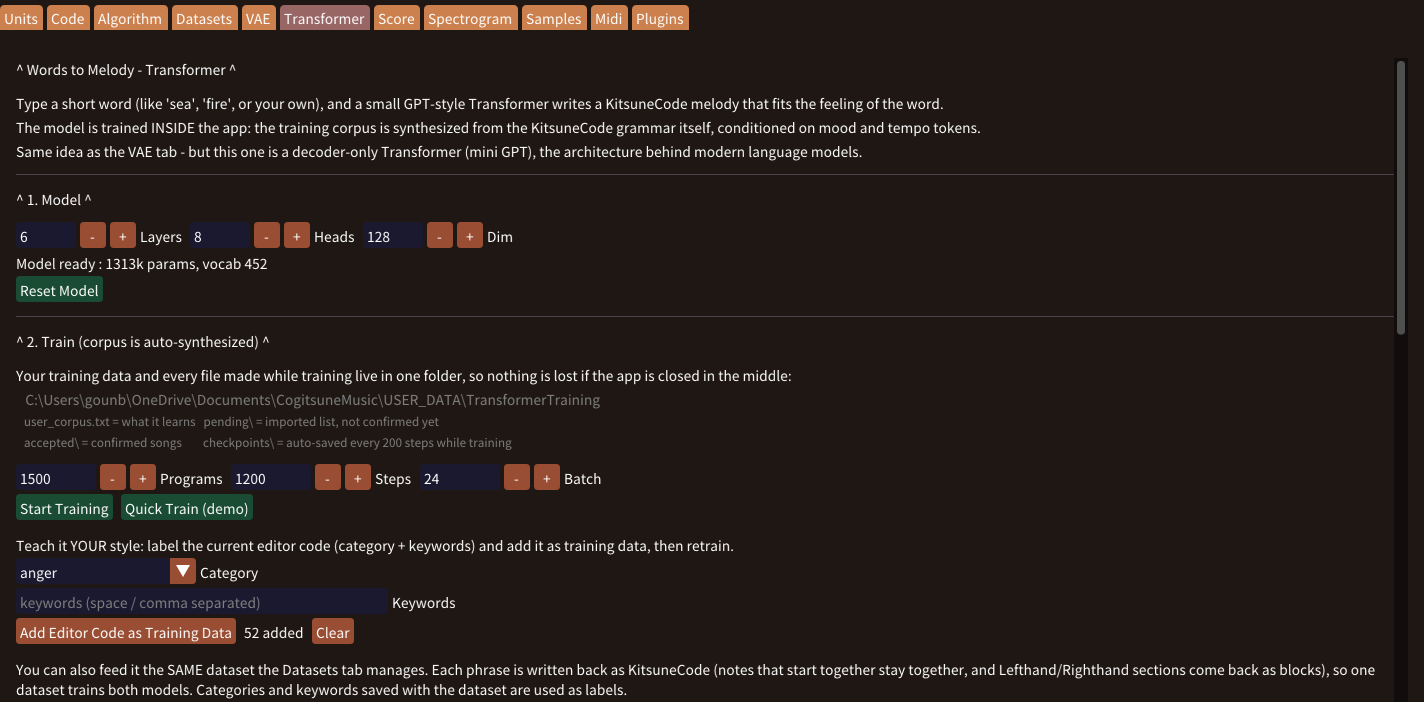
Train a VAE on your phrases, or generate music from a word with the Transformer. Explore the results, edit them in Code, and train with your own examples.
Explore neural network modelsEdit notes visually
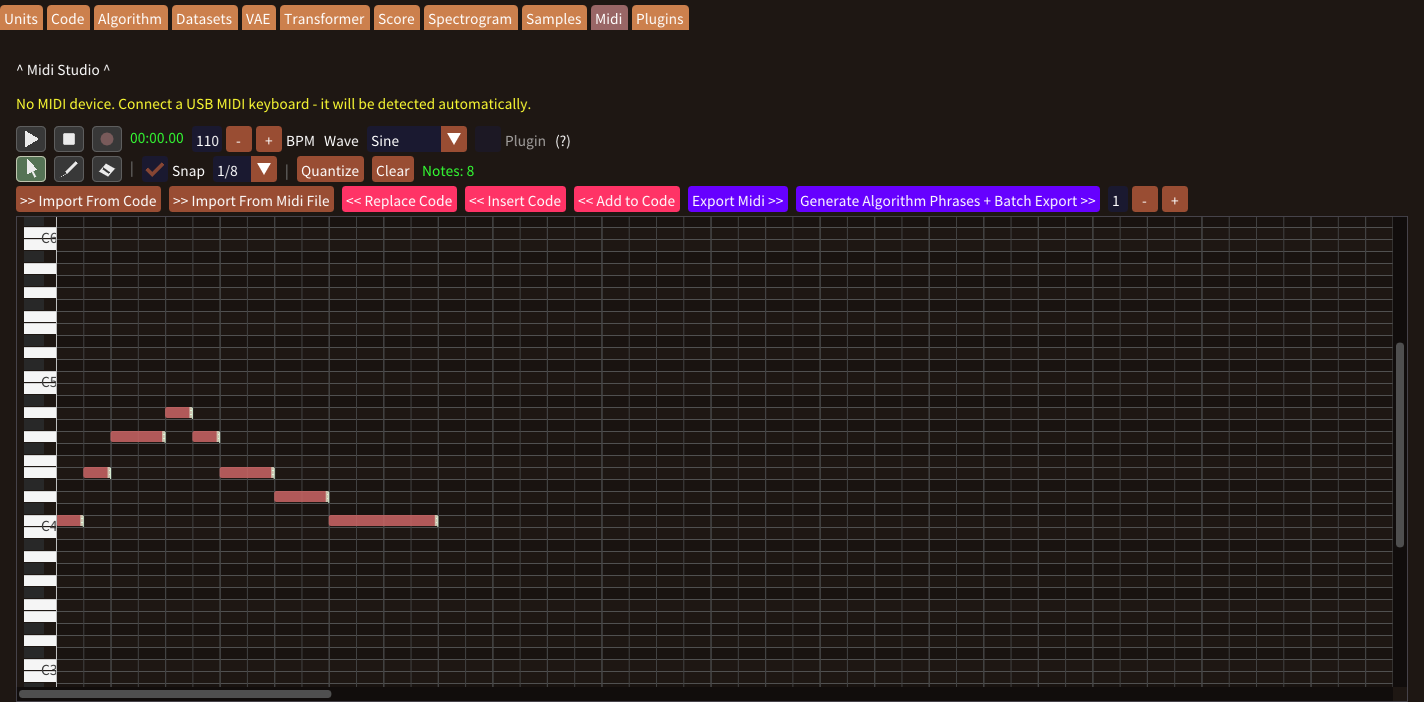
Draw, move and resize notes on a grid. Preview pitches, quantize the timing, and transfer the edited phrase between the piano roll and Code.
Edit a phrase on the gridPlay your ideas by hand
Connect a keyboard and hear your playing through the app. Record takes into the piano roll, layer new notes over a phrase, and refine your performance.
Connect and recordKeep & share your music
Capture your sound as WAV or save editable notes as MIDI. Reuse a recording as a sample, or continue arranging your phrase in another music application.
Choose your export formatCompose visually
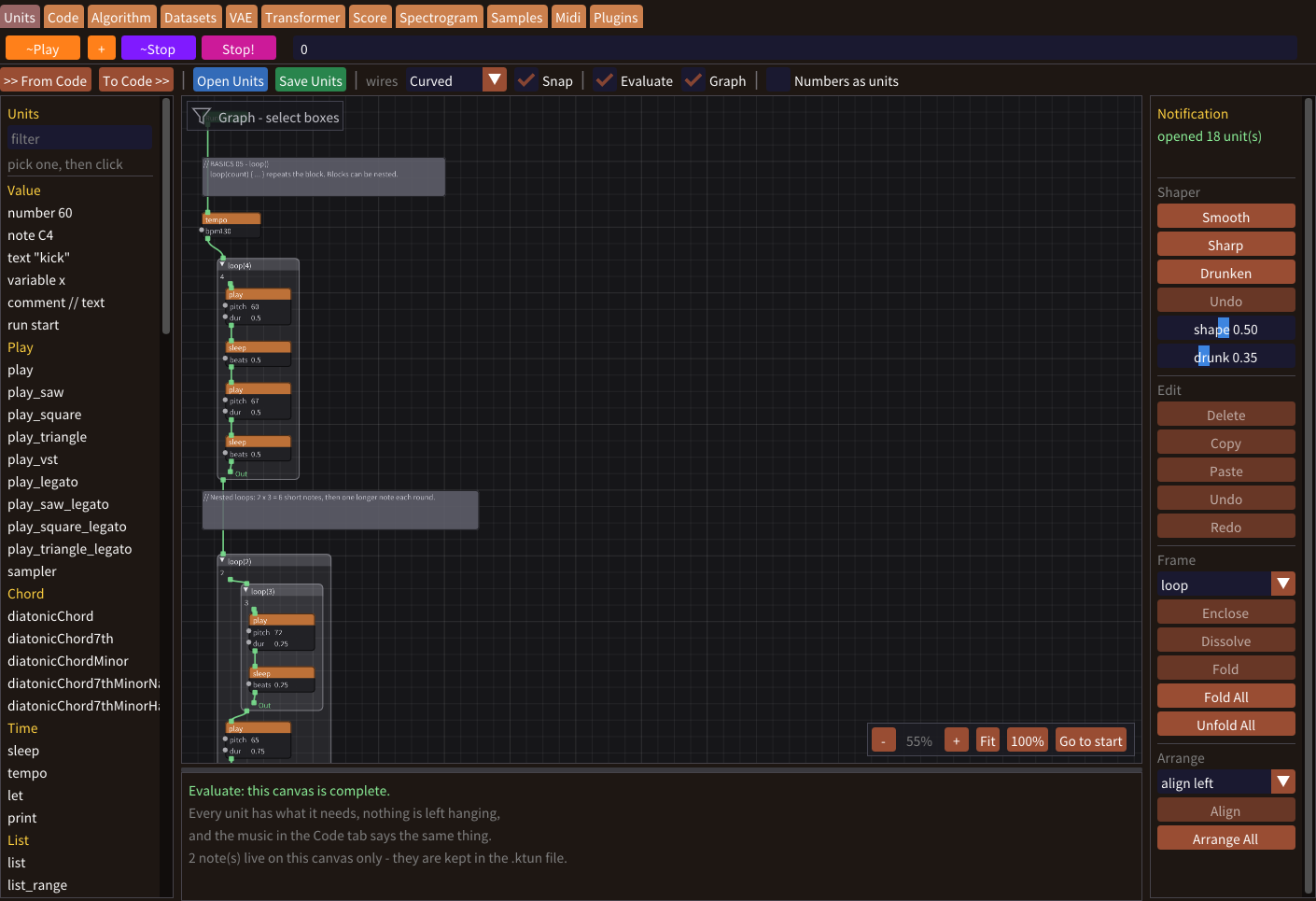
Build music from connected command and value boxes. Group ideas into frames, follow the boxes as they play, and move between the canvas and Code.
Explore UnitsDraw a sound
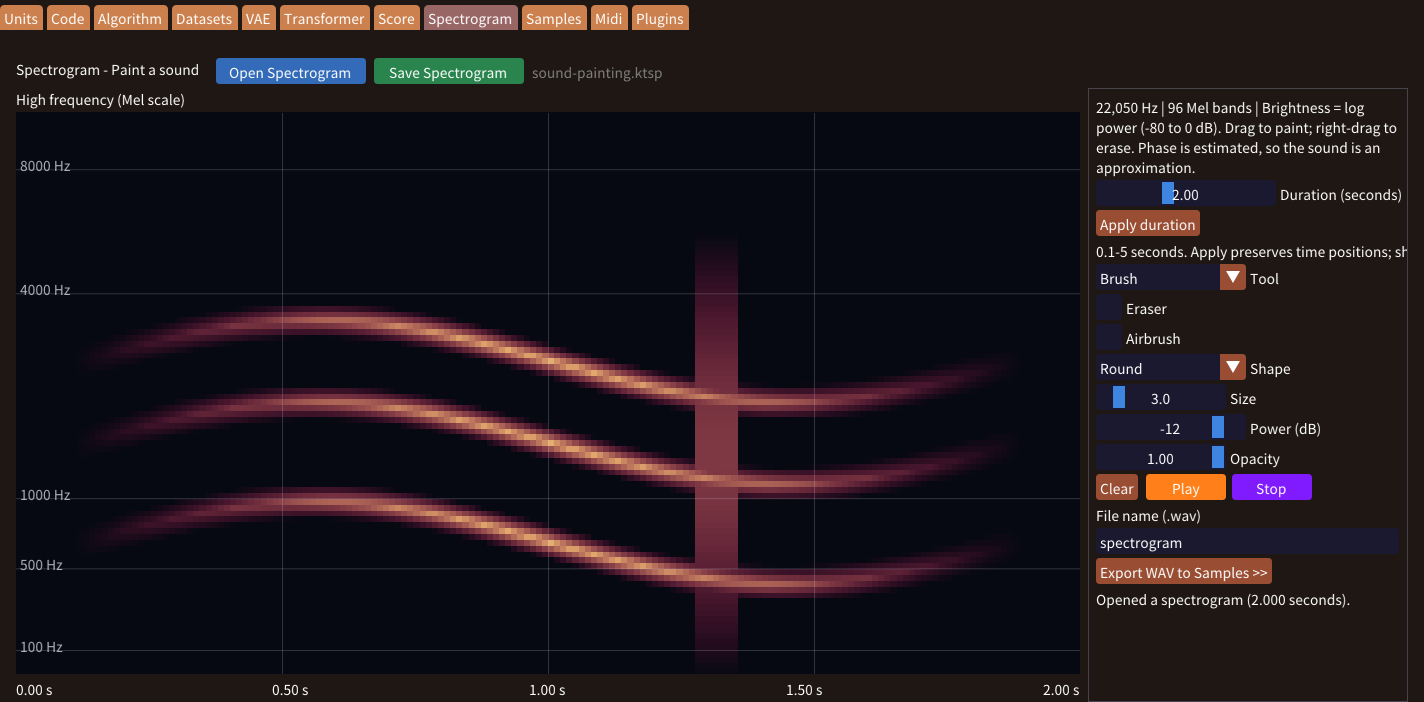
Paint time and frequency with textured brushes, Airbrush and gradients. Preview the sound, save your painting, or export a WAV to Samples.
Start painting soundRead & print
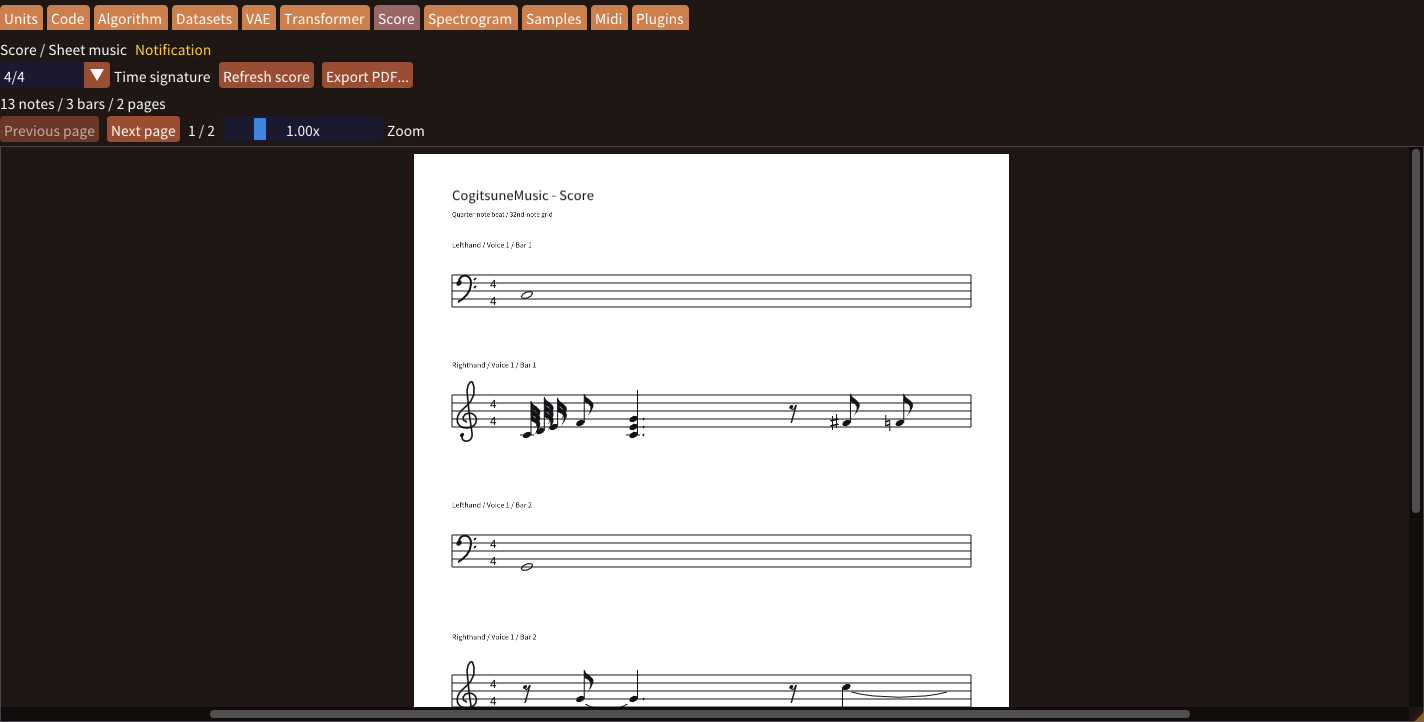
Read your music code as notation. Choose a time signature, click a note to return to its code, and export the score as an A4 vector PDF.
Make a scoreSee the pattern
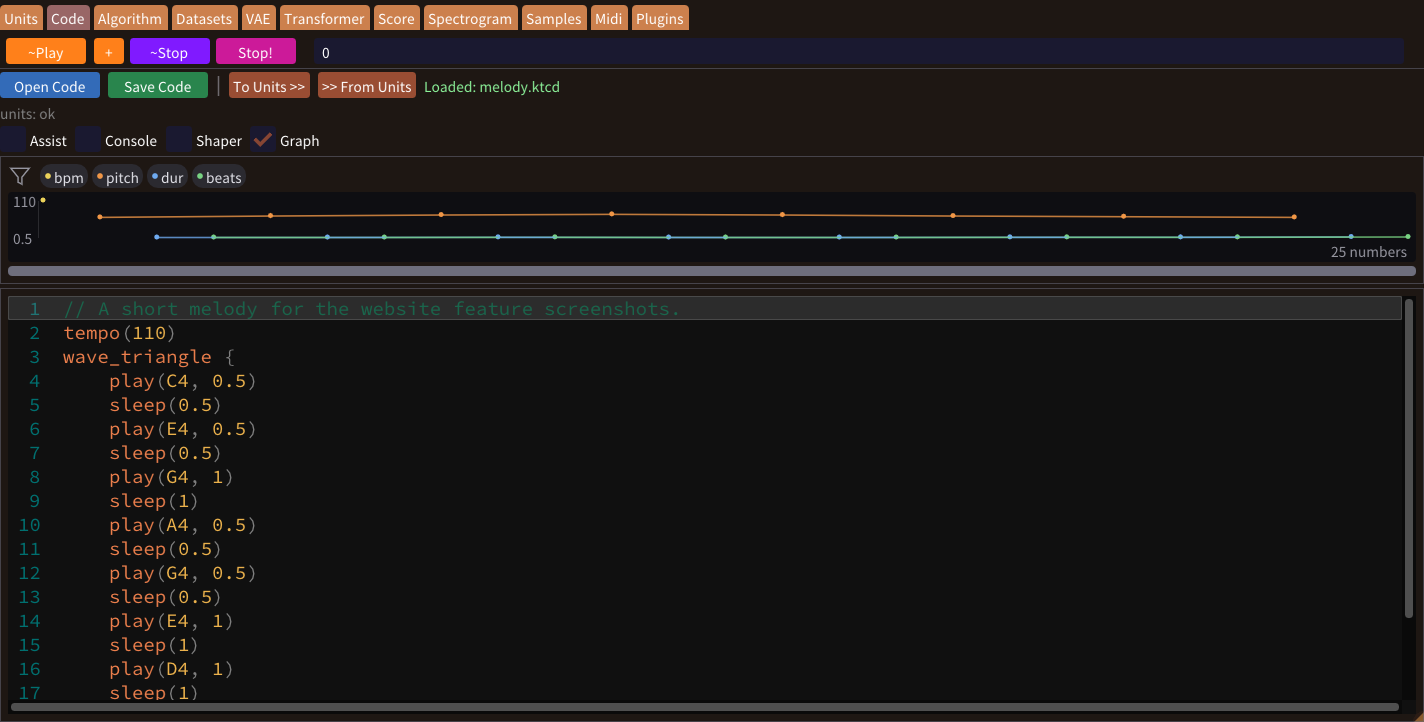
Inspect musical values in Units, Code, Datasets, VAE and Transformer. Filter the values and scroll through a phrase to see its shape.
Read the graphsRefine a phrase
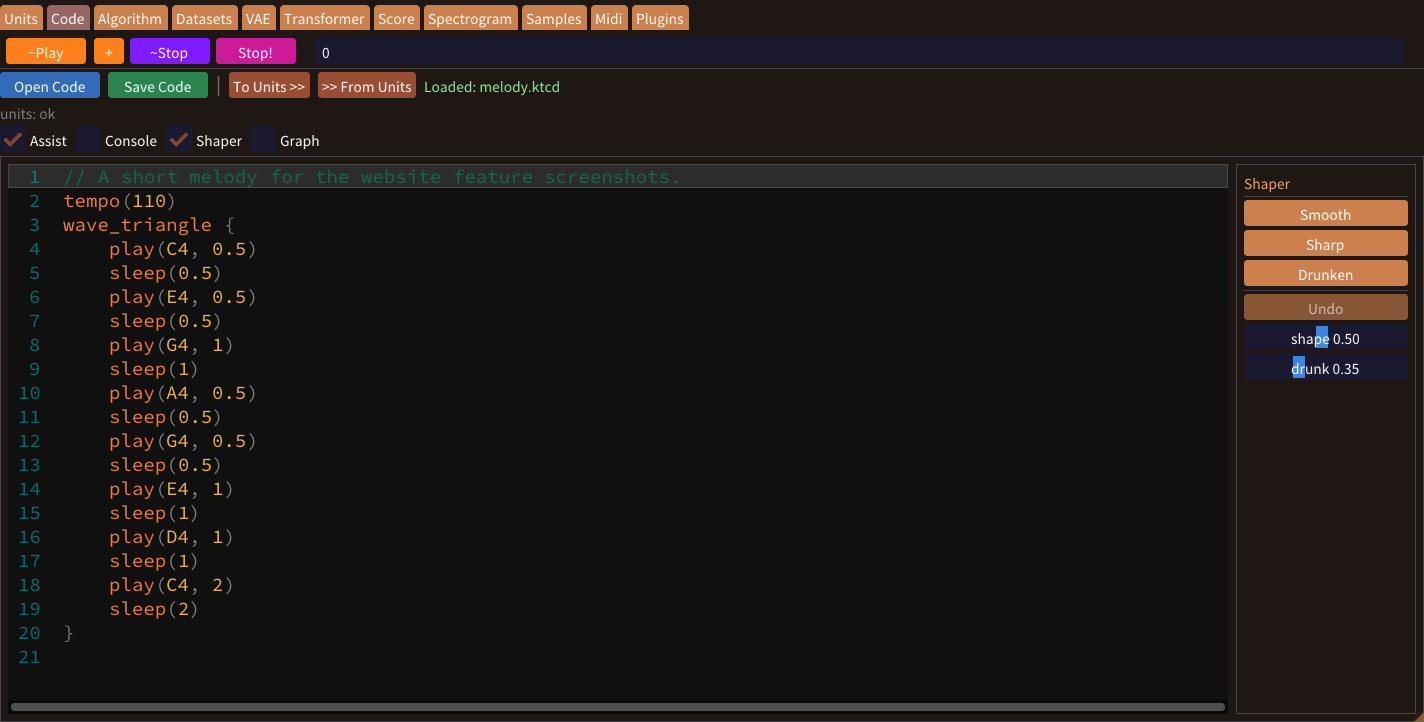
Try Smooth, Sharp or Drunken transformations in Code and Units. Write commands with completion suggestions and argument hints in Code.
Shape and editFind once, use across windows
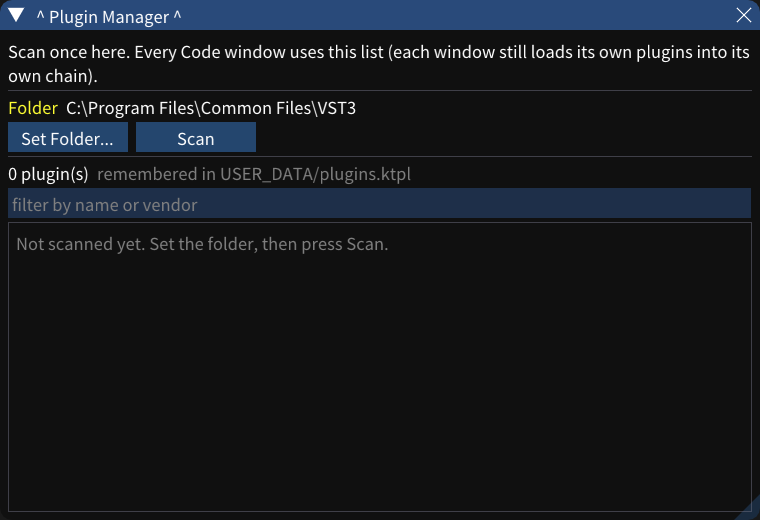
Play external instruments and combine effects in a chain. Scan your VST3 folder once for all code windows, then choose each window's own plugins.
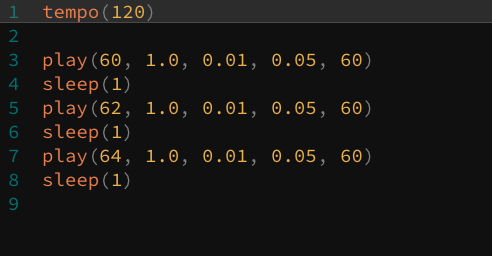
Manage your pluginsWrite notes, set their timing, and hear your code performed as music. Build chords, repeat a phrase with loops, or combine parallel parts.
Start with a short example, then change the pitch, rhythm and sound while exploring how each command works.
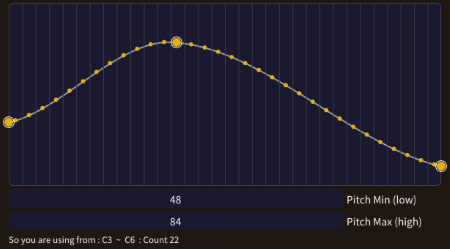
Generate phrases from your own rules: choose a key and pitch range, draw a melodic contour, and control note lengths and rhythmic spacing.
Limit repeated notes or large leaps, then bring a result into Code to play and refine it. No model training is needed.
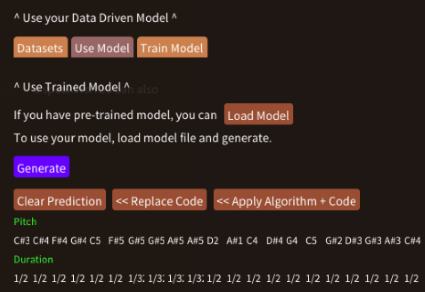
Collect phrases from Code or MIDI in reusable datasets. Label your music and use your own examples to train a VAE or Transformer.
Explore new phrases with a trained VAE, or turn a word into music with the Transformer. Bring the results back to Code for editing.
"Live coding" is an intriguing phrase. In the world of programming, some projects can grow to an enormous scale, while others are so critical that even the smallest error could be dangerous.
So what does it mean to make coding live? It is the joy of using your own hands to type words and instantly bring them to life through execution.
Cogitsune Music began with a simple purpose: to let people enjoy the act of writing code through the medium of music.
Programs run inside the machine that processes them—the computer. At its core, a computer is a device built for calculation, capable of performing operations at astonishing speed. Not only numbers, but also various conditions can be calculated.
Music, too, is created under many conditions. Rules and structure, when combined with the freedom that naturally exists, are what make music possible.
So, can we not calculate these conditions to create music? Experience for yourself the long tradition of computing music.
In the 20th century, with the birth of fast, electrically powered computers, technology that allowed machines to learn began to develop. Now, computers can even calculate how to learn from data itself.
This means that the data you create can be learned by a self-learning computer.
With Cogitsune Music, you can experience this process firsthand—creating, collecting, and managing your own data, and using it as the foundation for your very own learning machine.
Windows 10 / Windows 11
Choose a feature to read its guide, then follow the related interactive lessons.
| Live Coding Interface → Write notes, chords, loops and parallel parts. Hear a phrase, edit the commands, and play your next idea. |
| Units — Node-based Composition & Code Conversion |
| Shaper Transformations & Code Input Assist |
| Built-in Synths & Samples → Choose sine, saw, square or triangle waves, shape attack and fade, or play your own WAV samples. |
| Spectrogram Painting & WAV Sample Creation |
| Algorithmic Phrase Generation → Set musical rules and curves for pitch, timing and velocity. Generate a phrase and insert it into your composition. |
| Create & Reuse Music Datasets → Collect Code or MIDI phrases, add category and keyword labels, and prepare examples for model training. |
| Create + Use Neural Network Models → Train a VAE on your phrases, or explore word-guided music with the Transformer and its built-in model. |
| Number Graphs for Code, Units & Generated Phrases |
| MIDI Edit with Piano Roll → Draw, move and resize notes on a grid. Quantize the timing, preview your phrase, and transfer it to Code. |
| MIDI Keyboard → Connect a keyboard, hear your playing through the app, and record additional takes into the piano roll. |
| Saving WAV / MIDI → Capture the sound as WAV or export editable note data as MIDI for use in another music application. |
| Score Preview & PDF Export |
| Code, Units & Spectrogram Files / Multi-window Projects |
| VST3 Plugin Support & Shared Plugin Manager → Play external instruments and build effect chains. Discover plugins once and choose a separate chain in each code window. |
Thank you for taking a look at Cogitsune Music. I'm Gounbeee (goh-un-bee).
"Cogitsune Music" is a word I made by combining "Ko" (a Japanese word meaning "child") and "Kitsune" (the Japanese word for "fox"), and then tweaking the spelling so that it also brings to mind "Cogito" (Latin for "I think") – or at least, I hope it does!
As of 2025, when I’m writing this, I believe that non-human agents will play a bigger and bigger role in how data is handled. Even if we reach a time when data is processed much faster and change happens even more quickly, I think people will still find themselves asking, "So what should I do next?"
At that point-and this is just my personal view-I feel that the "value of the individual" will be questioned even more deeply. As we exist as individuals on the internet and in society, I have a feeling that one day we’ll realize, "I, as a person, actually mattered much more than I thought."
These days, for all kinds of reasons, we tend to exist as part of large organizations. That might be for safety, for efficiency, or simply because that’s the norm. There’s nothing wrong with that. But even so, I believe that each of us doing as much as we can as individuals is, in the end, also something very important for the groups we belong to.
That's why I believe that creating software and handling all of its sales by myself is a meaningful form of personal expression. And because I believe it's important to build a personal connection with each customer beyond that, I decided to create this place.
Right now, Cogitsune Music is available as a Windows application, and I plan to keep adding updates and tutorials little by little over time.
Because I'm trying out a lot of experimental ideas, there may be times when things change quite a bit, but I'd be very happy if you could kindly watch over this project as it grows.