live + algorithmic + data driven musical-phrase creator
CogitsuneMusic Interactive Tutorials
Choose a lesson to open its RAMAA timeline. Every lesson contains five actual application screenshots, five timed chapters and expanded English instructions. Pause, seek or jump to a chapter at your own pace.
Basic melody
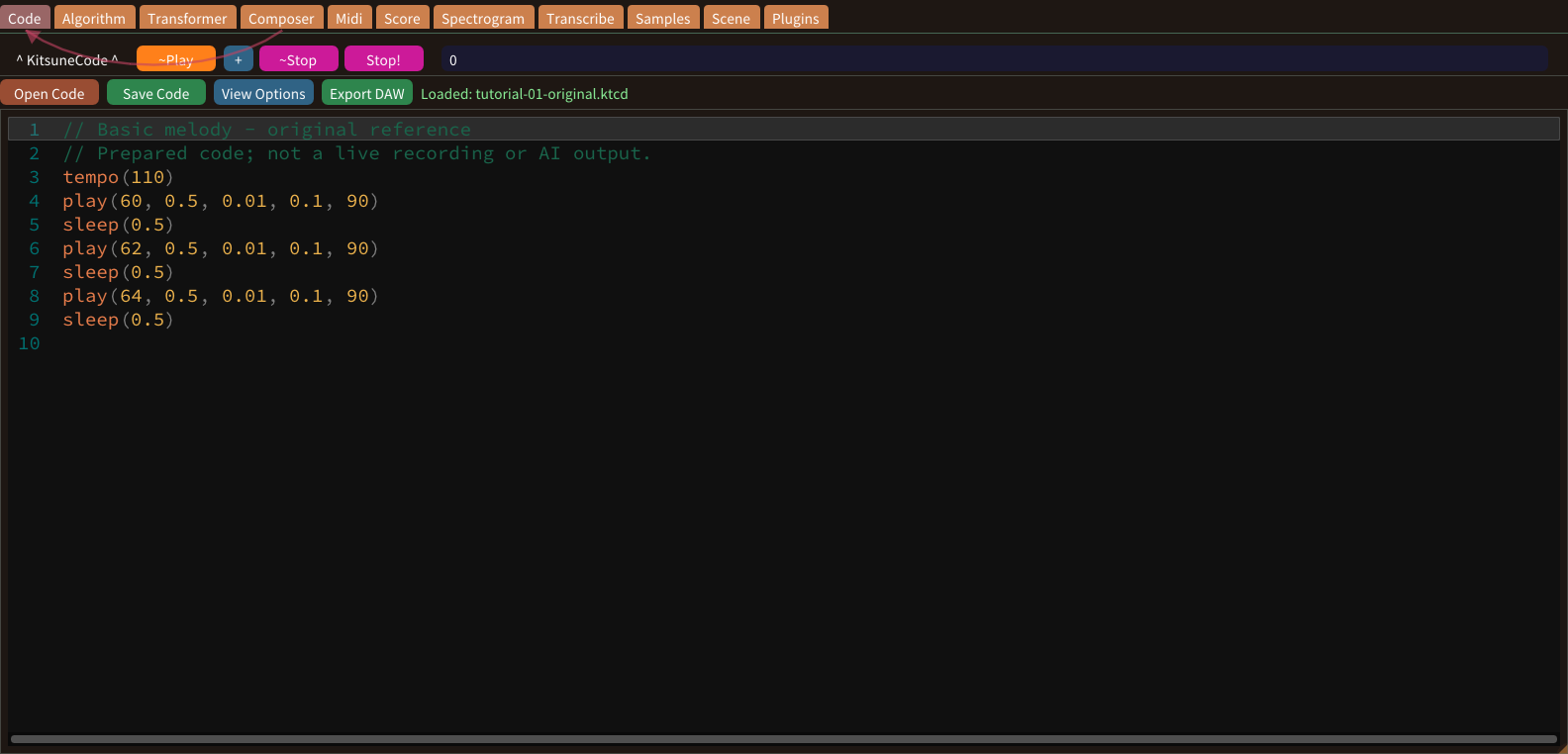
A melody combines pitch, note length and the distance between note starts. In Code, play starts a note; sleep advances musical time. These values use beats, not a fixed number of seconds.
Pitch and MIDI note numbers
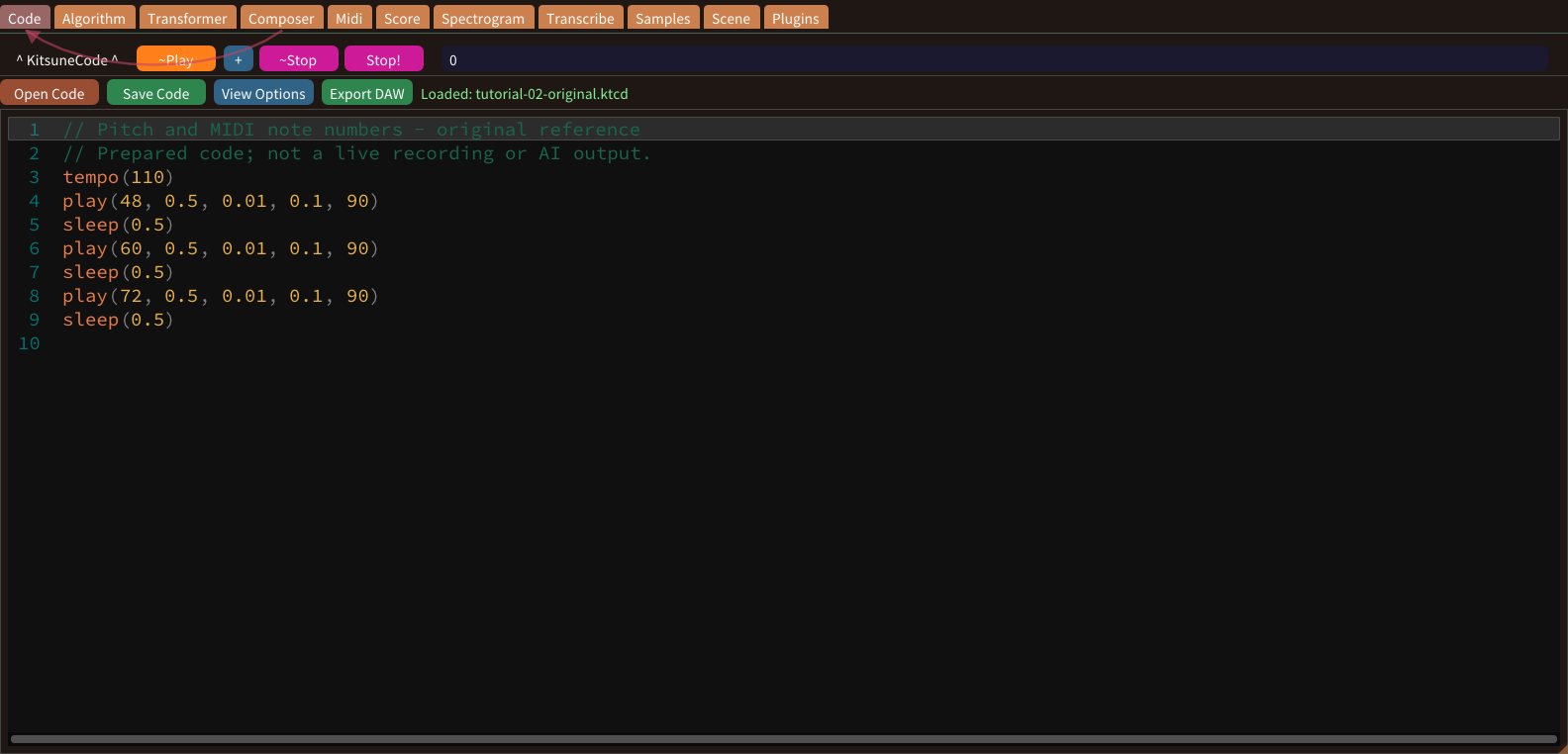
MIDI pitch numbers identify semitone steps. Middle C is 60; C3 is 48 and C5 is 72. Adding twelve moves up one octave without changing the pitch class.
Note durations and rhythm
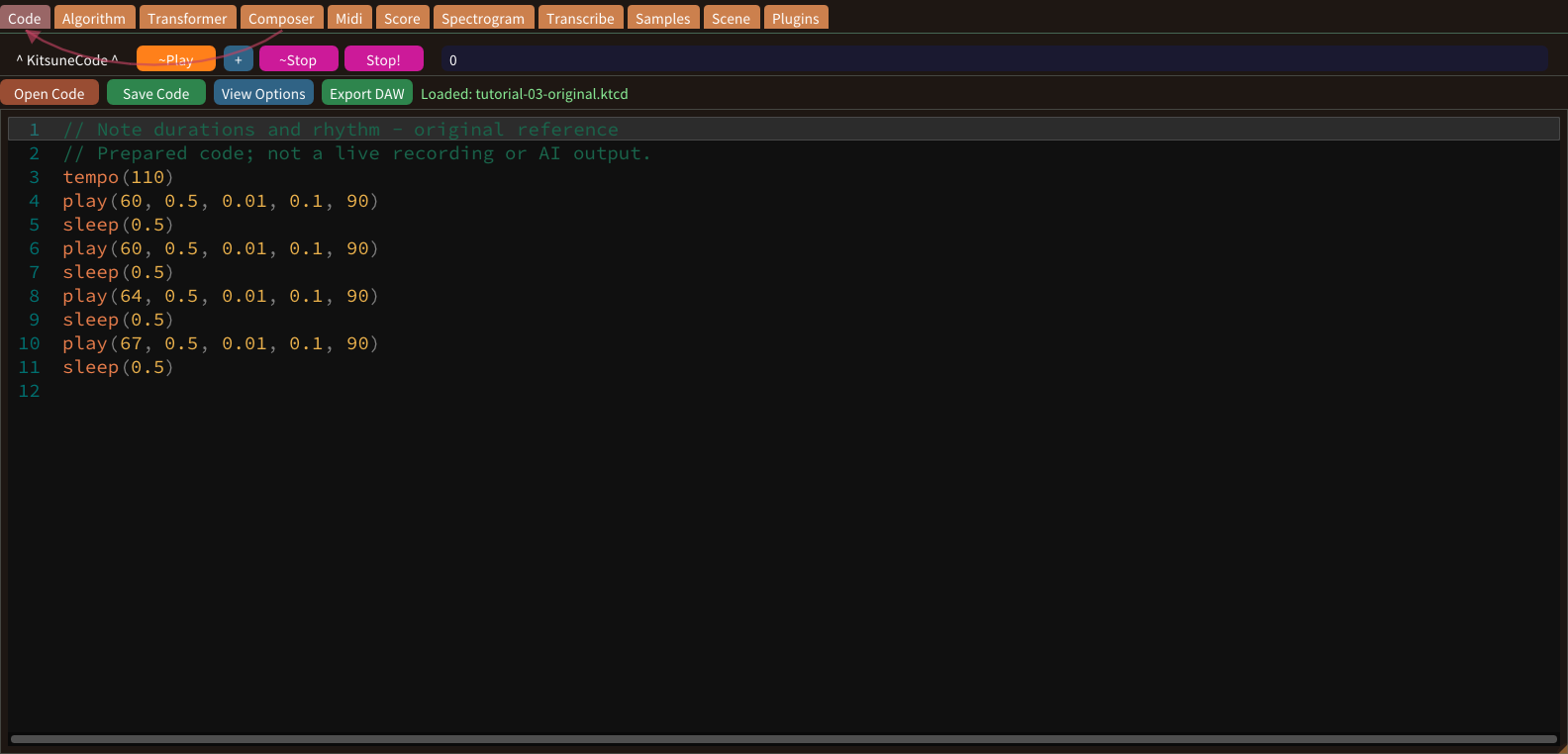
Duration specifies how long a note sounds in beats. A value of one is one beat; one half and one quarter divide that beat. Tempo determines how many seconds those beats occupy.
Envelope attack
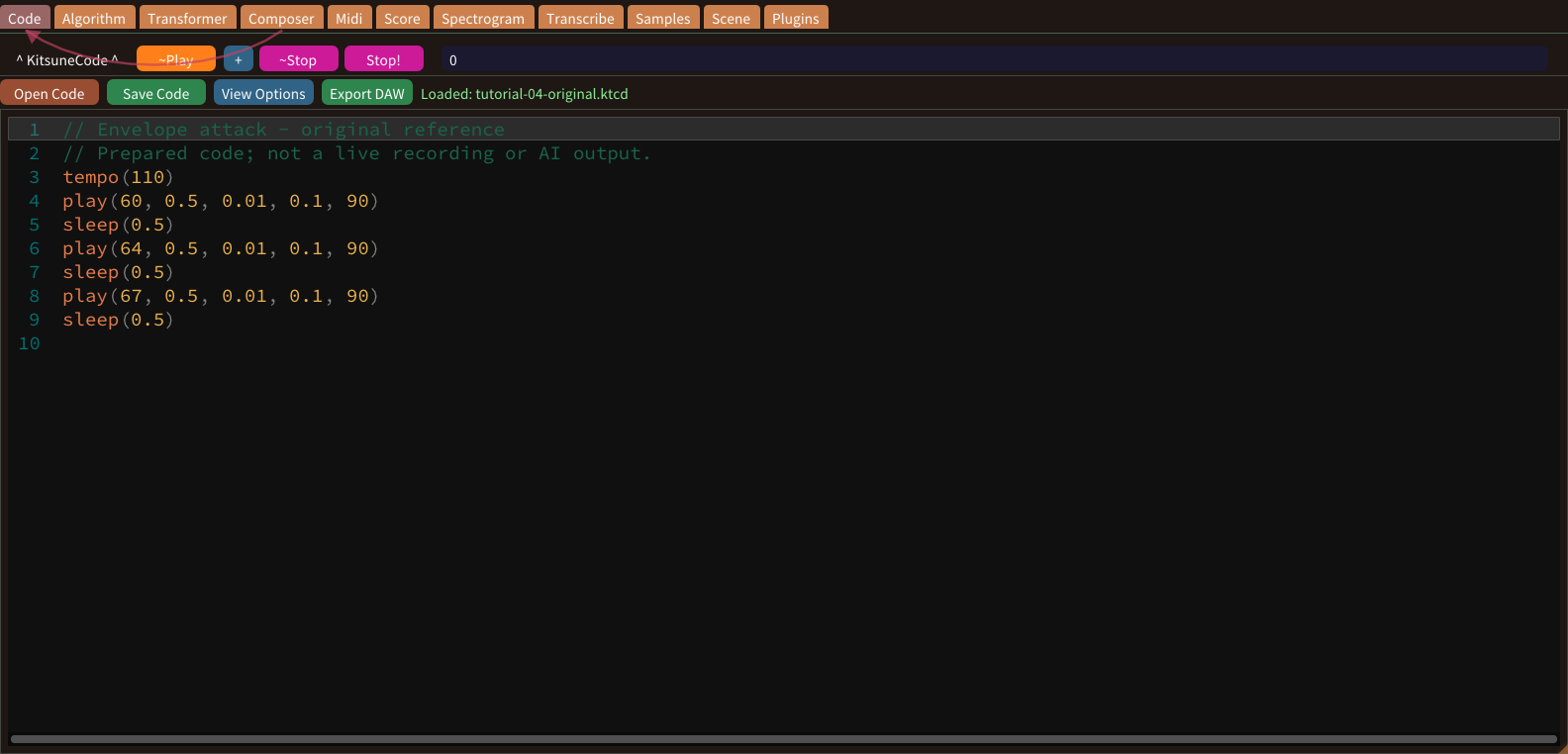
Attack shapes the beginning of a synthesized note. A short attack starts abruptly; a longer attack produces a gradual onset. Cogitsune Music exposes attack and fade values rather than a full four-stage ADSR editor.
Envelope fade and release
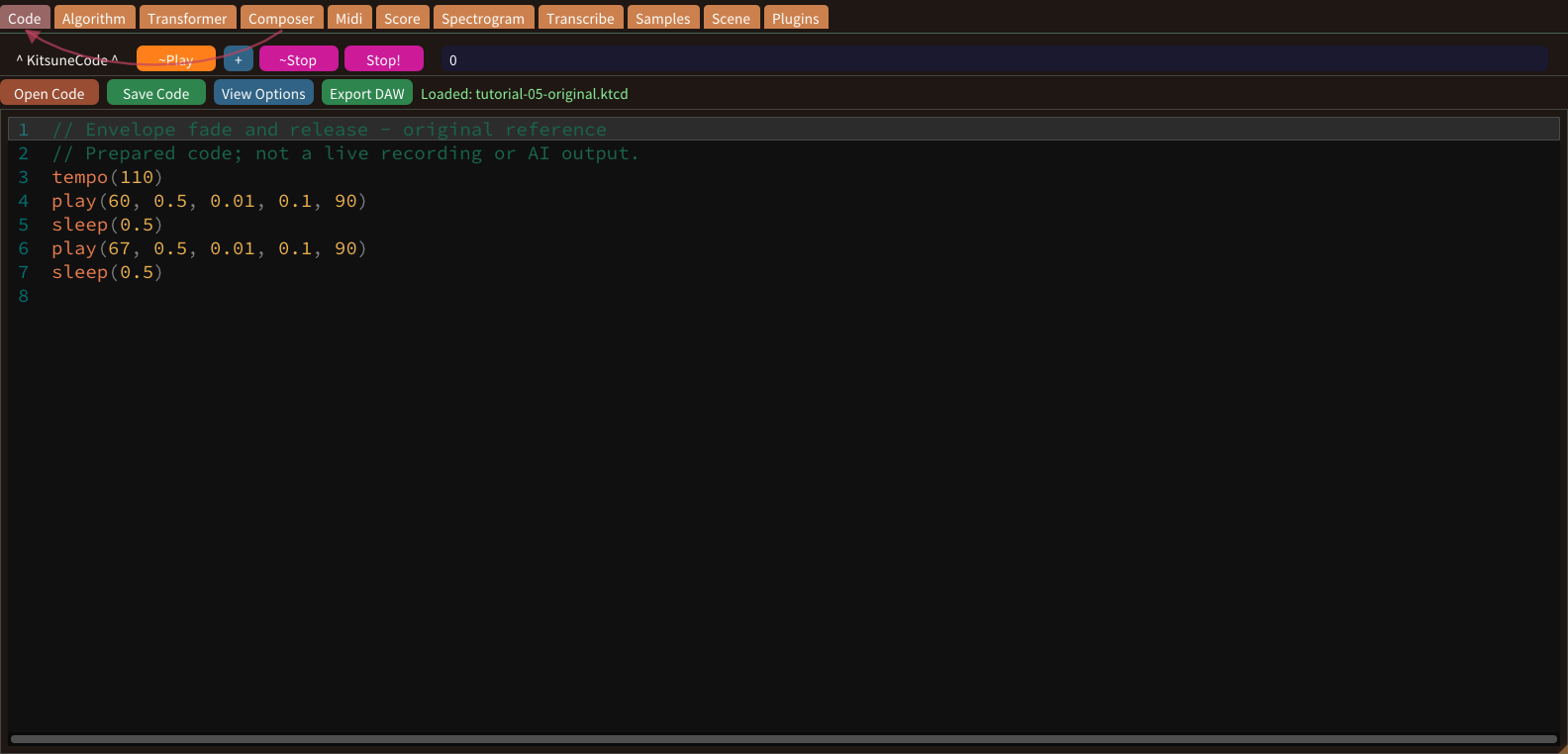
The play command includes a fade argument that shapes how the sound dies away. This is an envelope control, not a room simulation and not a replacement for a reverb effect.
Velocity and expression
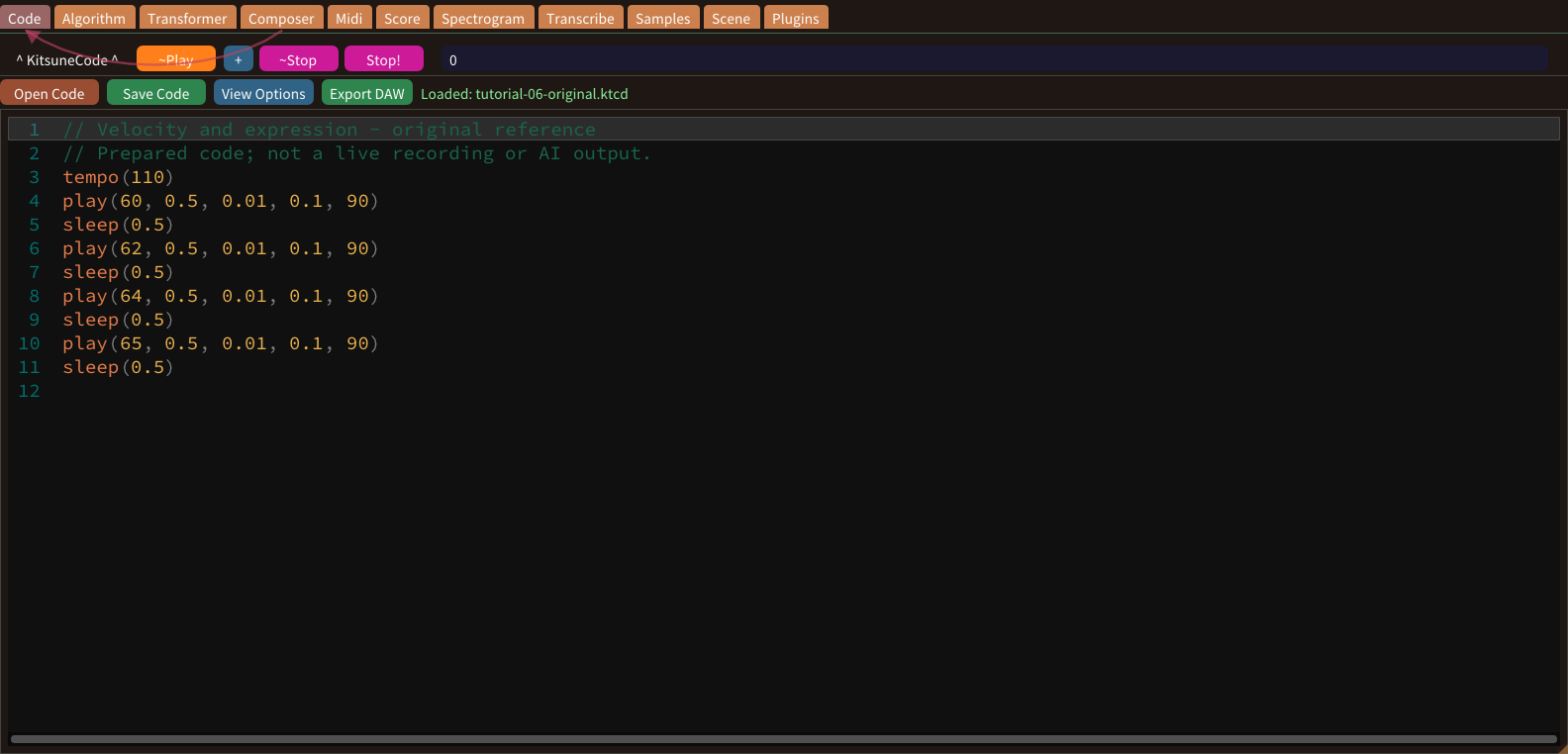
Velocity expresses the strength of a note event. In the five-argument play form it is the final value. Use contrasting velocities to shape a phrase without changing its pitches or rhythm.
Tempo and BPM
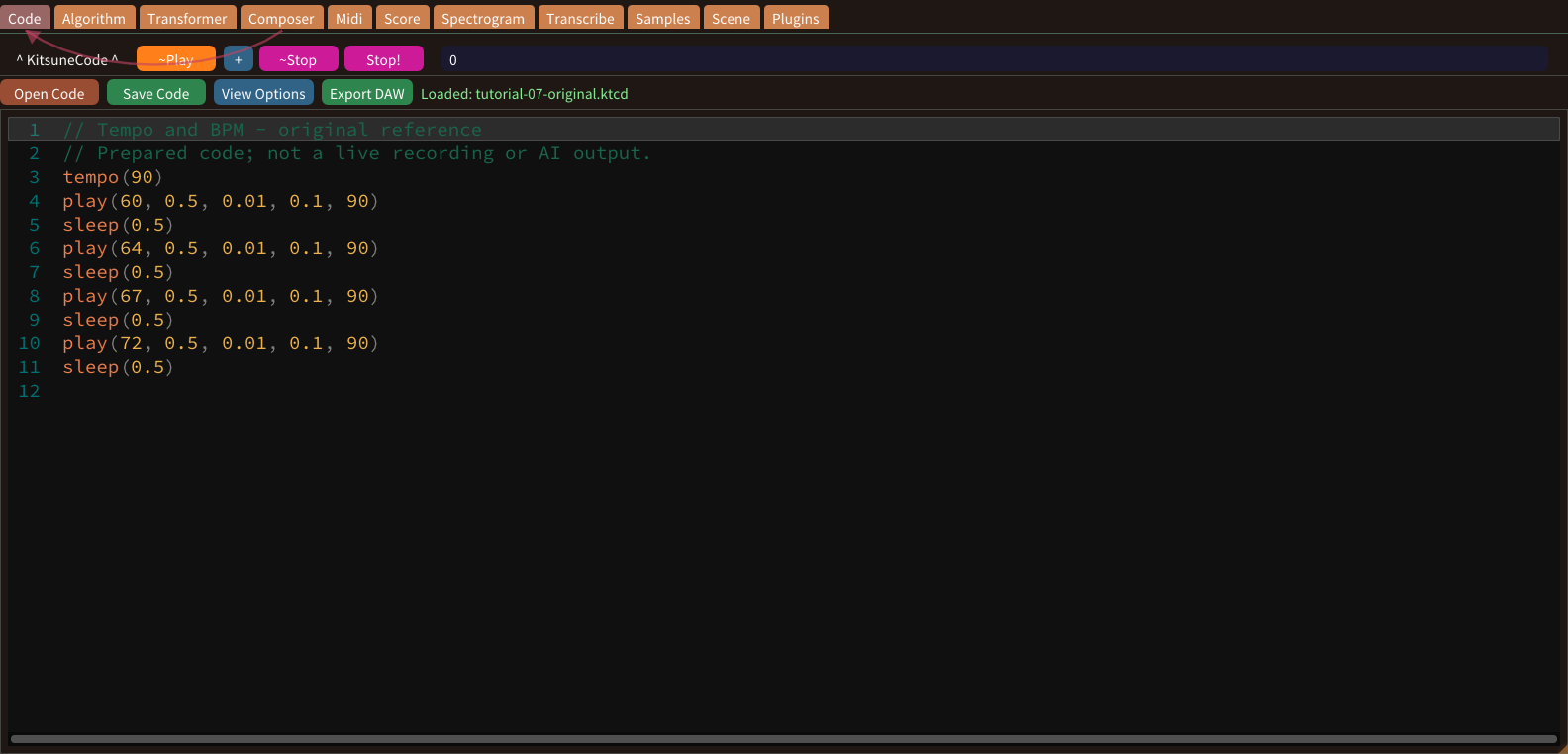
tempo sets beats per minute. At 60 BPM one beat lasts one second; at 120 BPM it lasts half a second. Beat-based note values can therefore keep their musical proportions as speed changes.
Major triads
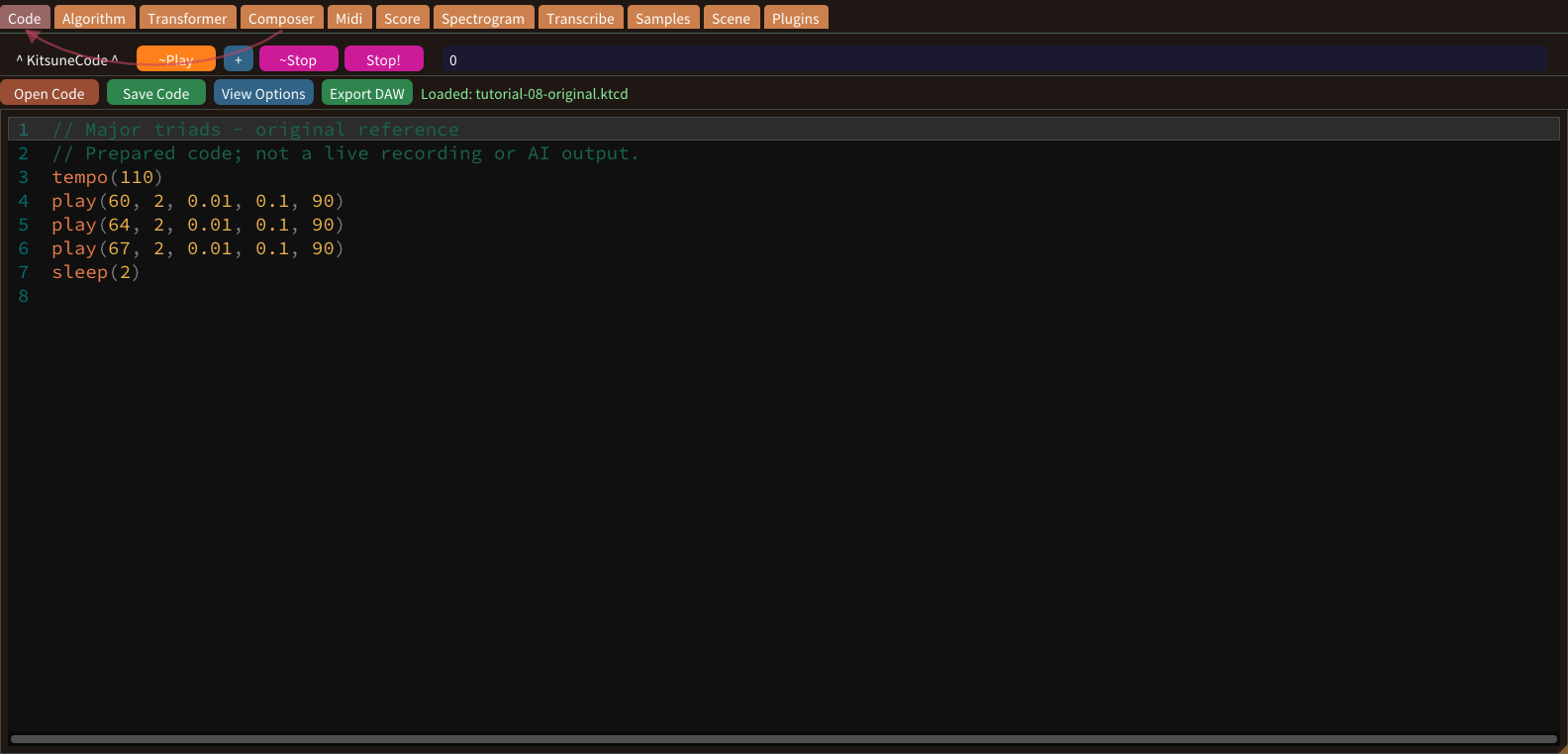
A major triad contains a root, a major third and a perfect fifth. C major can be written as MIDI pitches 60, 64 and 67. The gaps above the root are four and seven semitones.
Minor triads
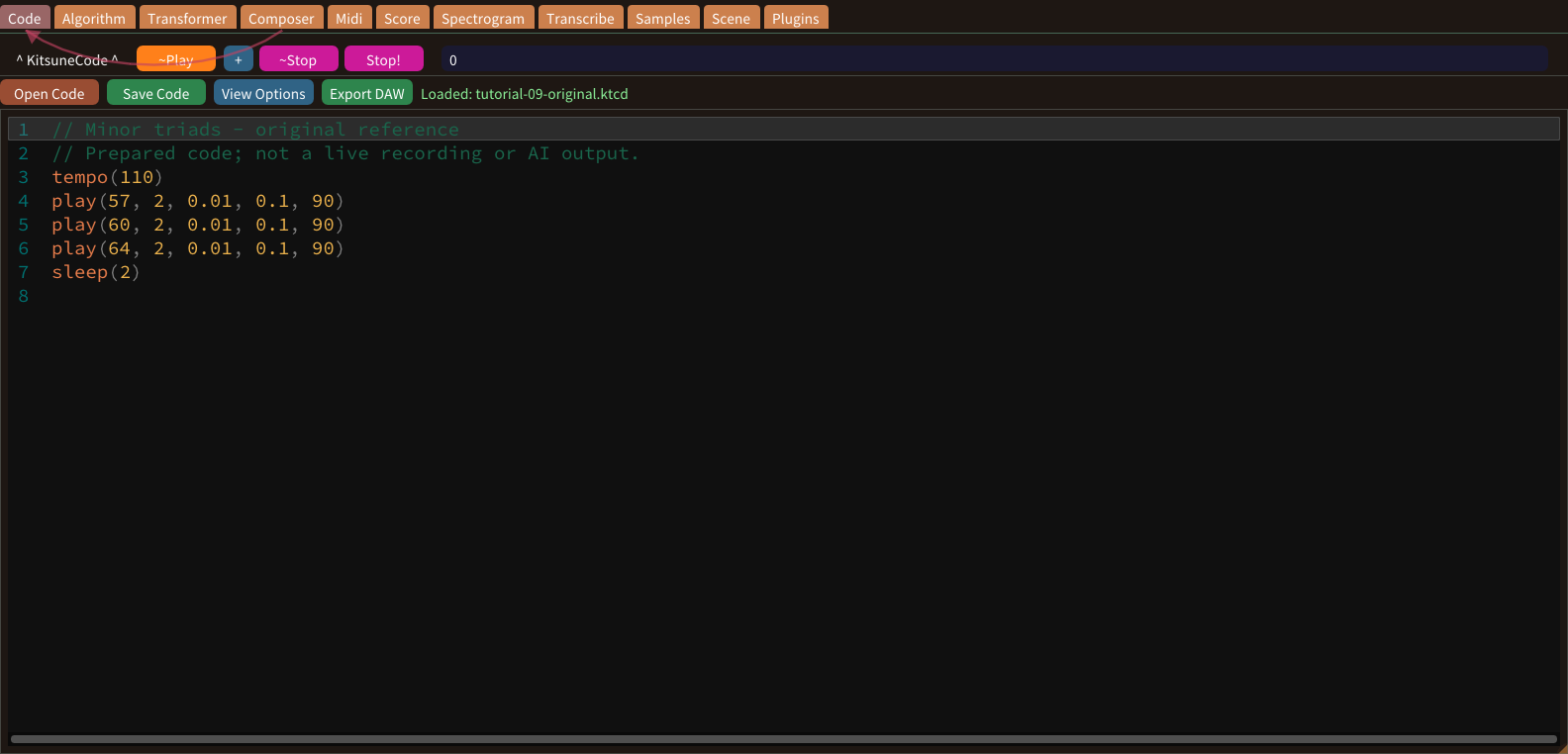
A minor triad places a minor third and a perfect fifth above its root. A minor uses 57, 60 and 64; D minor uses 62, 65 and 69. The root gaps are three and seven semitones.
Seventh chords
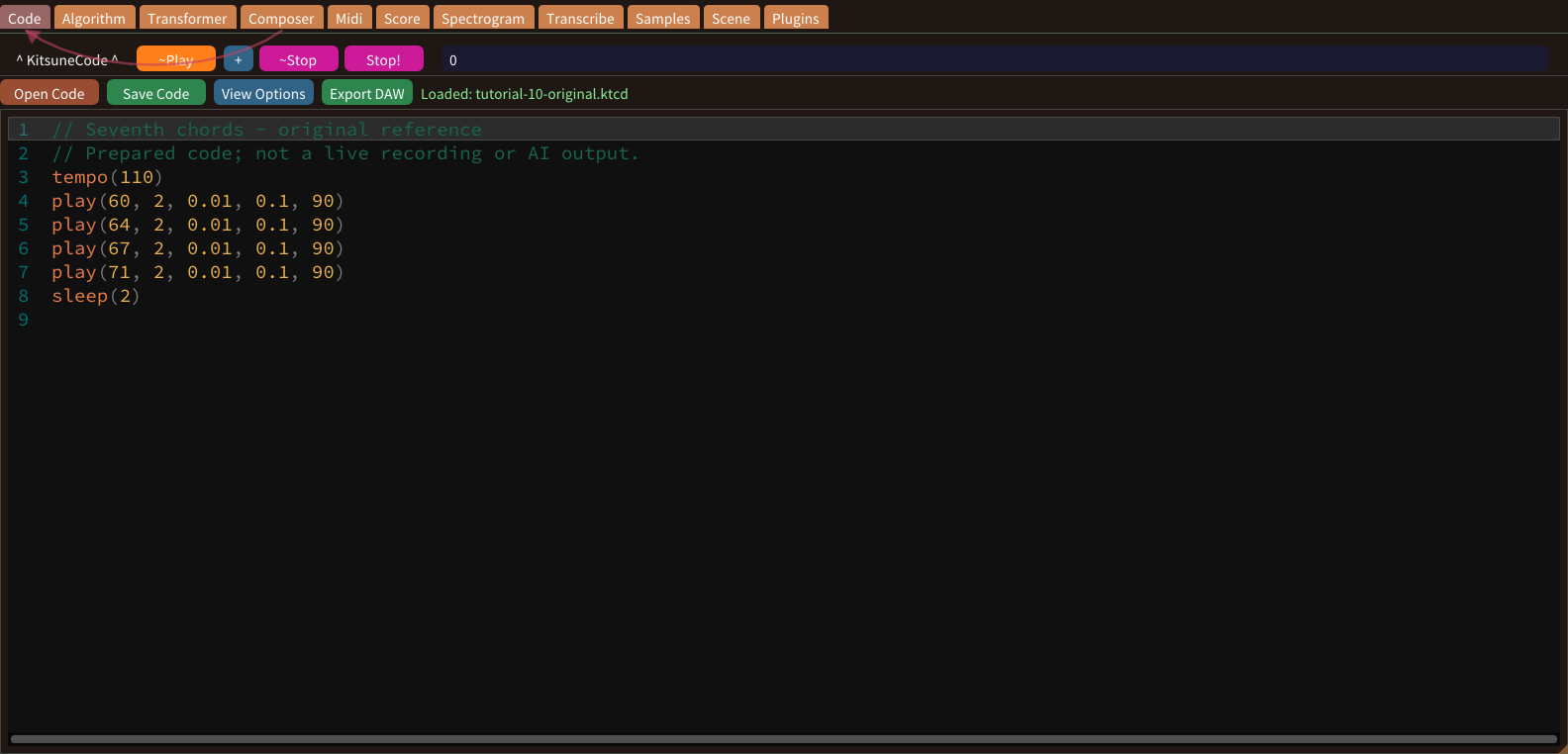
A seventh chord adds a fourth note to a triad. C major seventh uses 60, 64, 67 and 71. Its seventh is eleven semitones above the root, unlike a dominant seventh.
Master volume and headroom
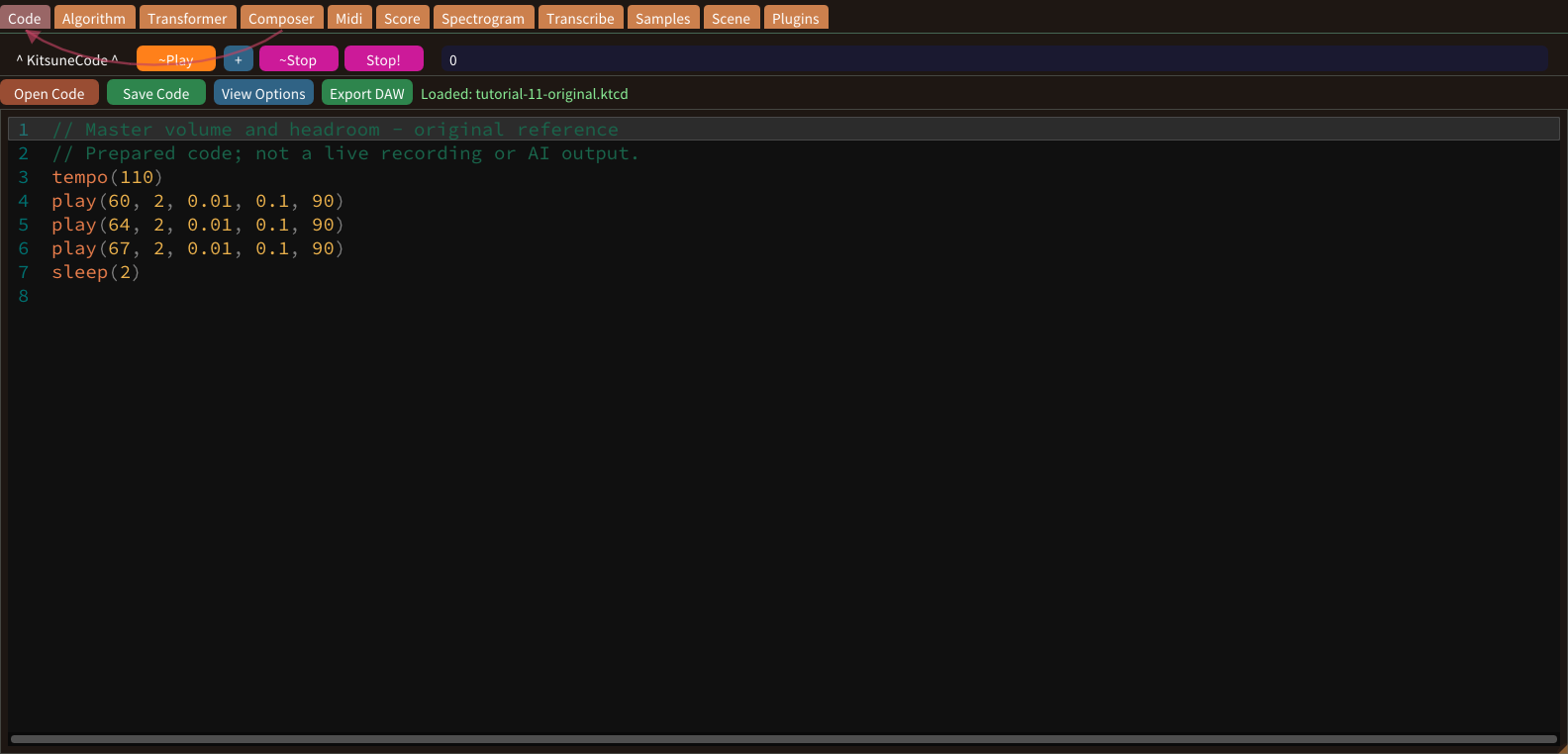
Master Volume controls the output level of an executor. Several simultaneous notes can combine into a louder signal than a single note. Begin quietly and leave room for additional parts and effects.
Stereo panning
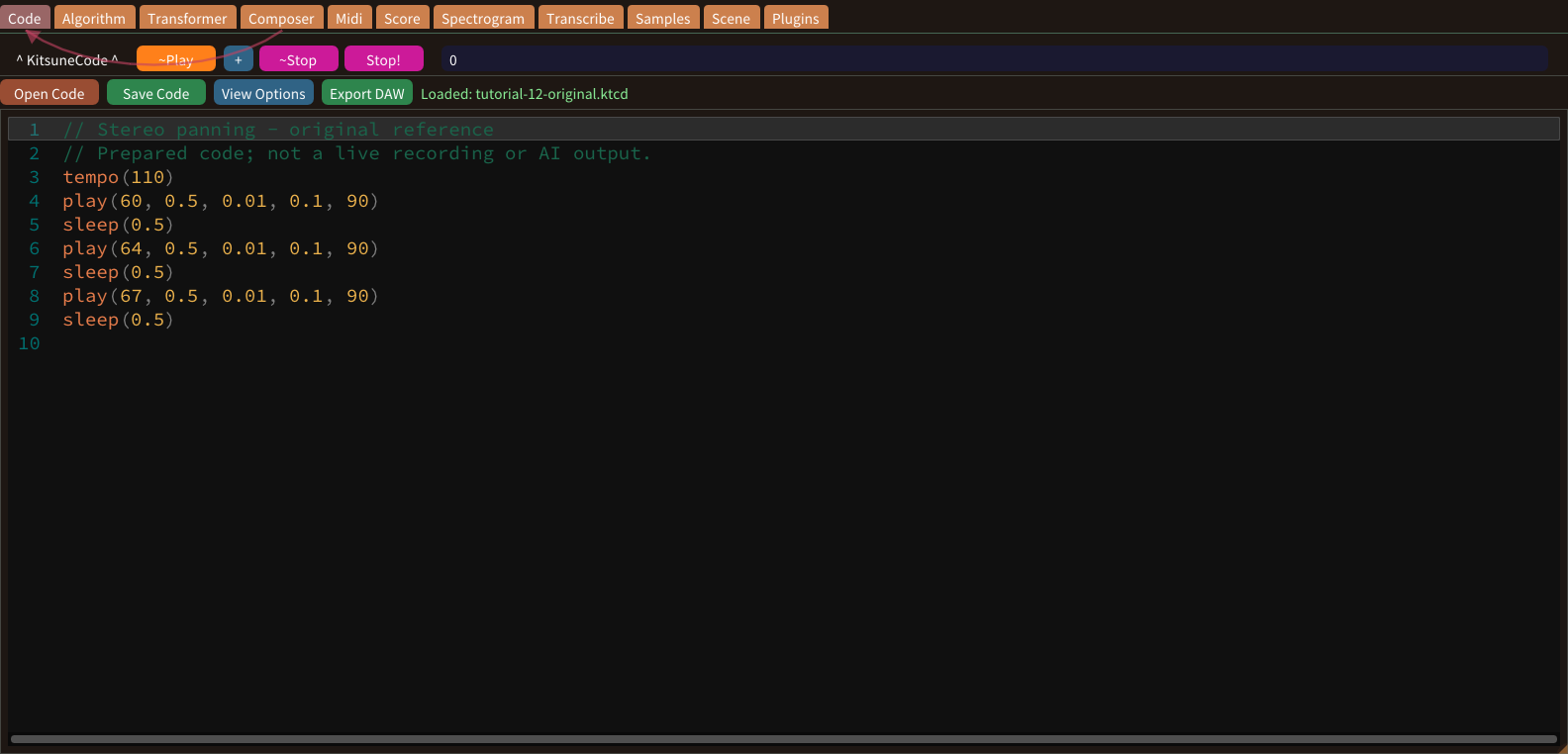
Panning places an executor within the stereo field. Center balances the two sides; moving toward an extreme emphasizes one side. Use stereo headphones or speakers when checking this behavior in the desktop app.
Piano roll overview
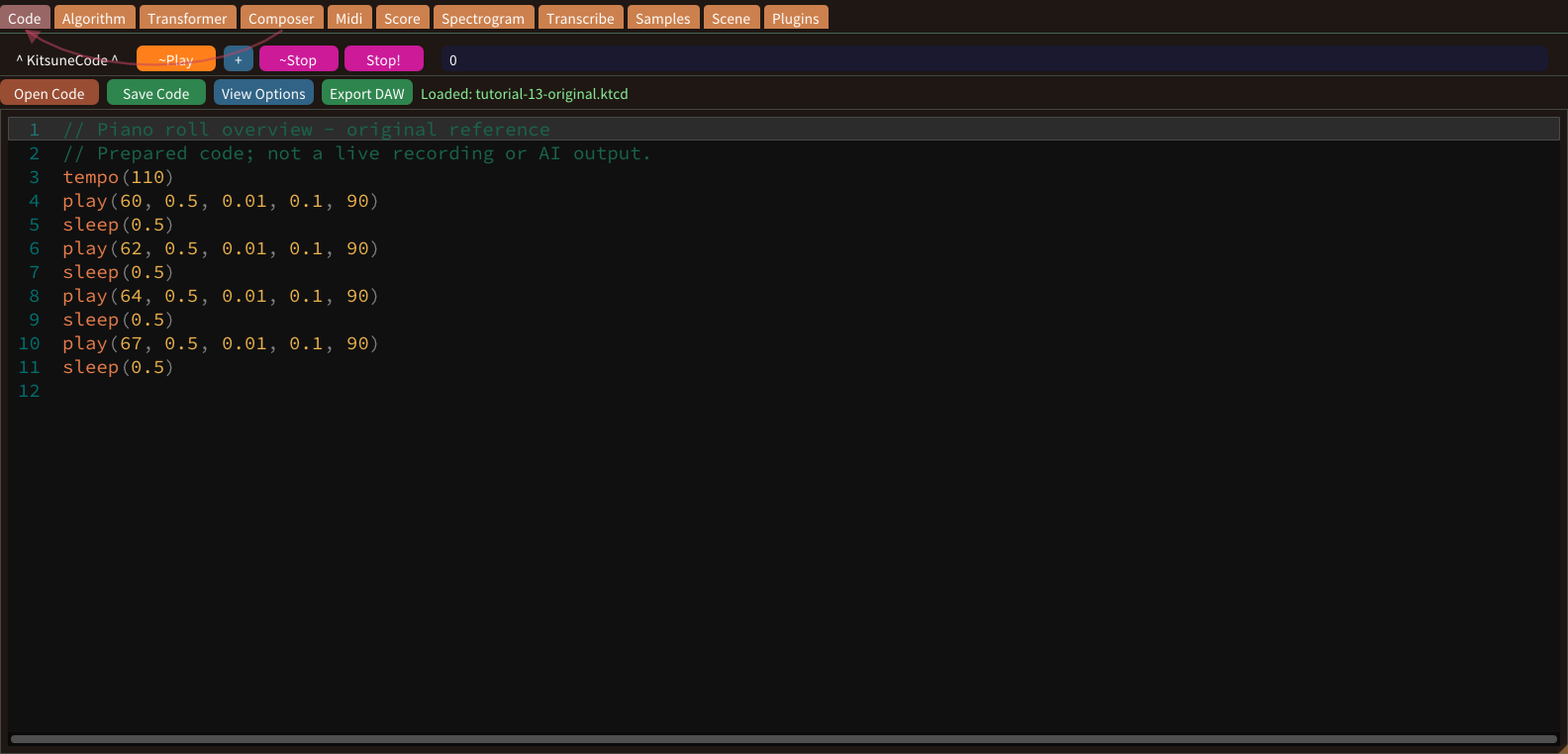
The Midi tab presents notes on a pitch-versus-time grid. Vertical position represents pitch; horizontal position represents note starts. Block width represents duration. Read one short phrase before attempting a larger arrangement.
Import Code into the piano roll
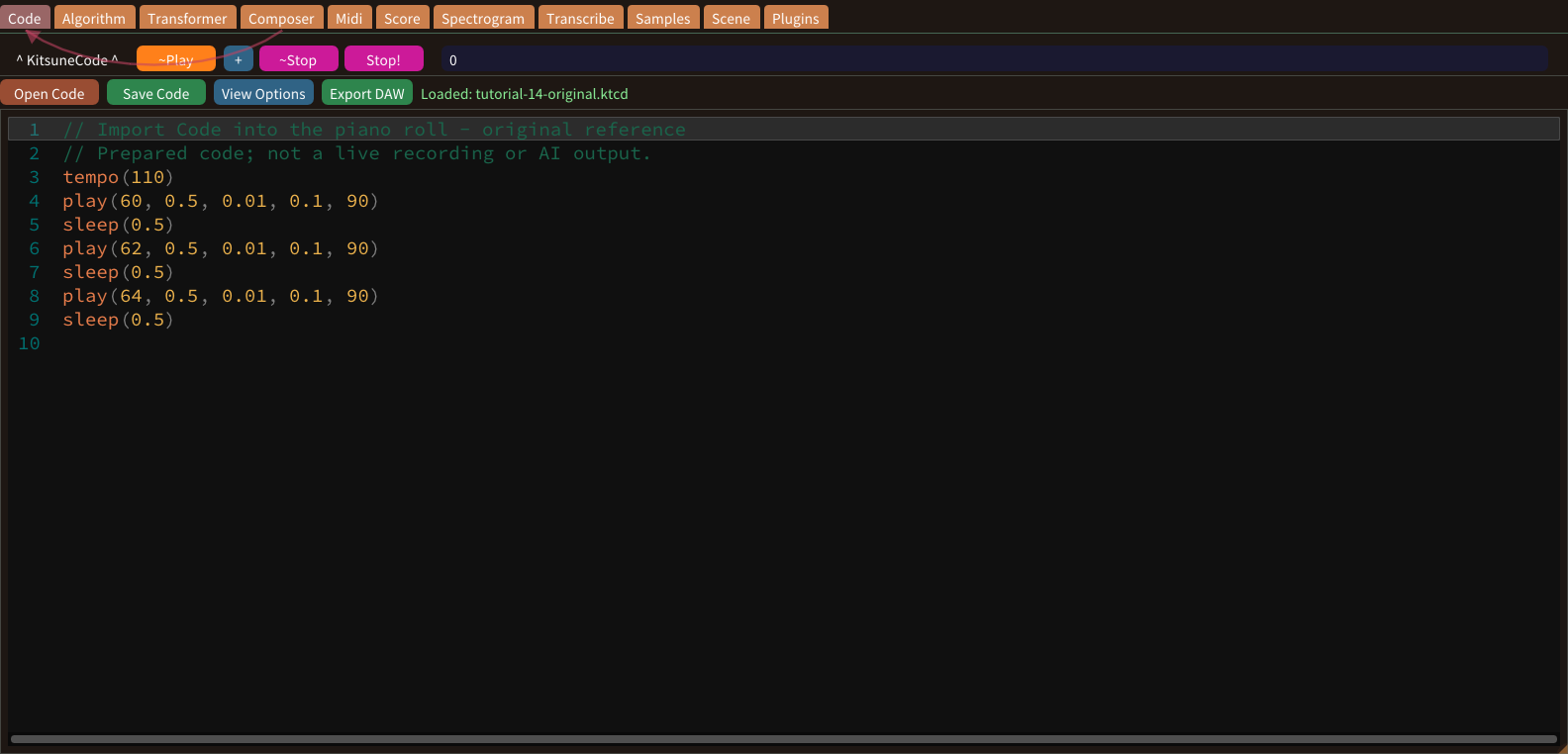
Code can be converted into editable piano-roll notes. Begin with a short valid phrase containing play and sleep commands. Save the source before importing so that you can compare the result with its original.
Navigate the piano roll
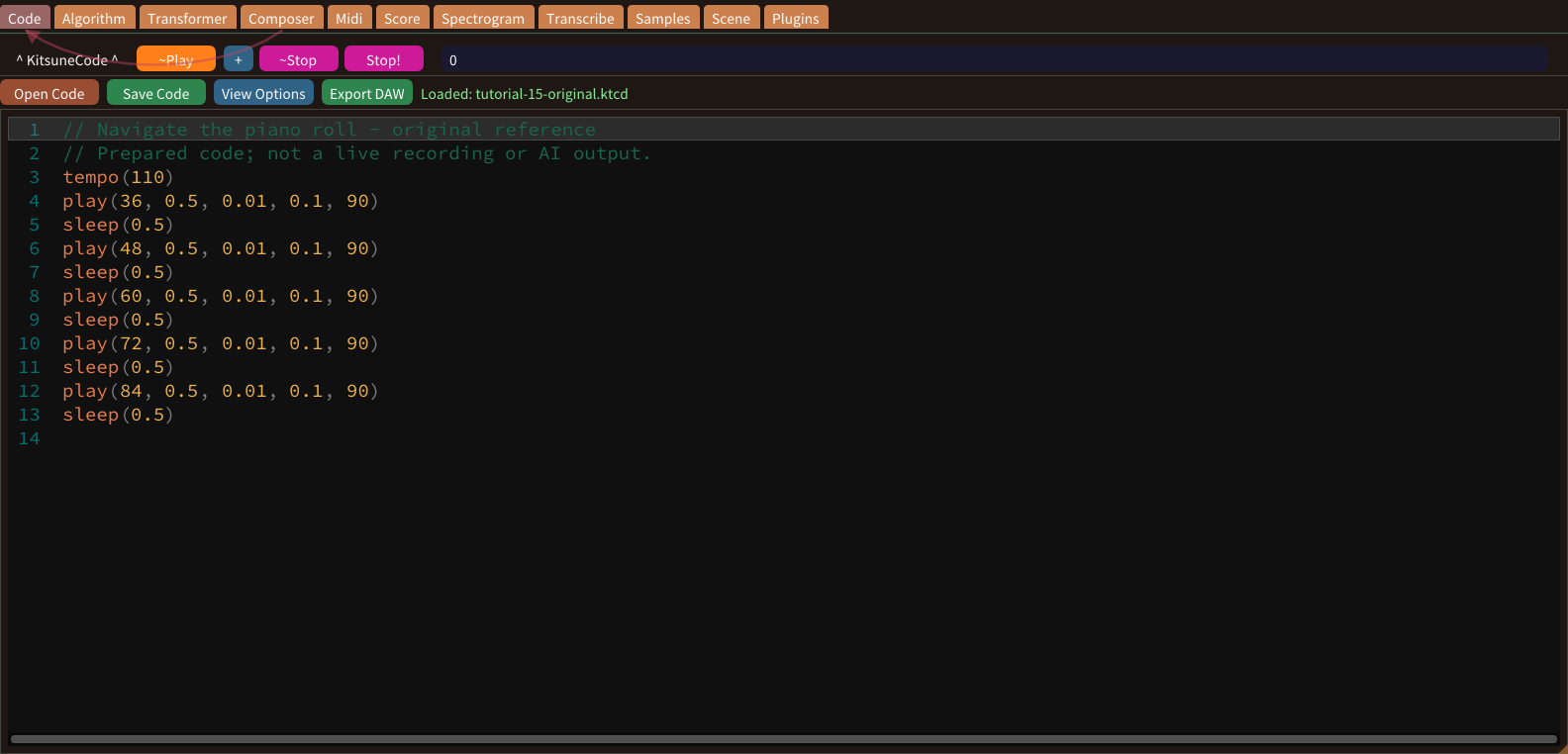
Large pitch ranges and long phrases extend beyond the visible piano roll. Navigation changes the view, not the music. Use a short example with separated registers to distinguish scrolling from editing.
Move notes in pitch and time
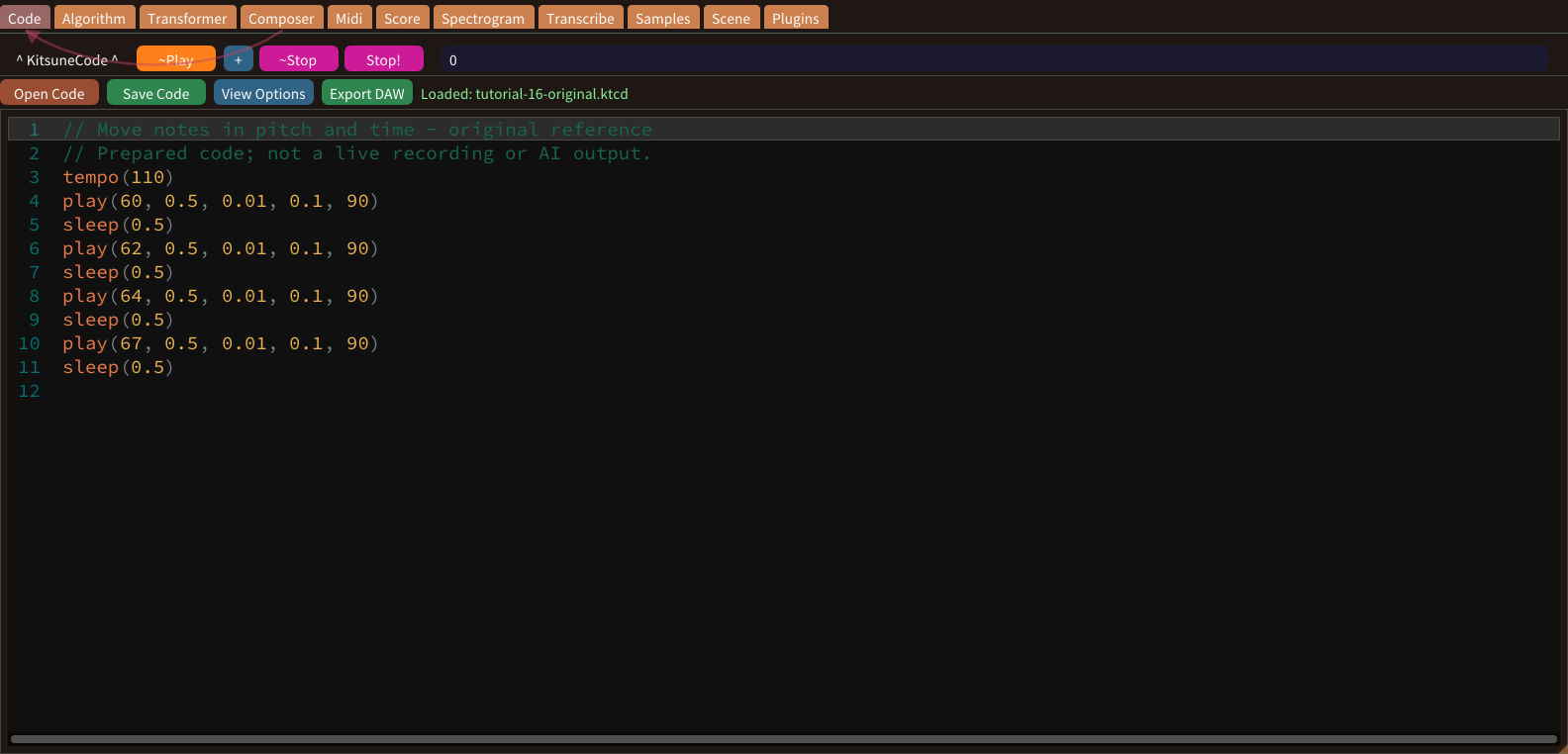
Moving a block vertically changes pitch; moving it horizontally changes its starting time. Use the Select tool and begin with one note so that the result is easy to identify.
Resize note durations
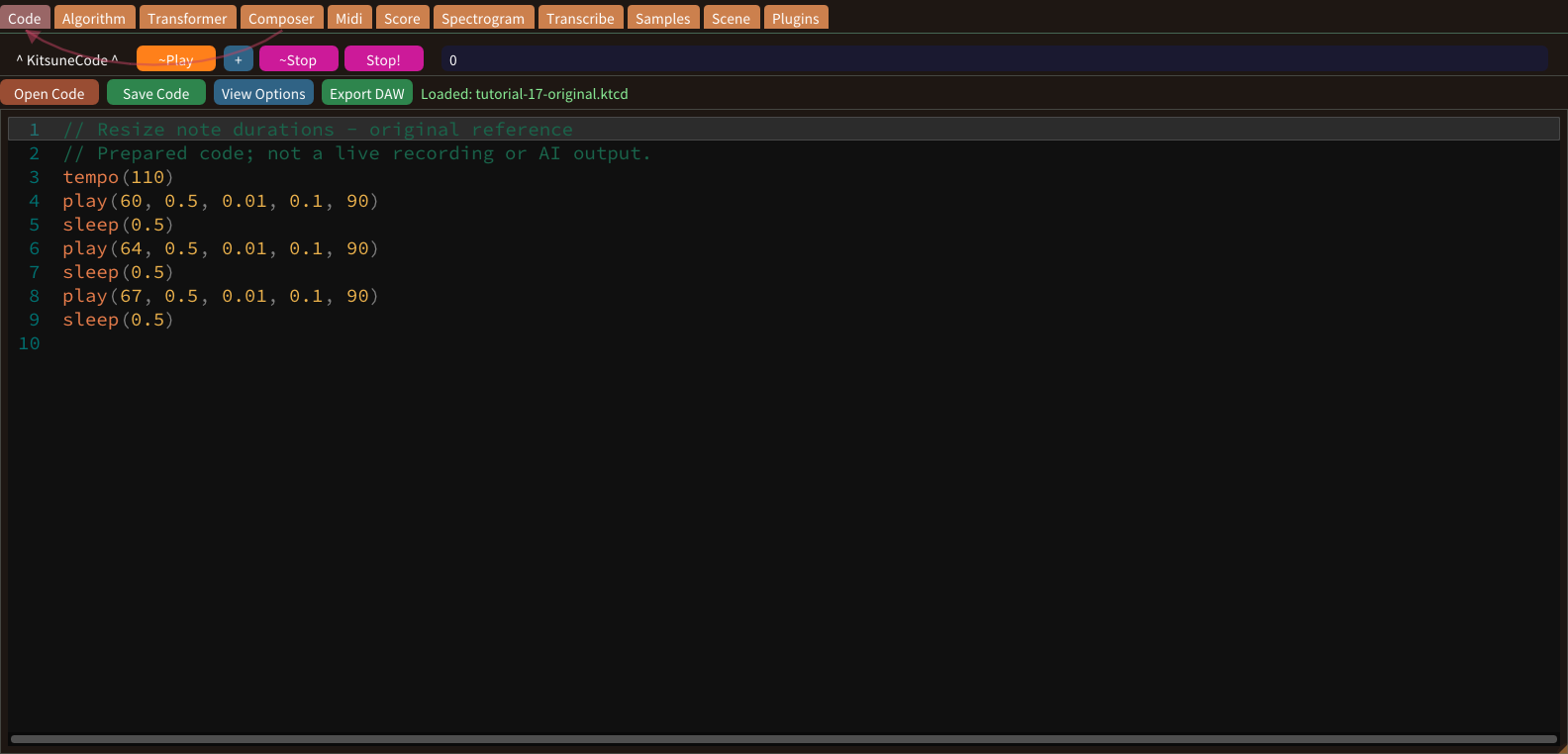
Resizing changes how long a note lasts without necessarily changing when it begins. Find a block and its right-hand resize edge in the piano roll. Keep its left edge as your reference.
Select and edit several notes
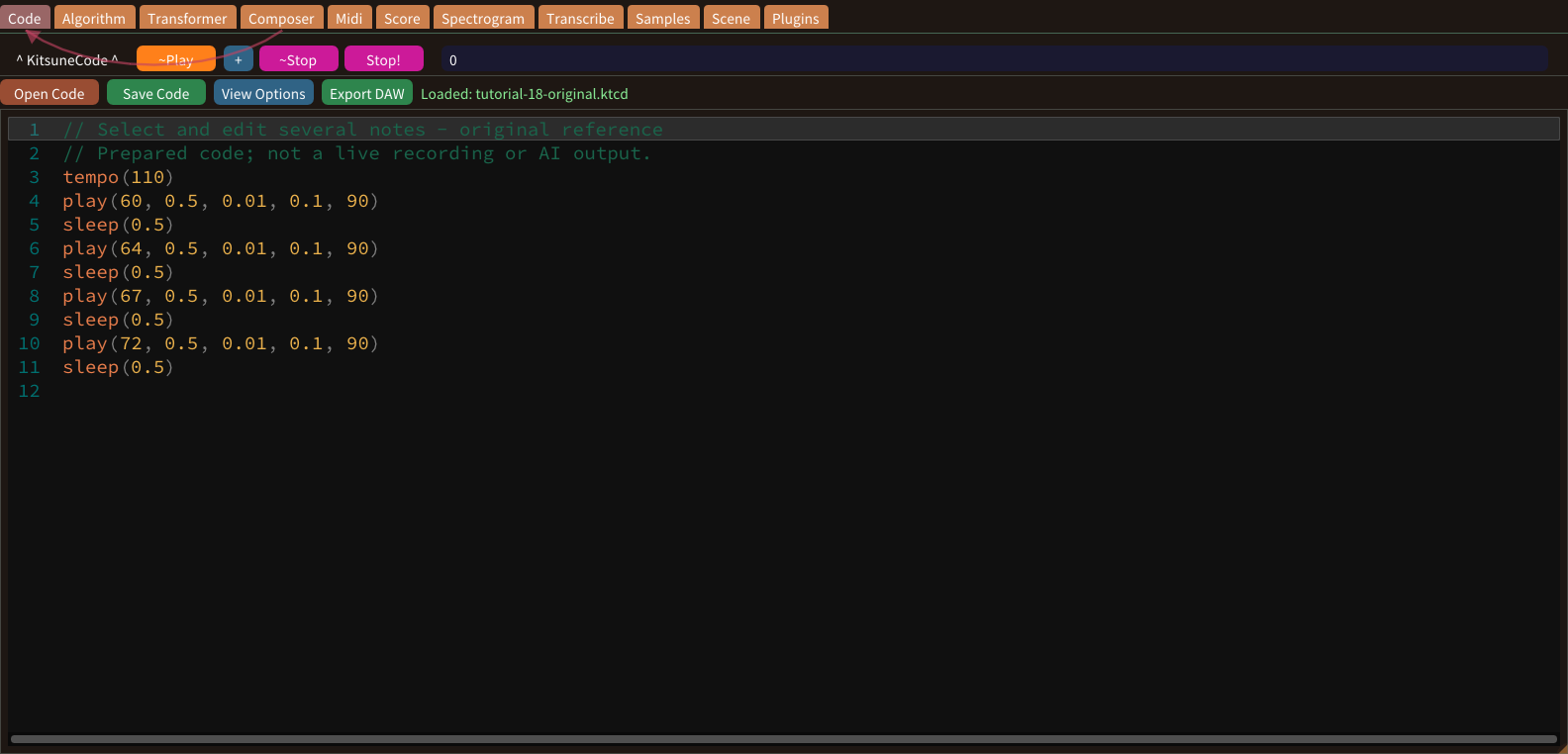
Multi-note editing is useful when a whole motif must move together. Use the selection tool and verify the highlighted set before making a batch change. Start with a short phrase whose note count you know.
Transfer piano-roll notes to Code
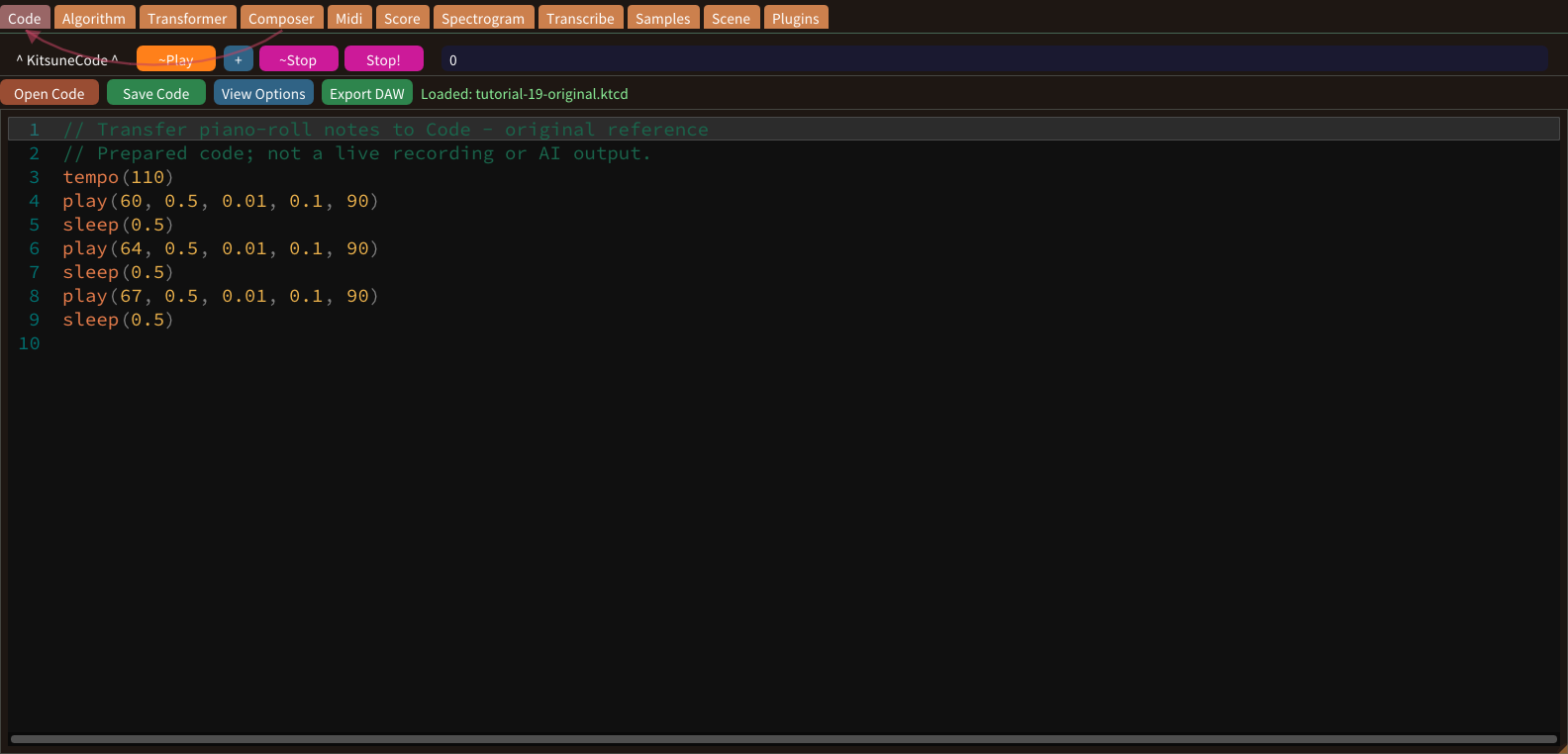
The Midi workflow can send note events back to the editor. Apply to Code writes the edited notes back, and Code / MIDI files... offers << Replace Code and << Insert Code. Preserve the original before choosing an operation that can replace its contents.
Select a MIDI input device
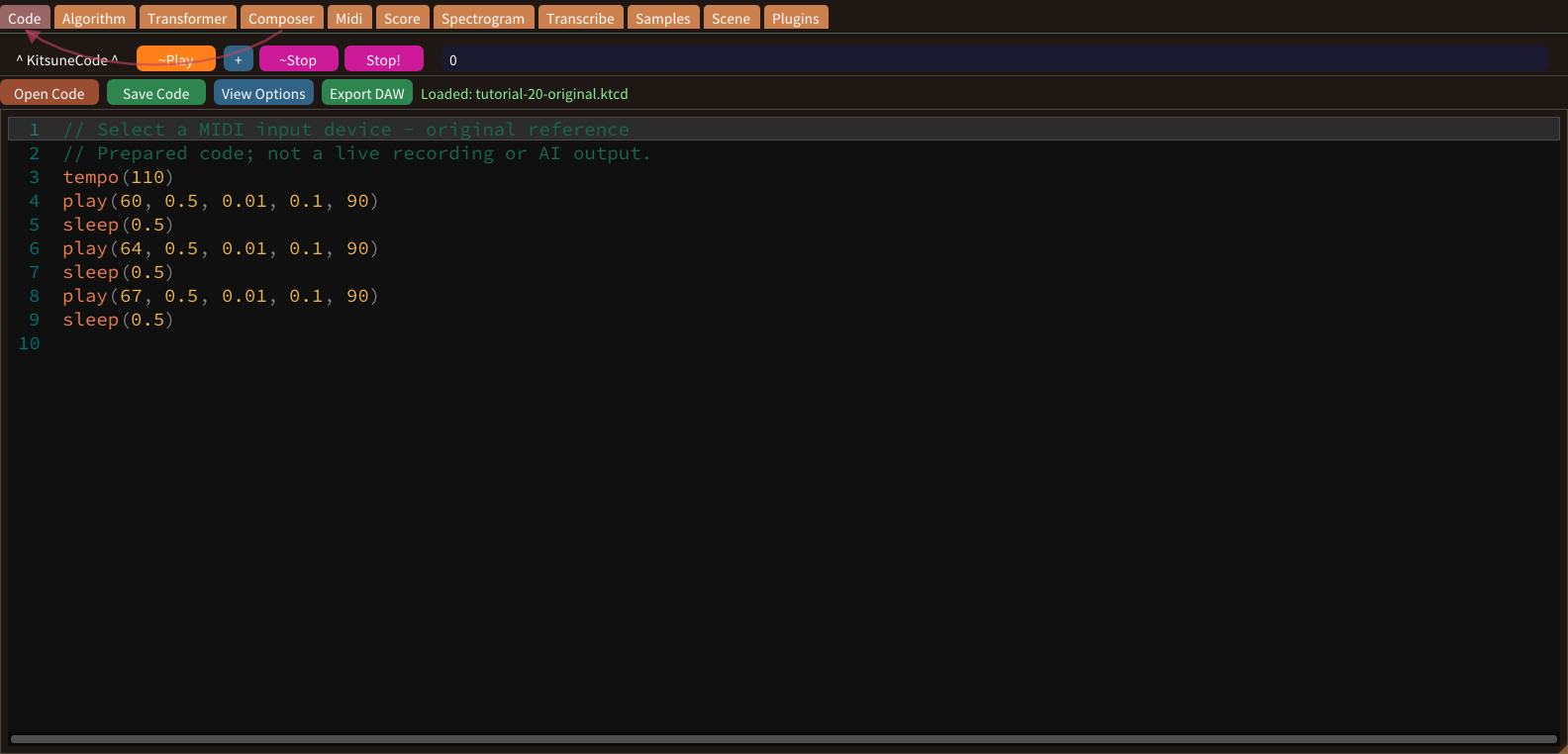
A hardware MIDI input sends note events into the desktop application. Keyboards can be connected while the app is running; the device list refreshes on its own. This web lesson cannot open your computer’s MIDI ports.
Enable a MIDI input
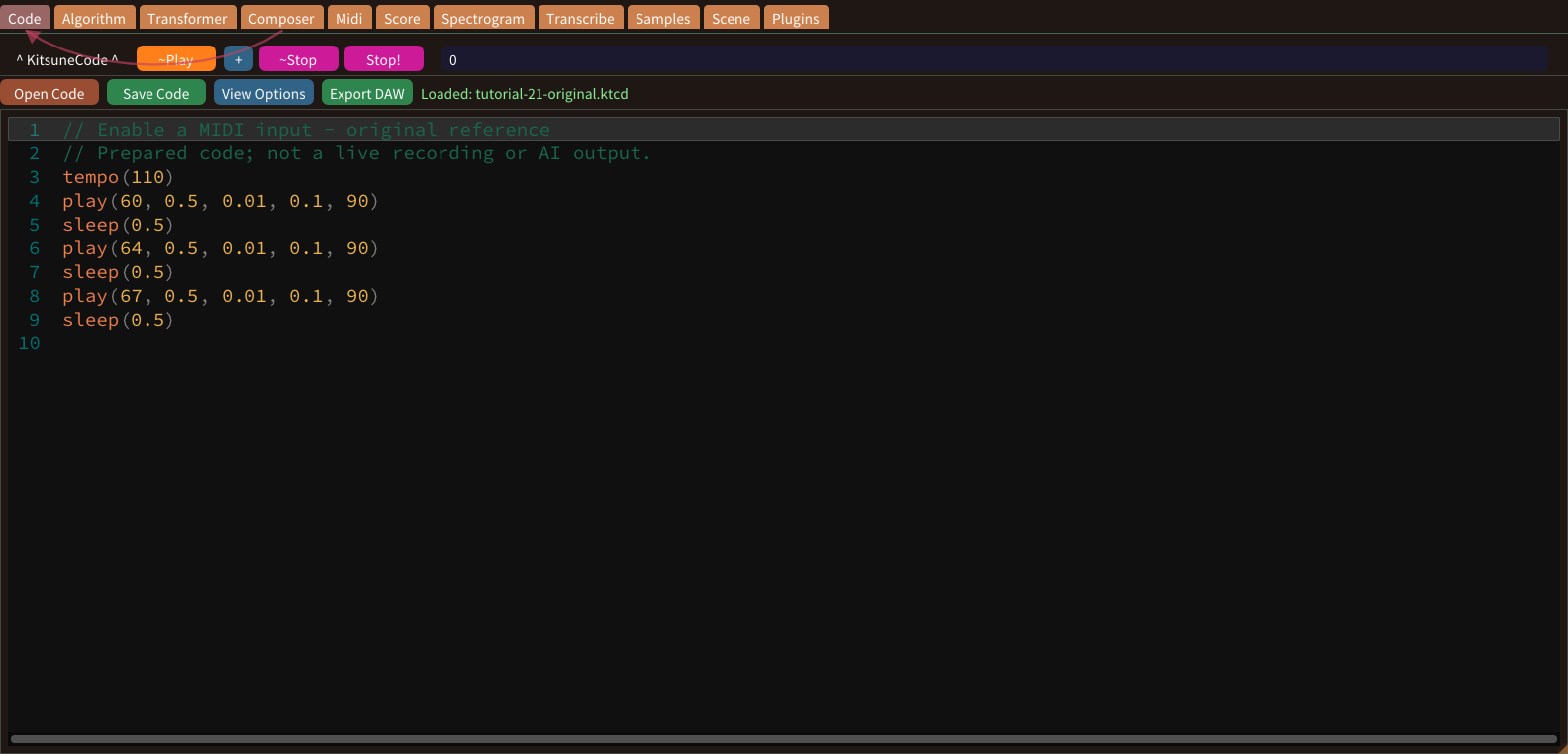
After selecting an input, Device On opens MIDI monitoring: you hear what you play through the app. A separate Start Device step is not required. Successful activation depends on an available physical device.
Play a MIDI keyboard live
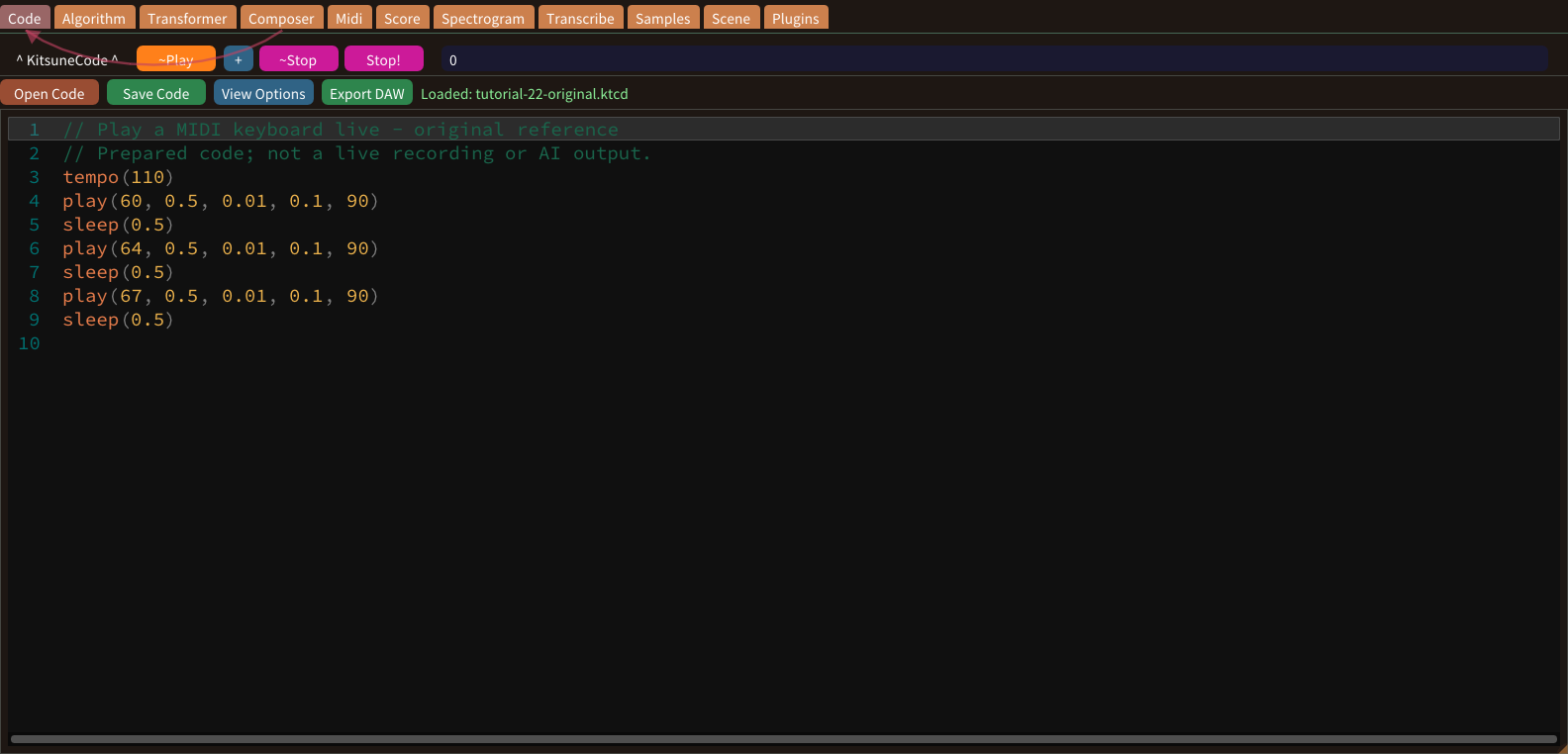
Live play turns incoming note events into sound through the desktop app. Select an input, enable it and choose an appropriate sound. Keep your first test simple enough to recognize each note clearly.
Record a MIDI performance
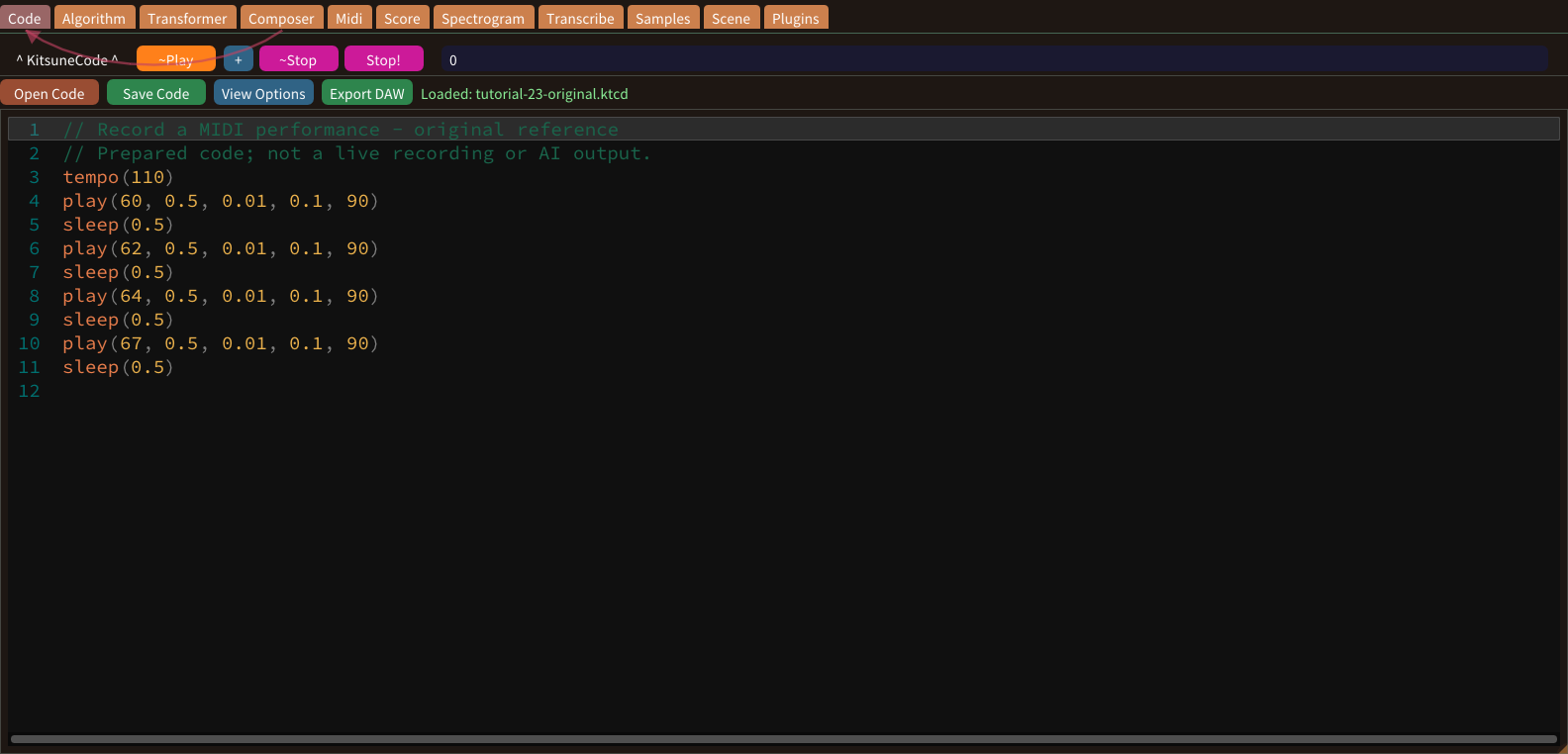
MIDI recording stores note events rather than an audio waveform. Confirm live input first, then use the recording controls for a short phrase. A working output path helps you monitor the performance.
Quantize to eighth notes
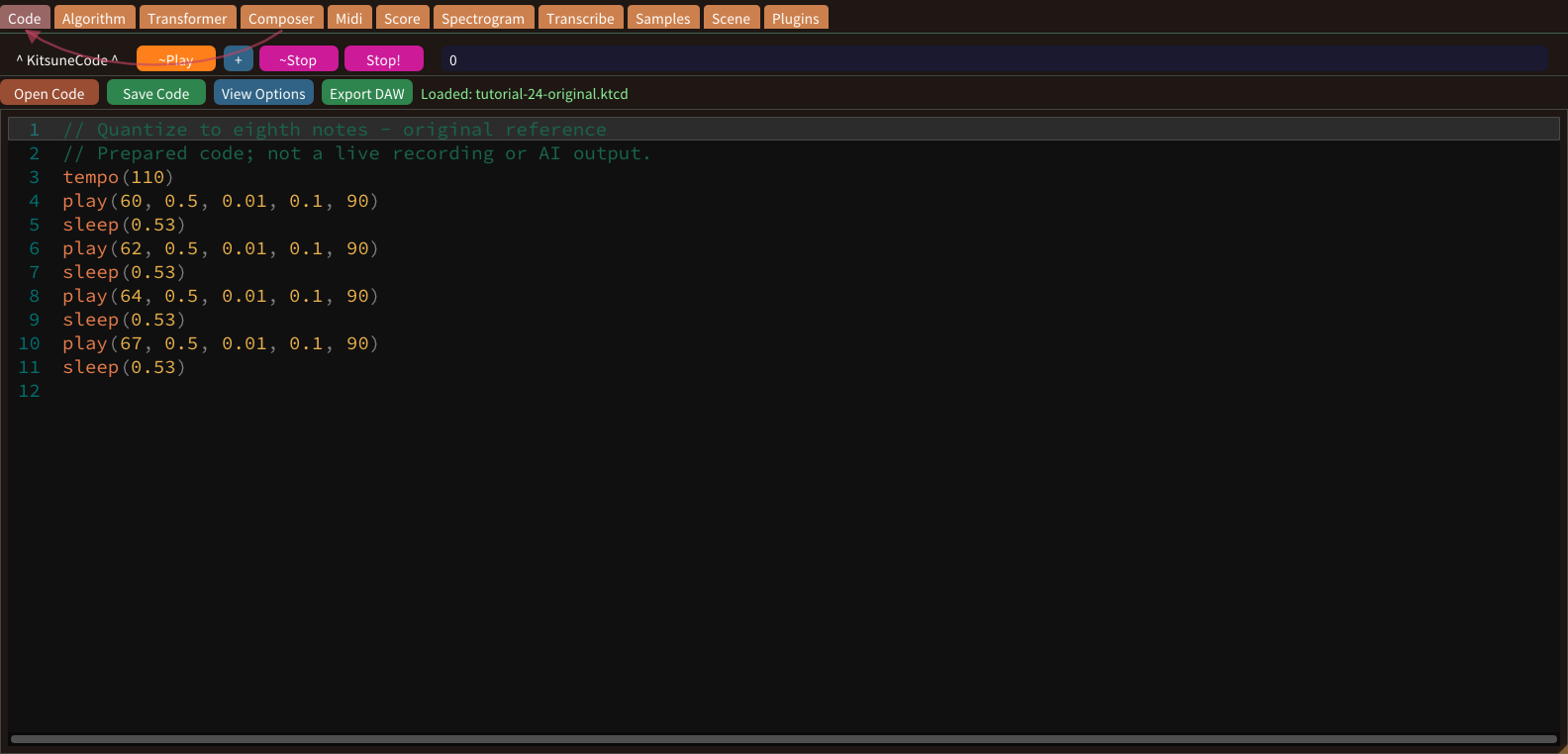
Quantization aligns existing timing to a chosen musical grid. An eighth-note grid divides a quarter-note beat into two parts. Preserve a copy before changing recorded timing, because expressive deviations may be intentional.
Quantize to sixteenth notes
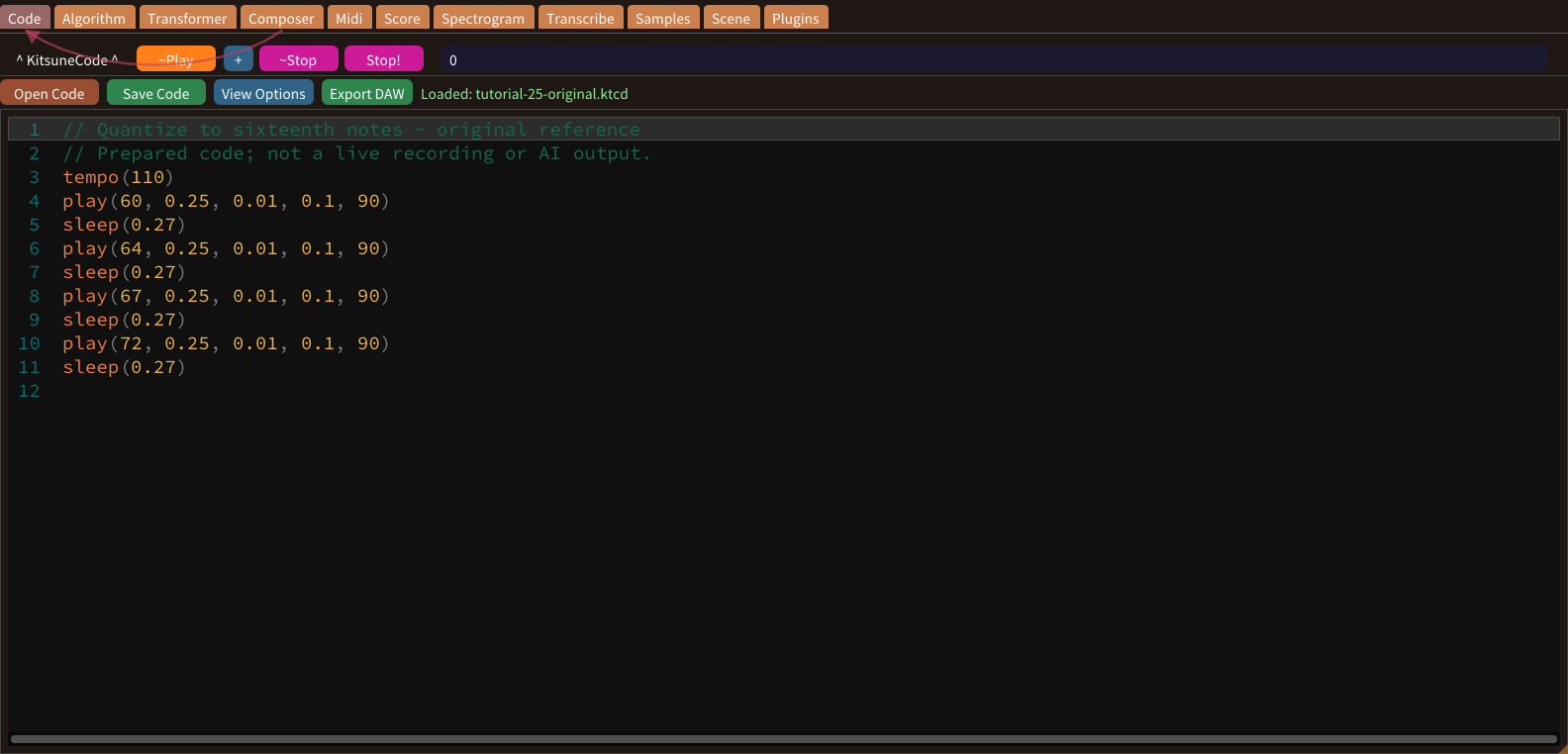
A sixteenth-note grid divides a quarter-note beat into four parts. It can retain faster attacks that would collapse onto a coarser grid. Choose a grid from the musical rhythm, not from a desire for maximum precision.
Generation methods overview
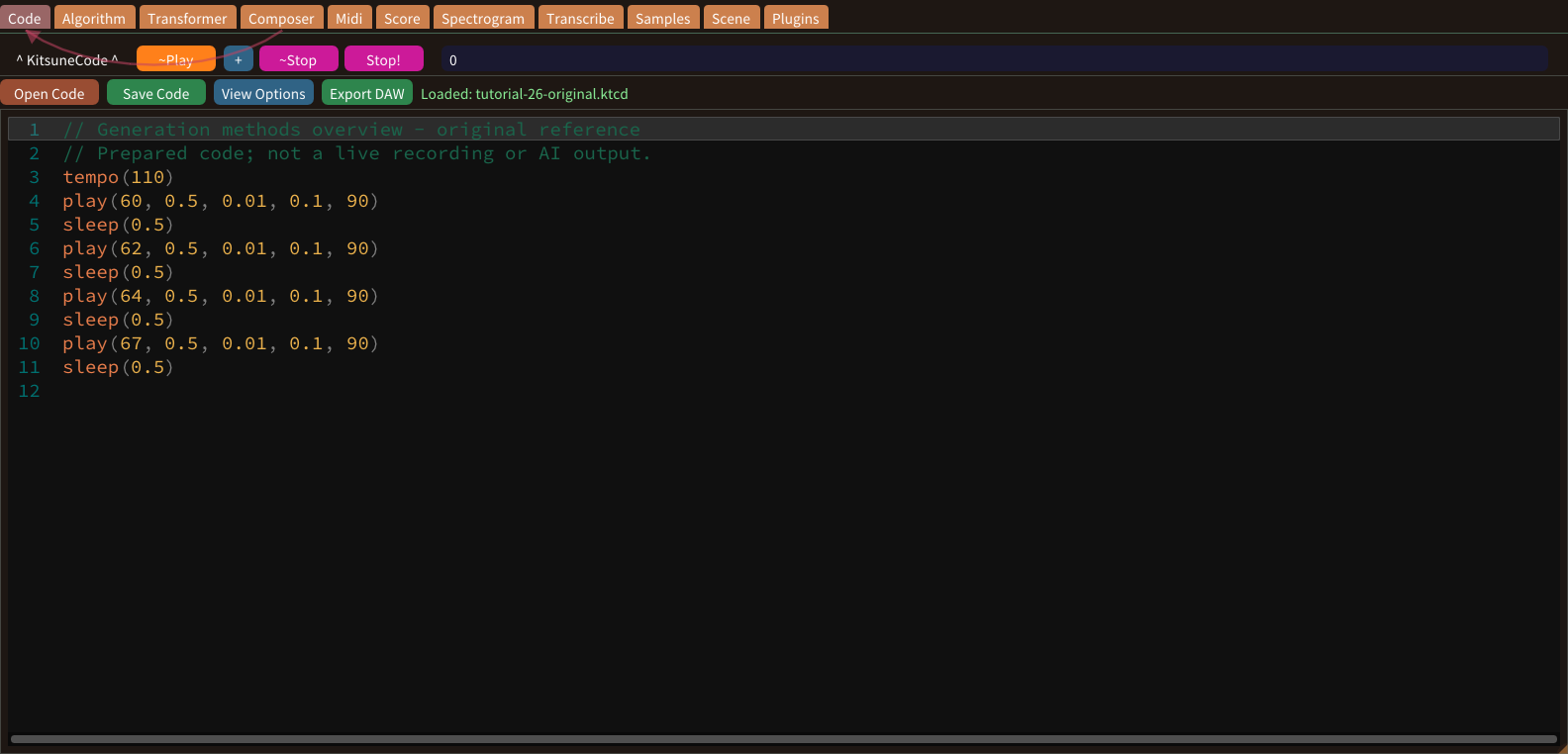
Cogitsune Music offers several ways to generate music. Algorithm writes a phrase from rules and a pitch curve. The Composer writes a whole song from a preset or a prompt. The Transformer turns a word into a melody, and Style VAEs re-compose each part for a genre.
Constraint-based generation concepts
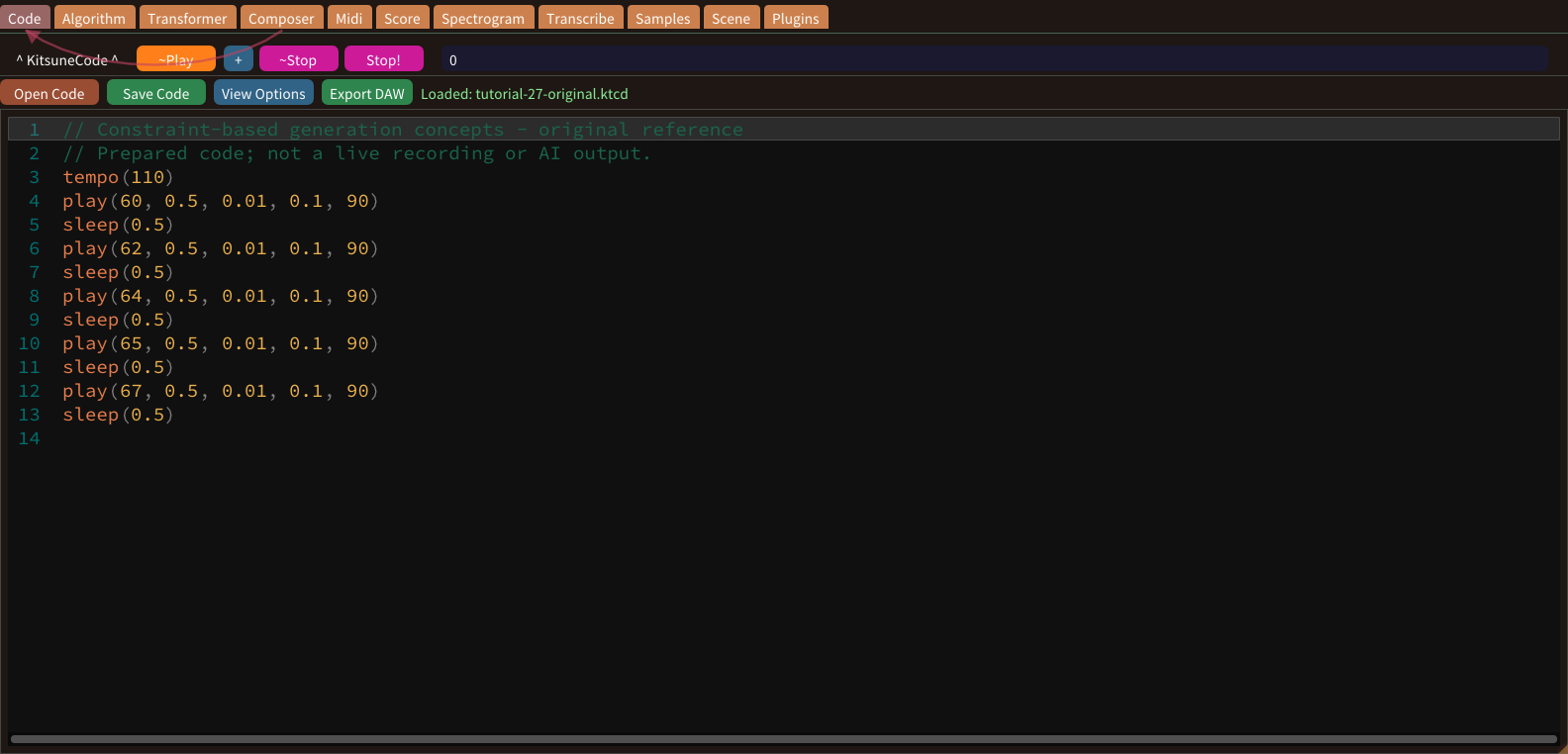
Constraint-based generation restricts a search using rules such as pitch range, scale membership and permitted timing values. A constraint describes acceptable choices; it does not by itself judge every aspect of musical quality.
Generate an Algorithm phrase
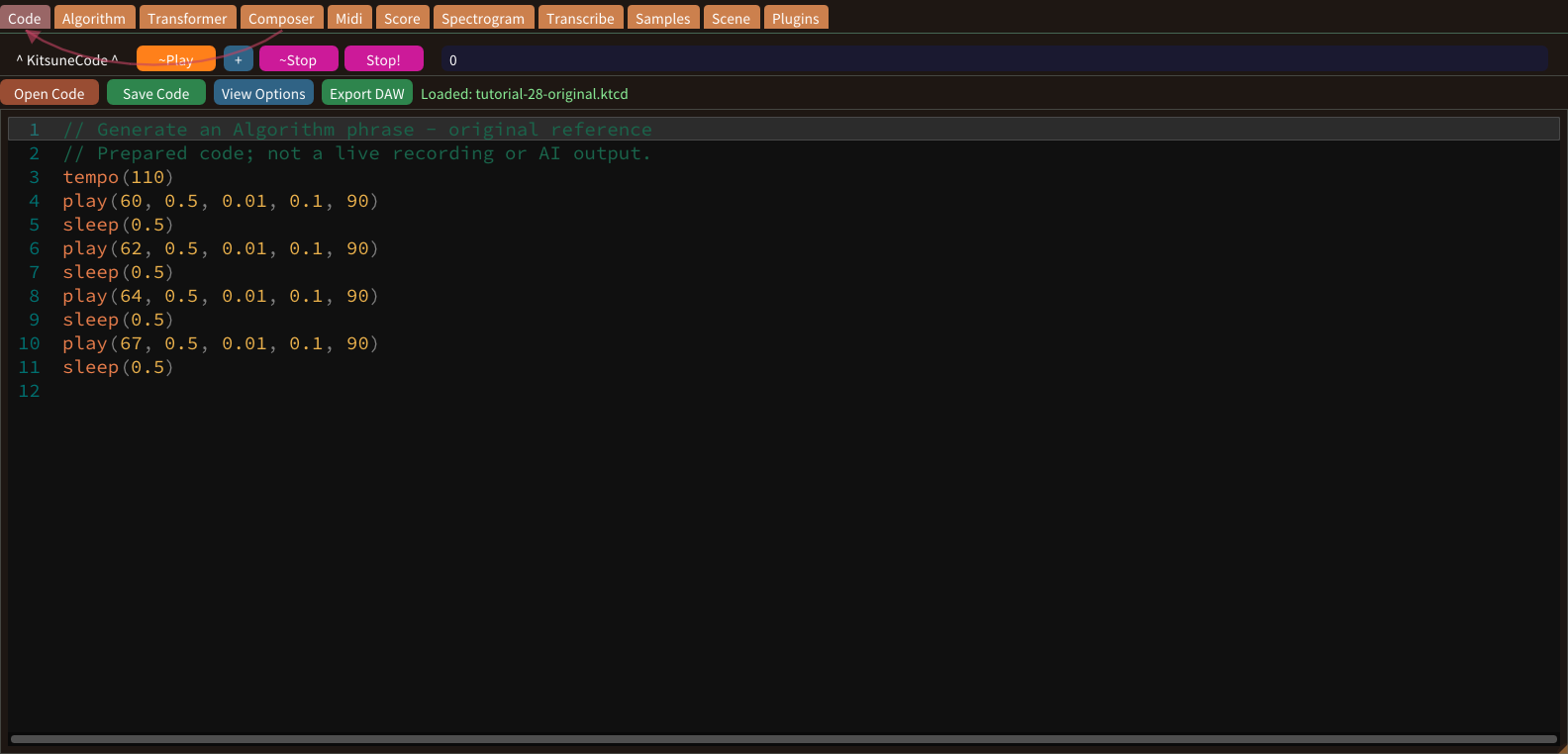
Open Algorithm and decide the length, BPM and key of a small test phrase. Use a short target first so that the resulting pitches and rhythm can be reviewed without navigating a large arrangement.
Style VAE concepts
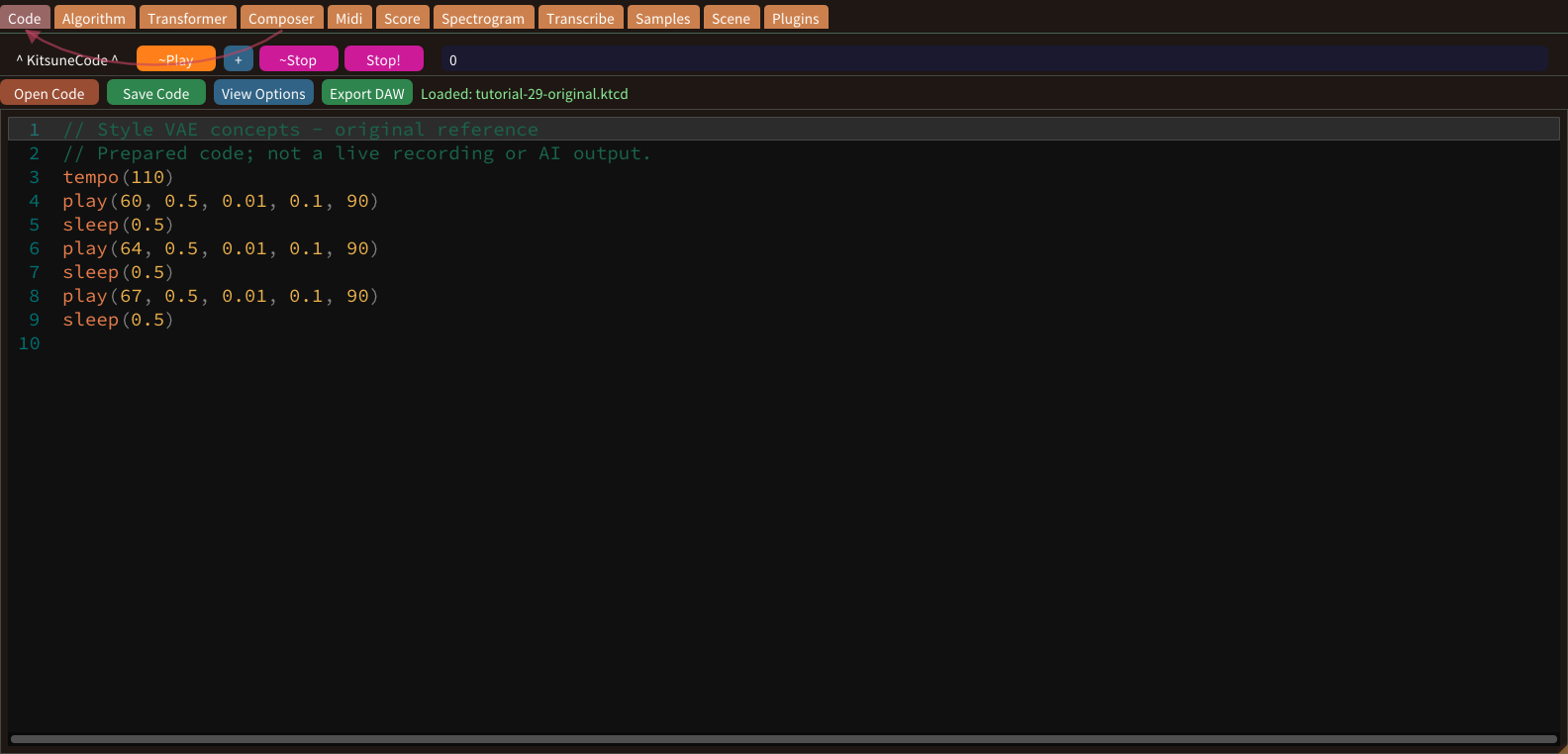
A variational autoencoder learns a compact representation of training phrases, and sampling that representation produces variations. In Cogitsune Music each genre has Style VAEs for its Melody, Chords, Bass, Drums and Drone parts.
Re-compose with a Style VAE
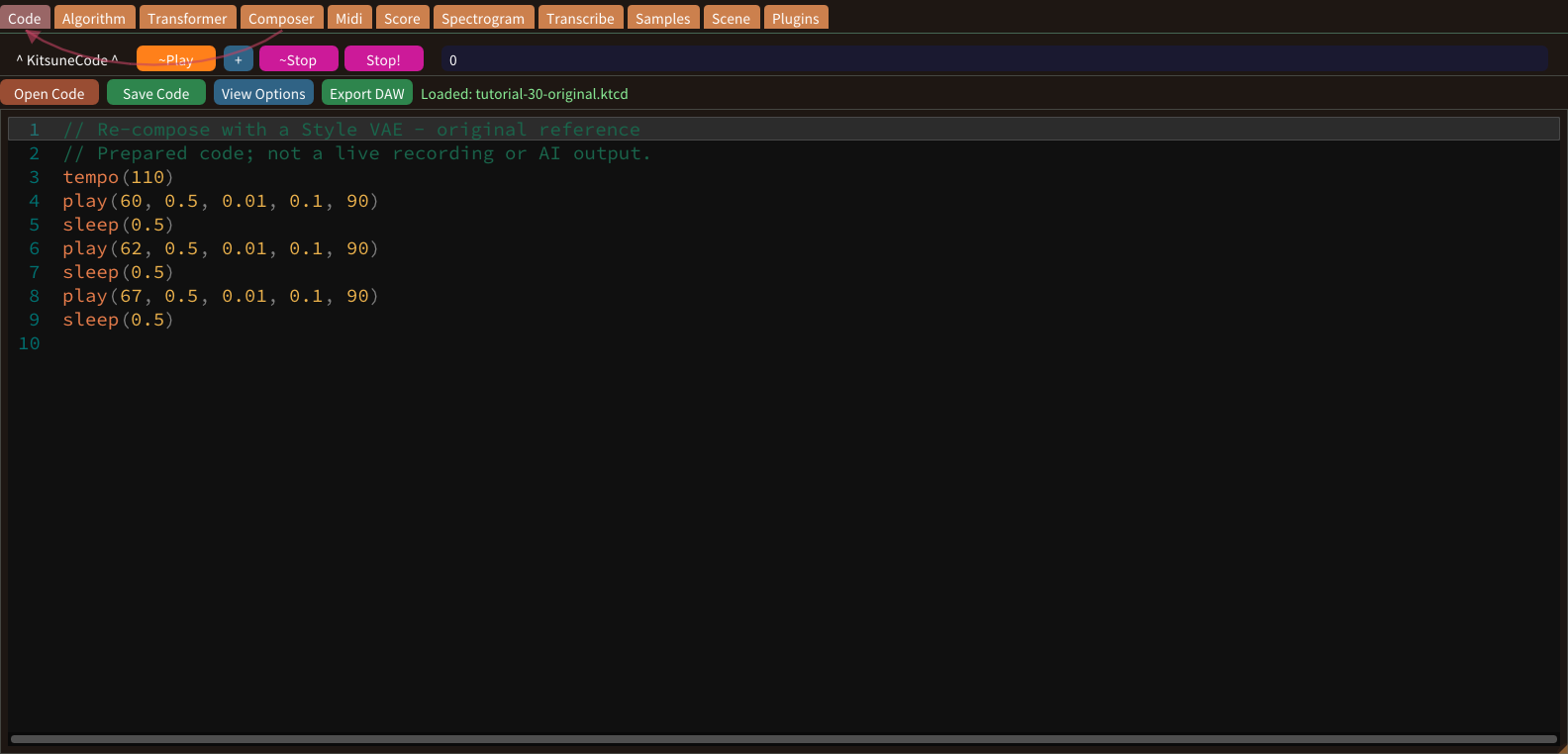
In the Transformer tab, the Style VAE option sends the Transformer’s draft through the genre’s VAE. The VAE writes the melody again by random sampling, so every press of Generate Melody can give a new result.
Transformer sequence concepts
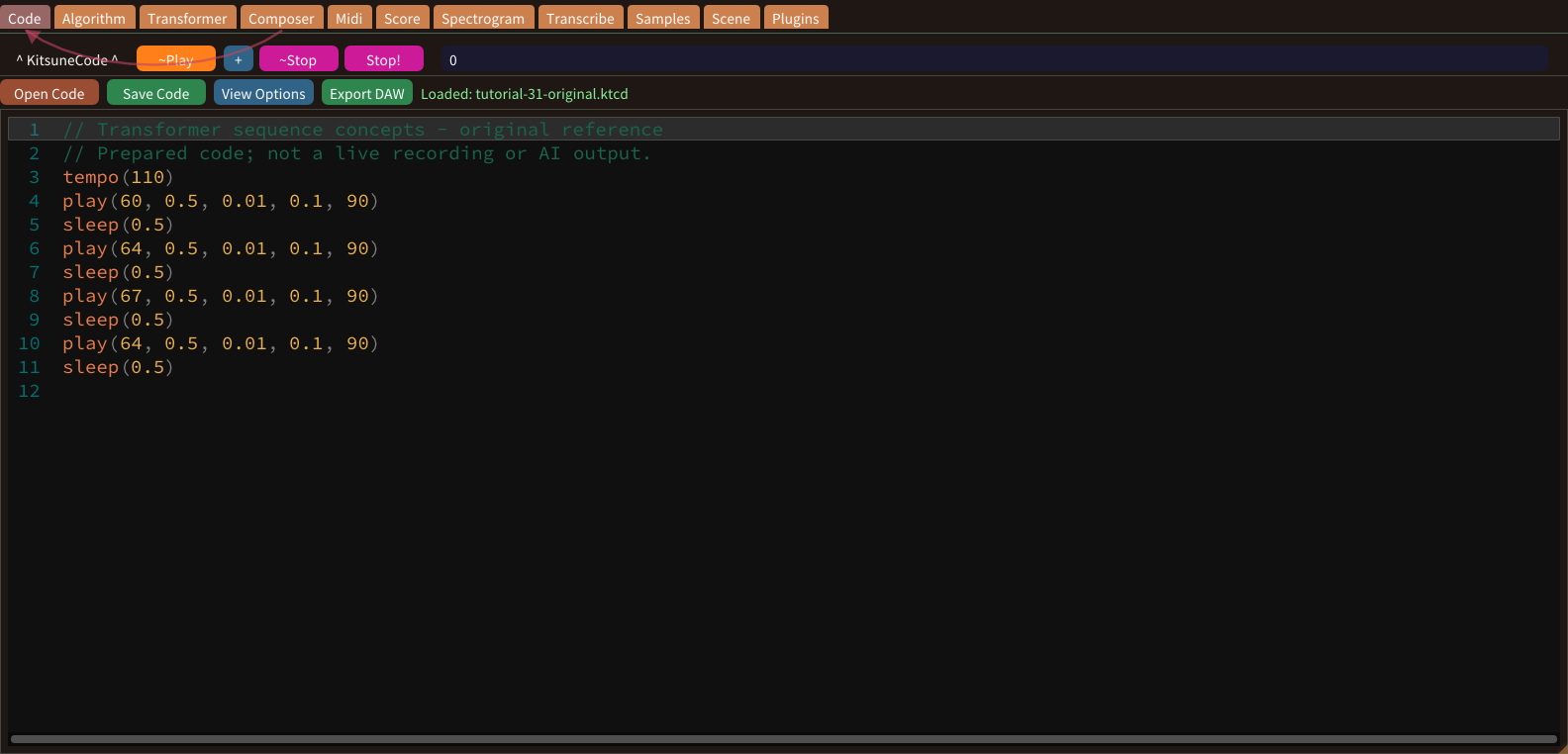
A Transformer models relationships within sequences. For music, those sequences encode events such as notes and timing. In Cogitsune Music a genre name chooses the style, while other words influence the mood and tempo of the melody.
Generate a Transformer melody
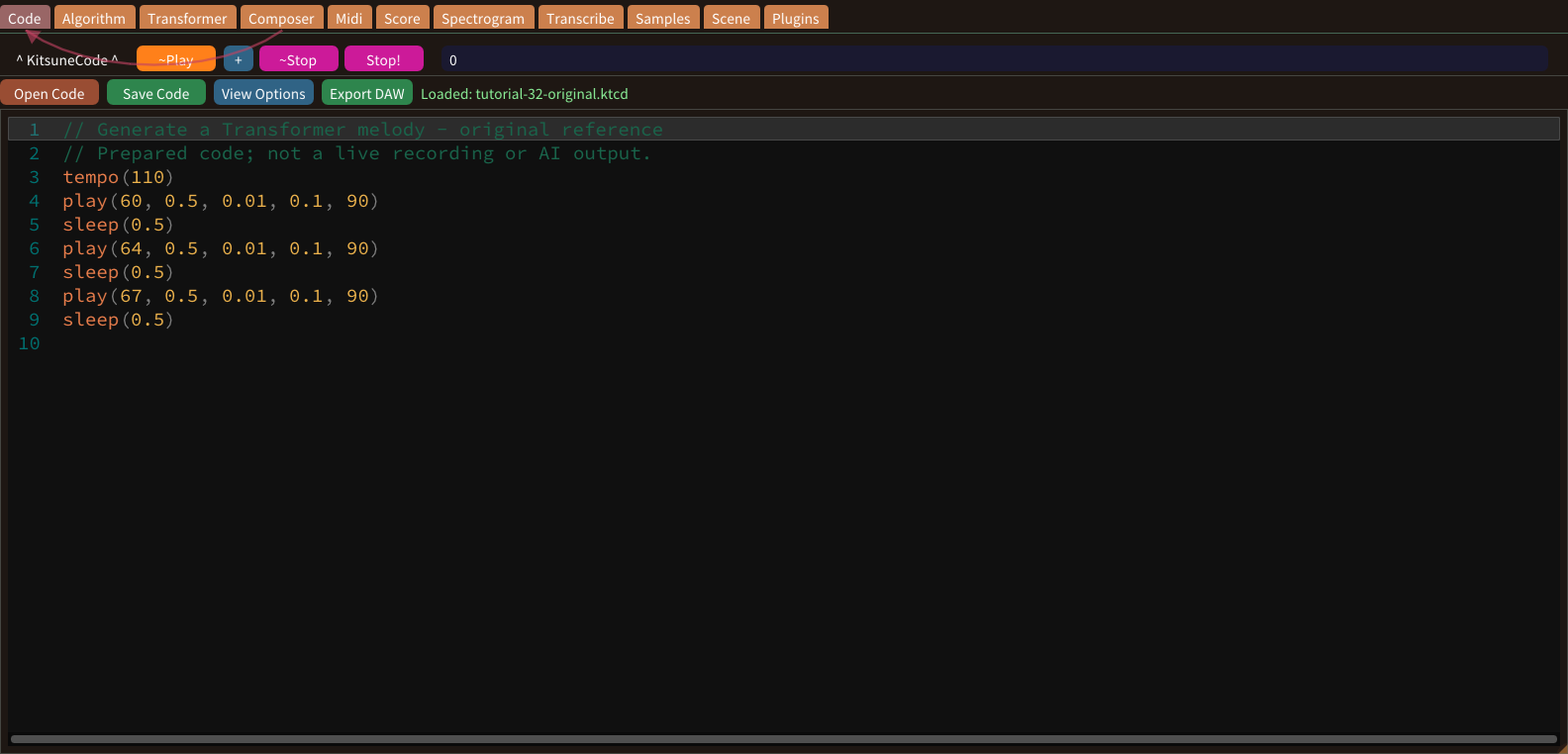
Open the Transformer tab and check that the model is ready. Save your current code first. Type a word or genre such as calm or jazz; Temperature, Top-K, Max Tokens and Retries adjust how the draft is written.
Review training examples
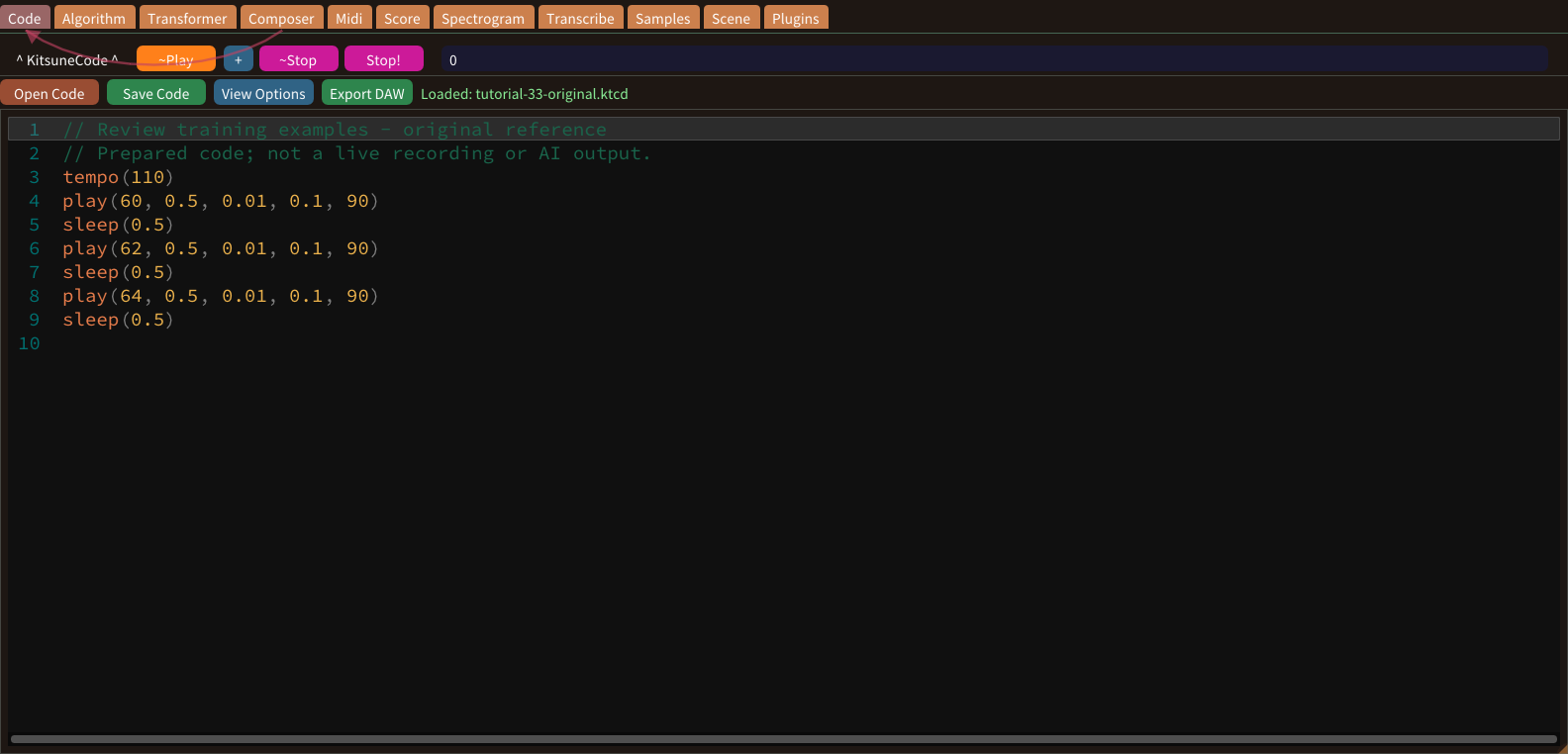
Retraining starts with examples. In Customize > Model Retrainer > Transformer, load the model file and open 2 Training data. Each genre holds examples that pair a prompt with a melody, grouped so that you can review them a page at a time.
Add your own training example
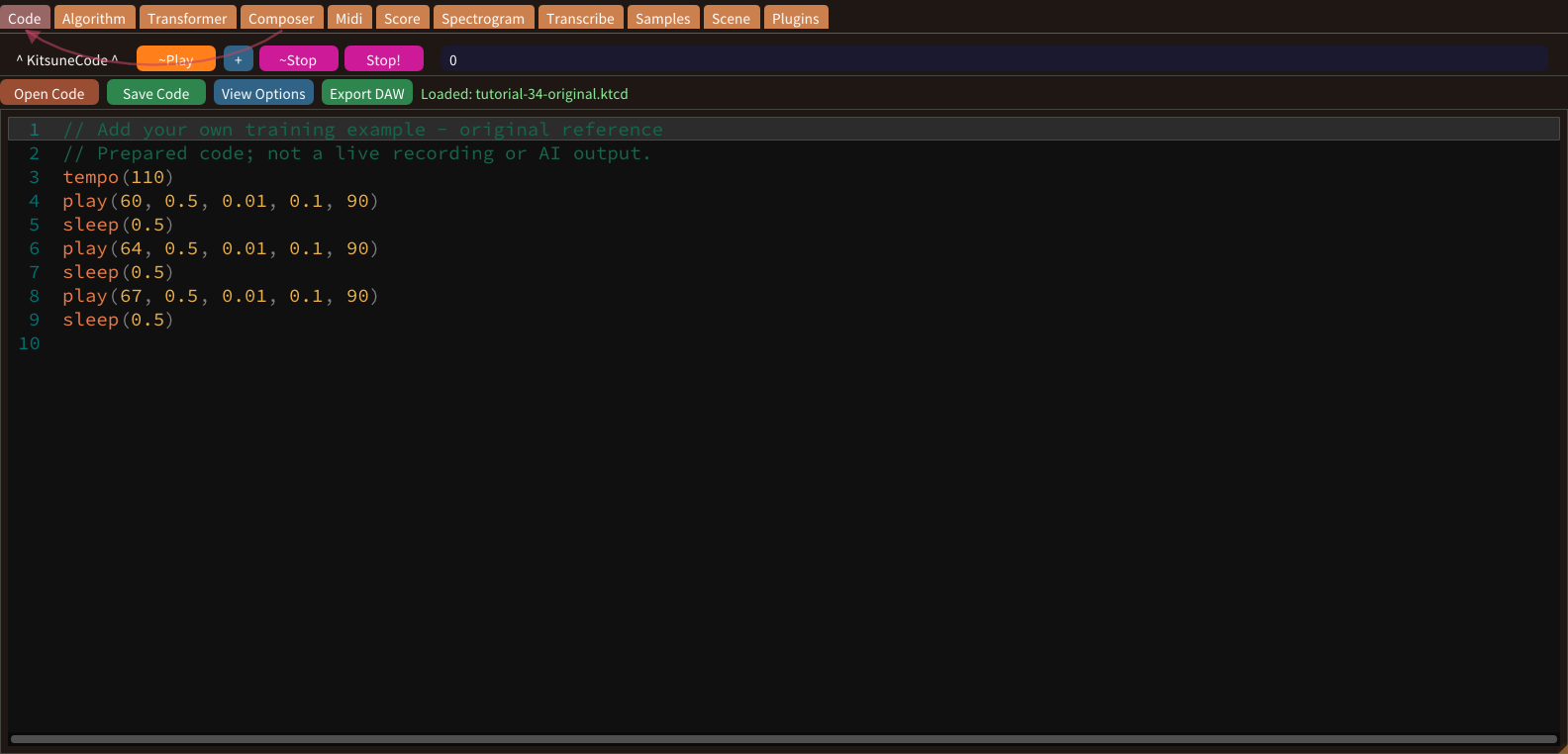
You can teach the Transformer with your own music. Begin with a short example whose pitches and timing you already understand, and keep its original file so that the imported representation can be checked against a known source.
Train, review and save a model
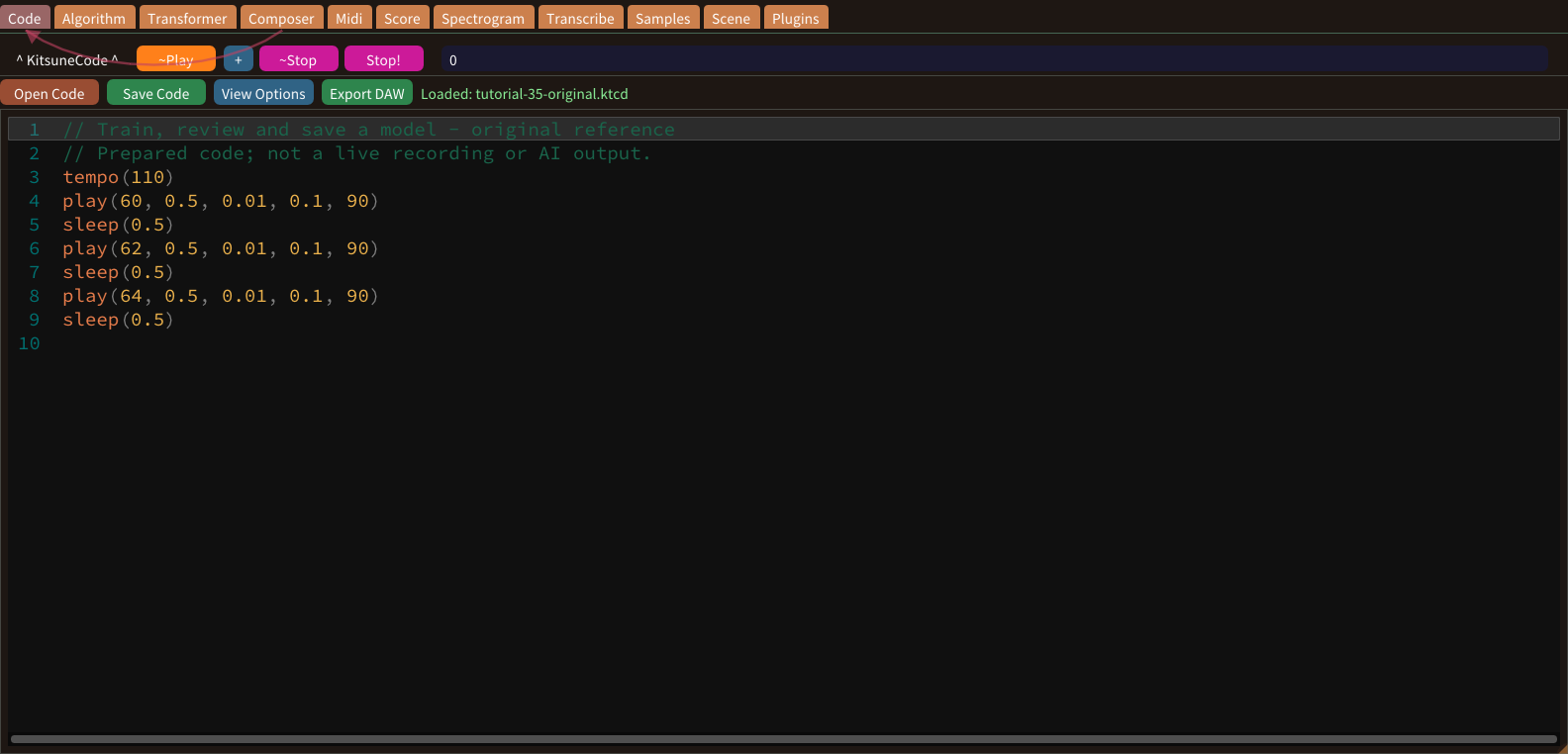
Training changes a copy of the model, not the bundled file. After confirming the data, the next step trains with all genres or with one, and the result is reviewed before it is saved.
Plugin instruments and effect chains
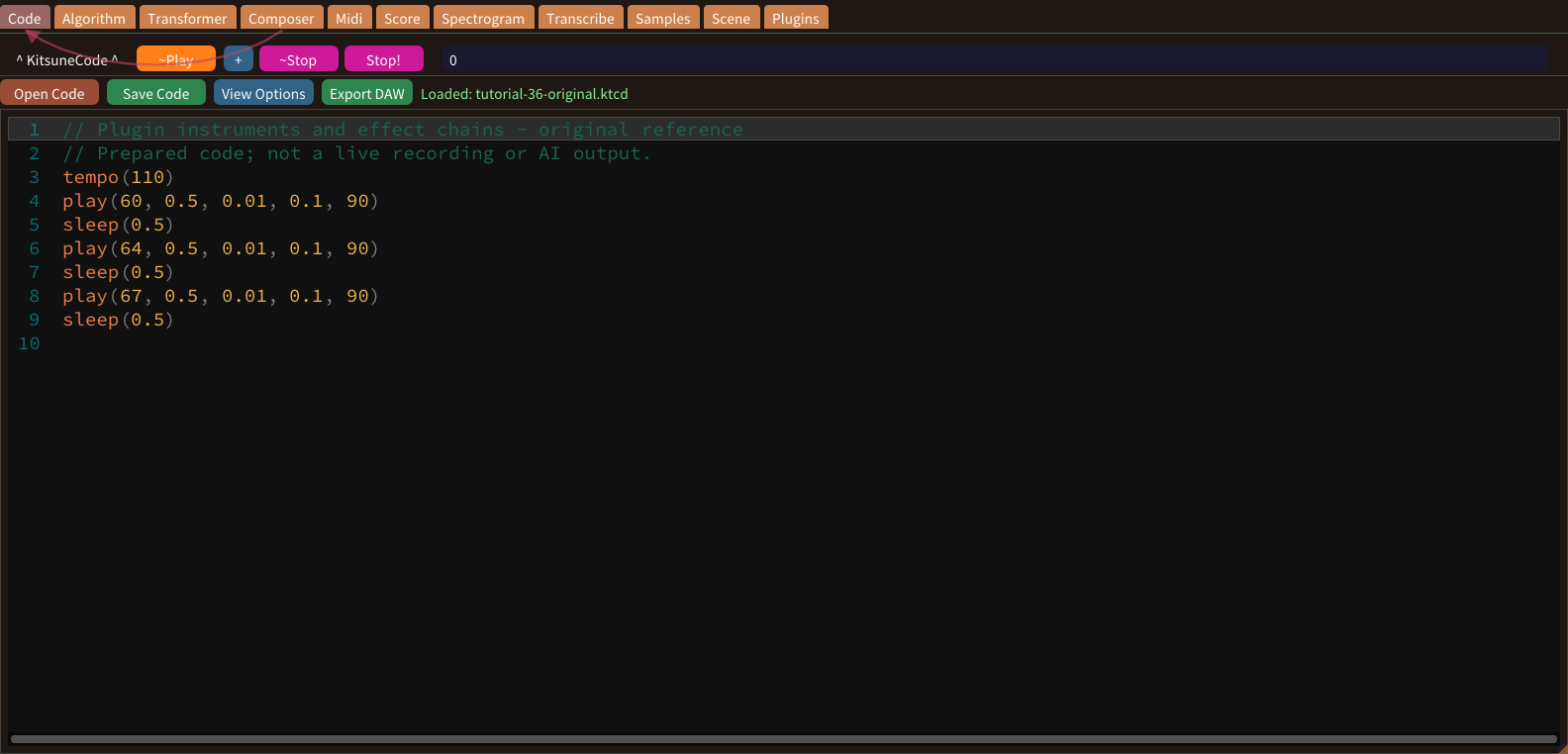
External plugins add capabilities only when compatible software is installed and recognized. The app separates shared plugin discovery from the chain in each code window. Plugin Manager keeps one list for the whole app.
Plugin presets
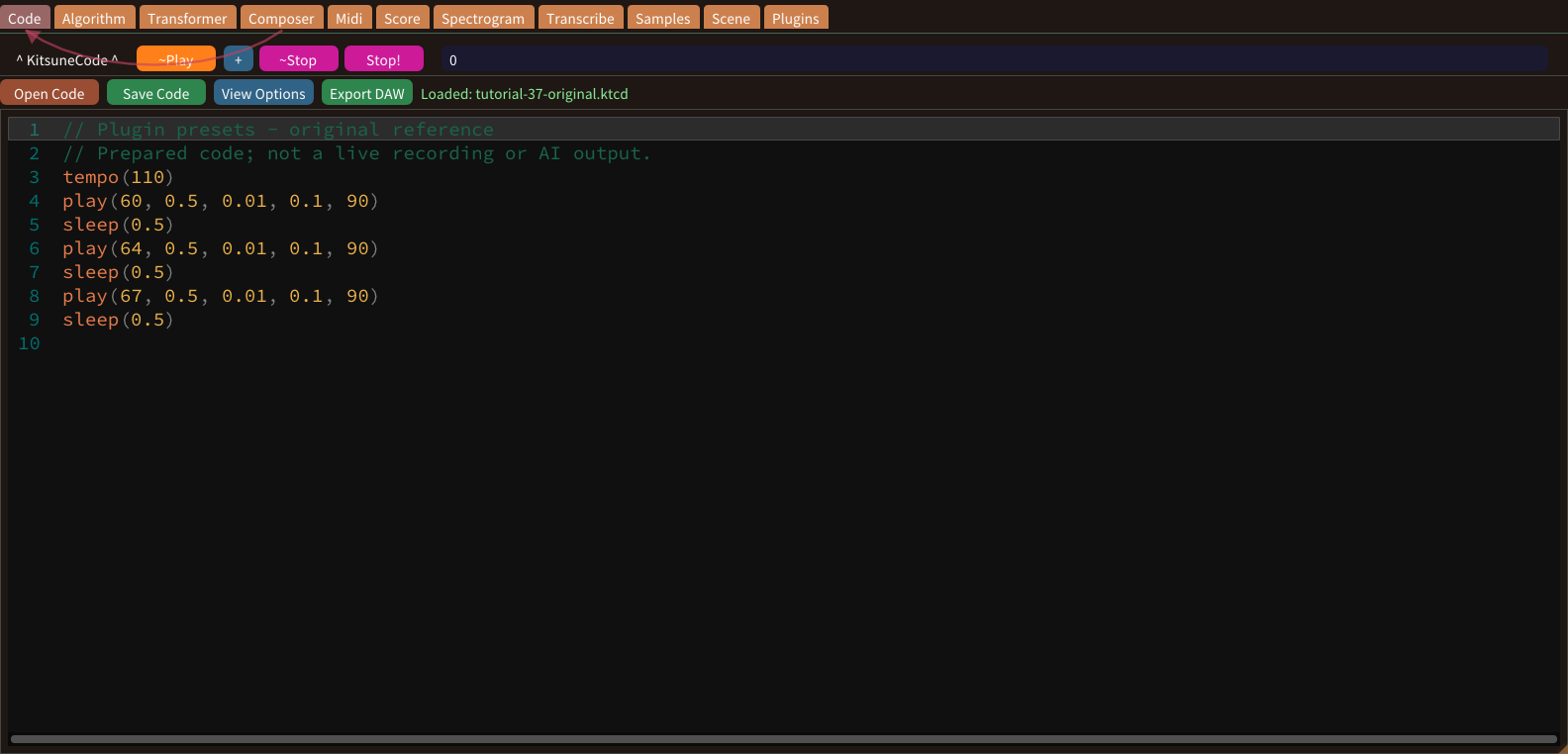
A preset stores settings for a particular plugin, and preset names depend on that product. The older lesson’s invented preset names and Plugin text syntax are not universal commands in the current application.
Filter cutoff
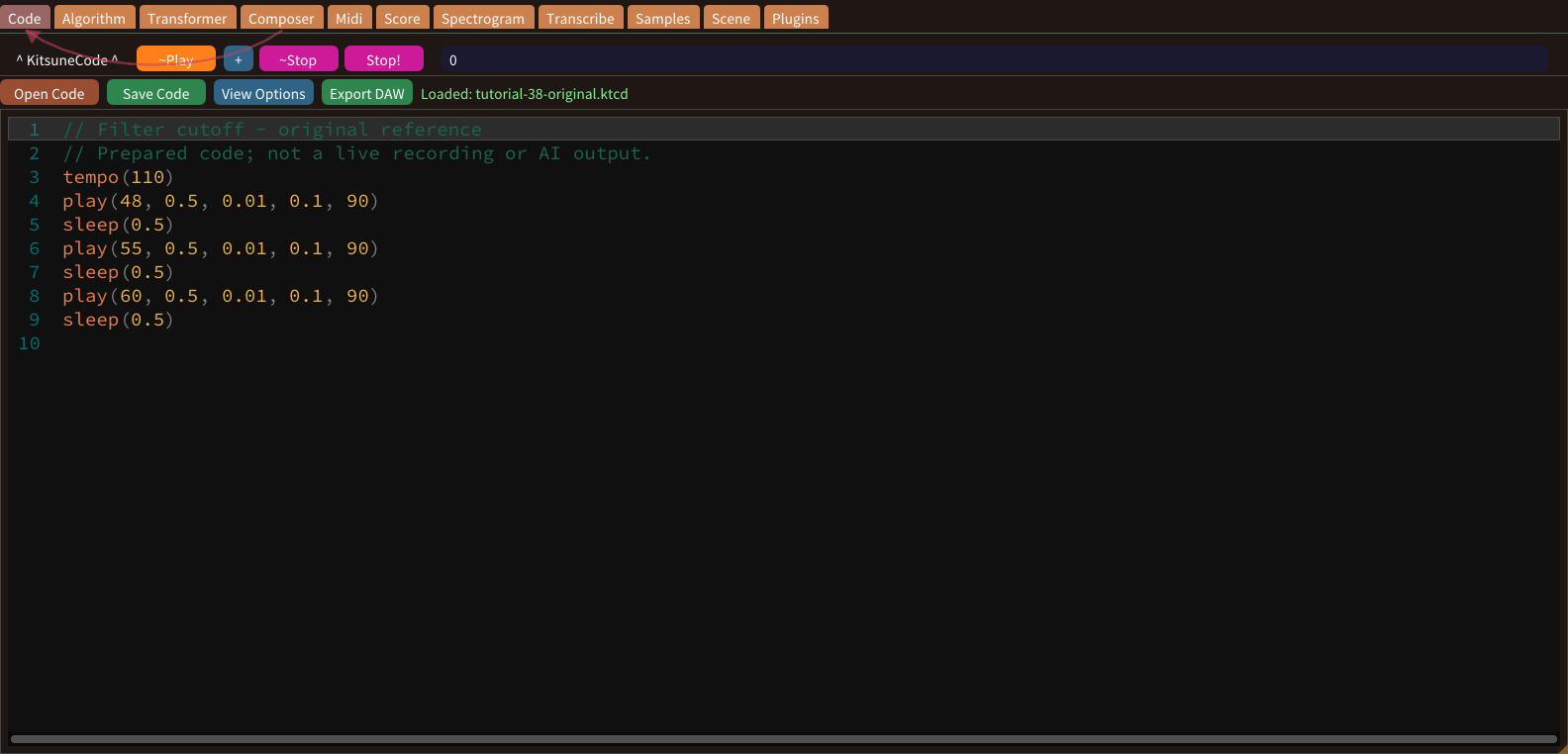
A low-pass cutoff controls the boundary above which frequencies are attenuated. Lower settings often reduce brightness. The exact response depends on the filter, source signal and other parameters in the installed plugin.
Filter resonance
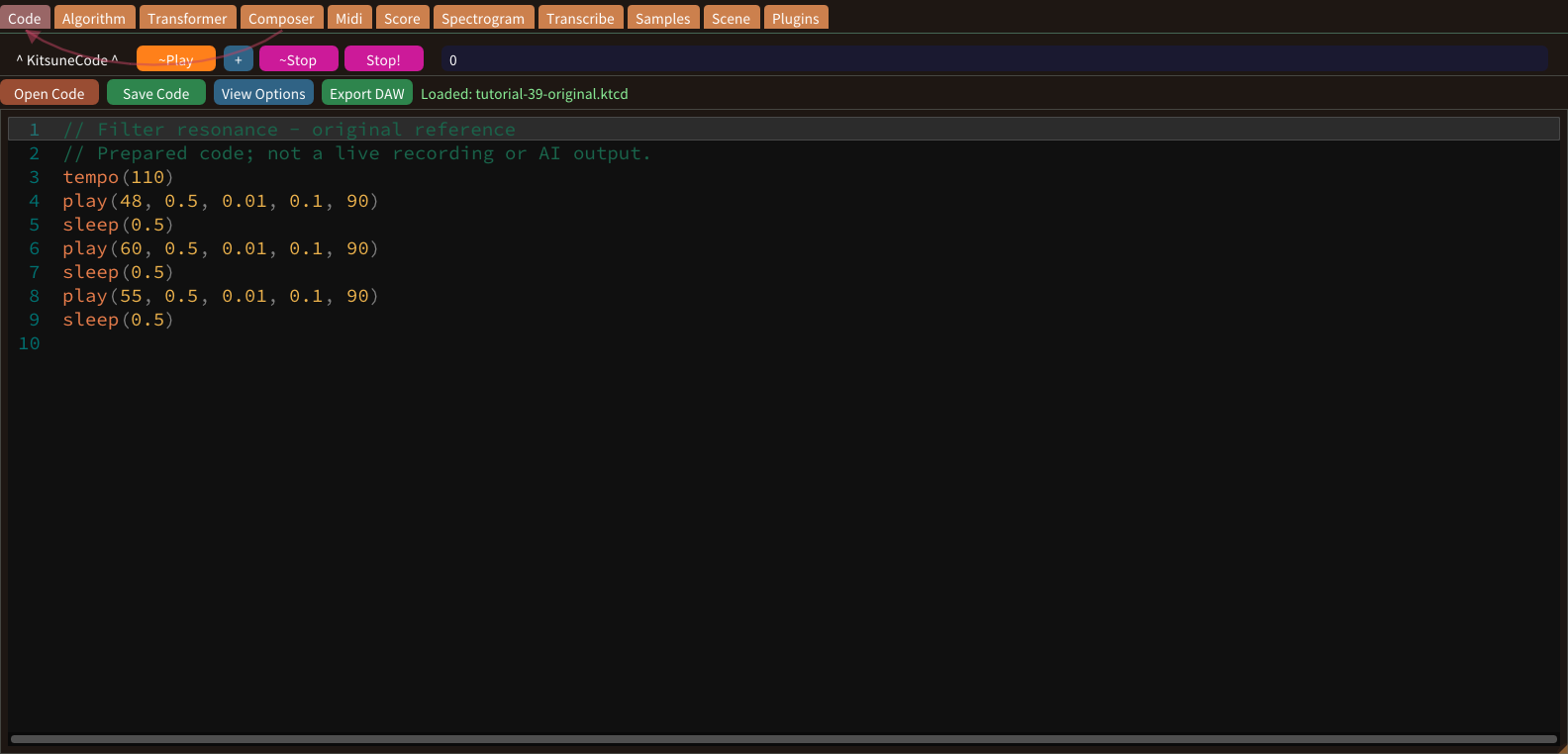
Resonance emphasizes frequencies near a filter’s cutoff. The amount and naming vary across plugins. High settings can become unexpectedly loud, so reduce monitoring level before experimenting and change the parameter gradually.
Start an audio recording
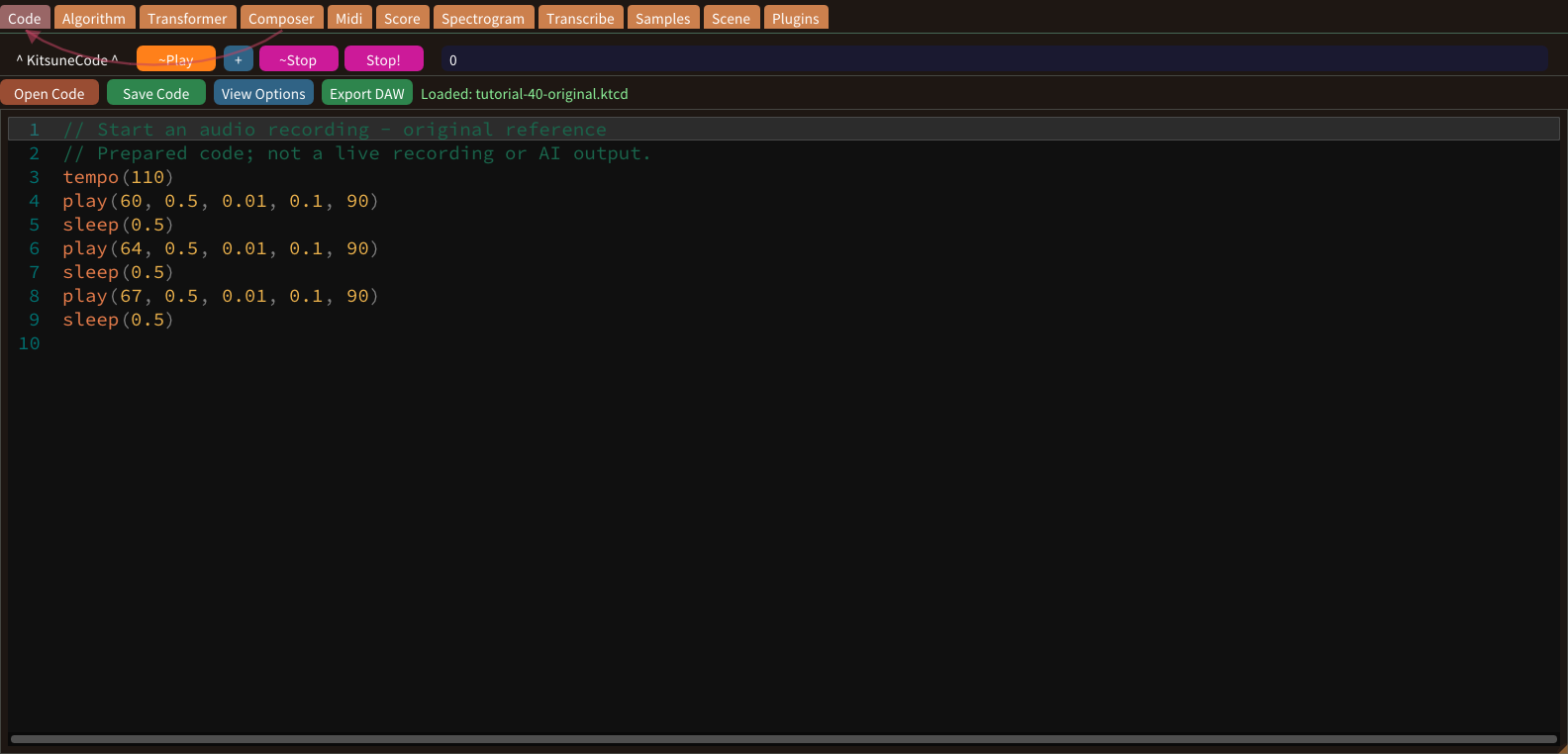
Wave Recorder captures rendered audio rather than editable note events. Choose and test an output configuration in your own app before recording. Save the code separately so that the musical source remains editable.
Save a WAV recording
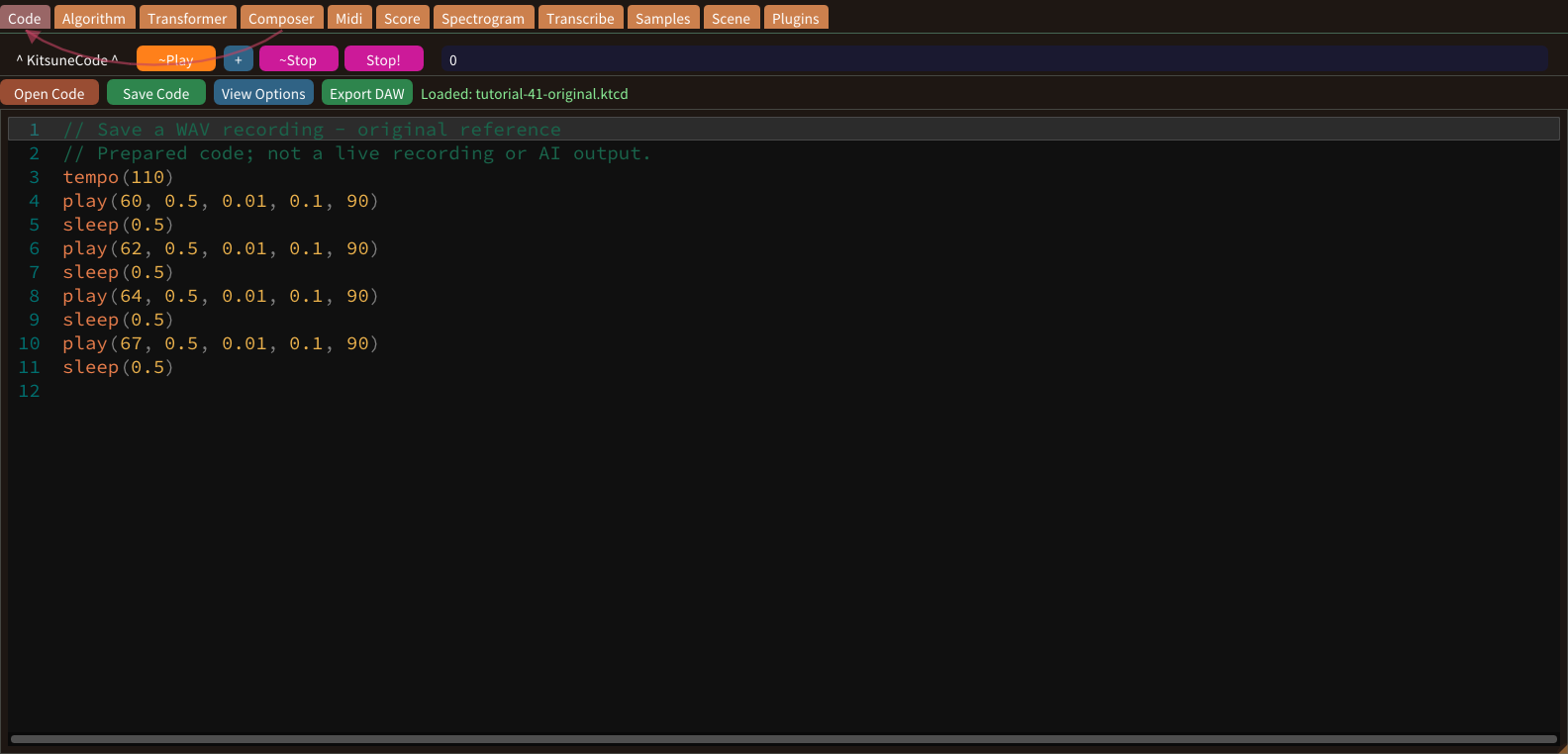
WAV export preserves rendered sound for listening or use in another audio application. It is not an editable version of the notes or code. Keep the source project alongside the audio file.
Work with multiple windows
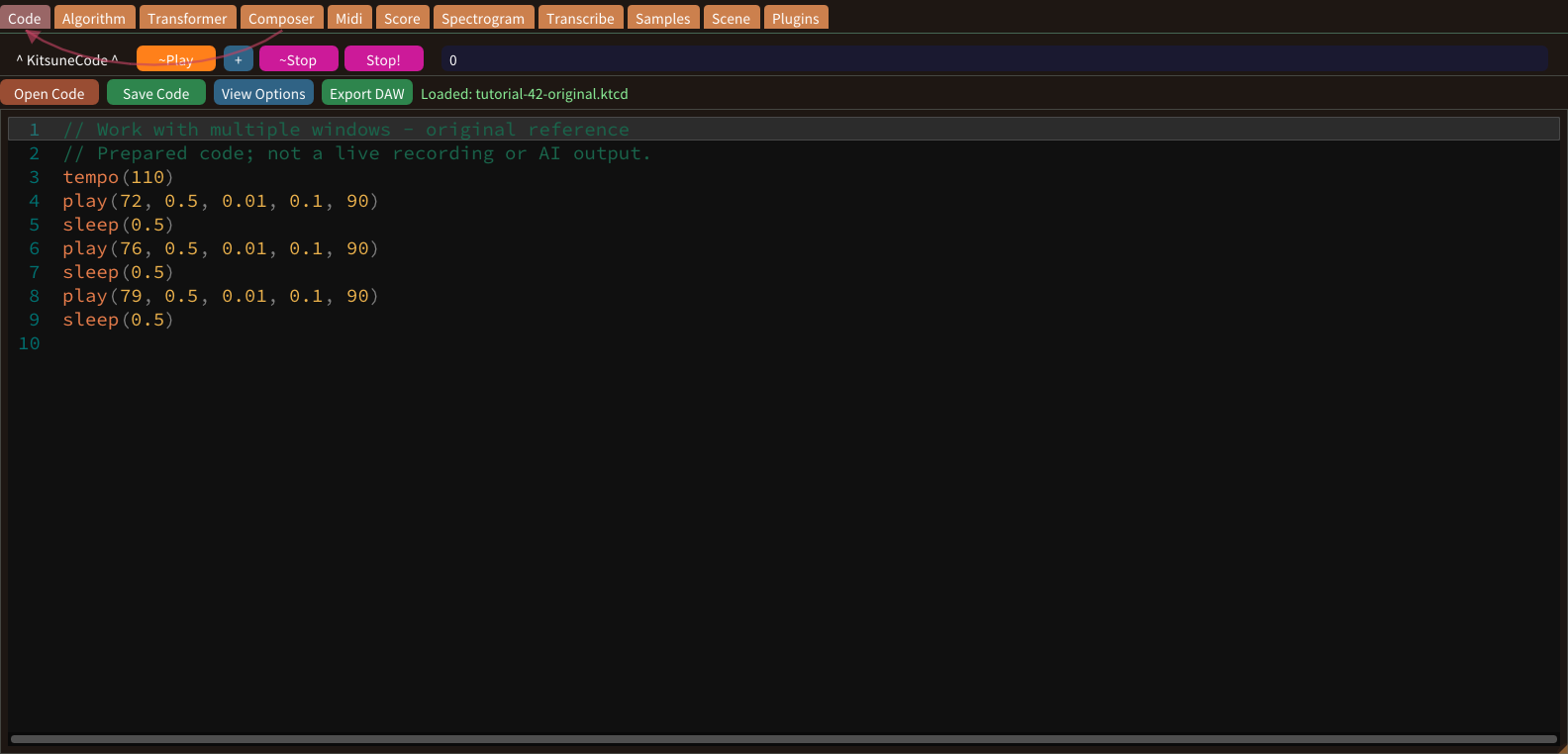
Multiple code windows let you organize separate musical parts. Assign a clear role to each window, such as melody or bass. Settings > Executor Count chooses how many windows the app shows.
Coordinate multiple parts
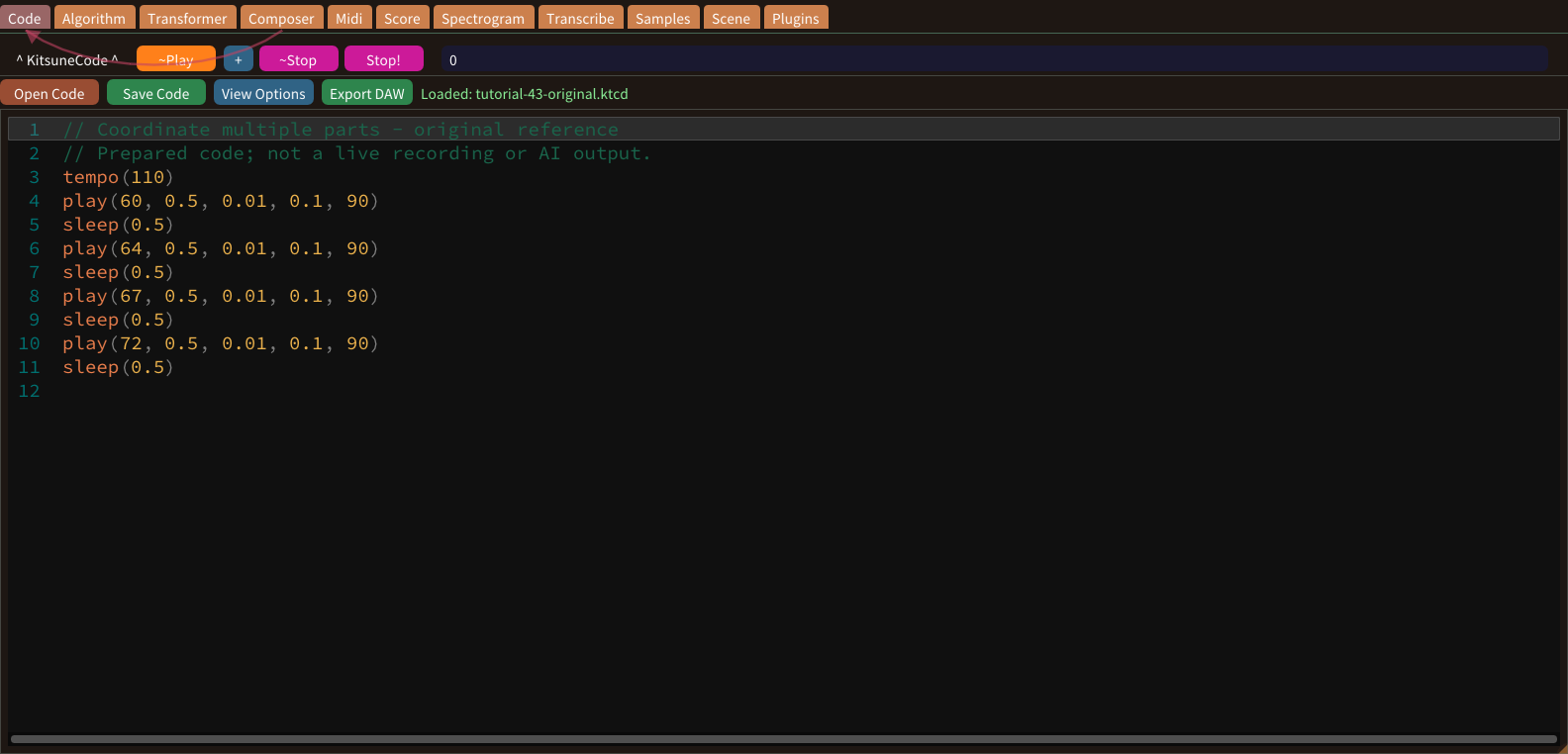
A multi-part arrangement needs compatible timing as well as separate windows. Start with short phrases sharing an intentional tempo and length. Do not assume that manually clicking several play buttons produces sample-accurate simultaneous starts.
Choose a Windows audio output
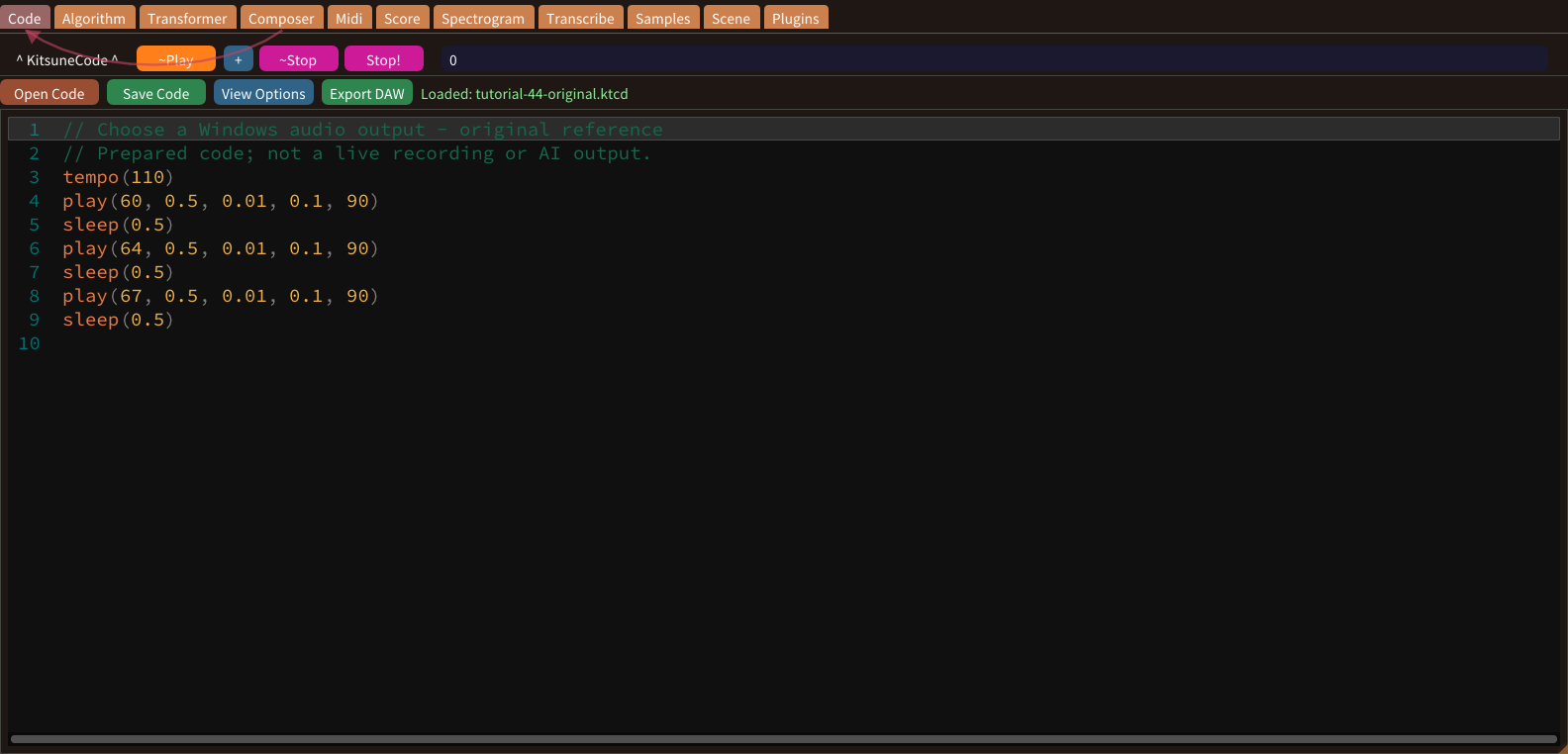
Windows can expose one physical output through several host APIs. The device label helps distinguish entries such as Windows WASAPI. Choose an available output appropriate for your setup and start with a modest monitoring level.
Use a USB audio interface
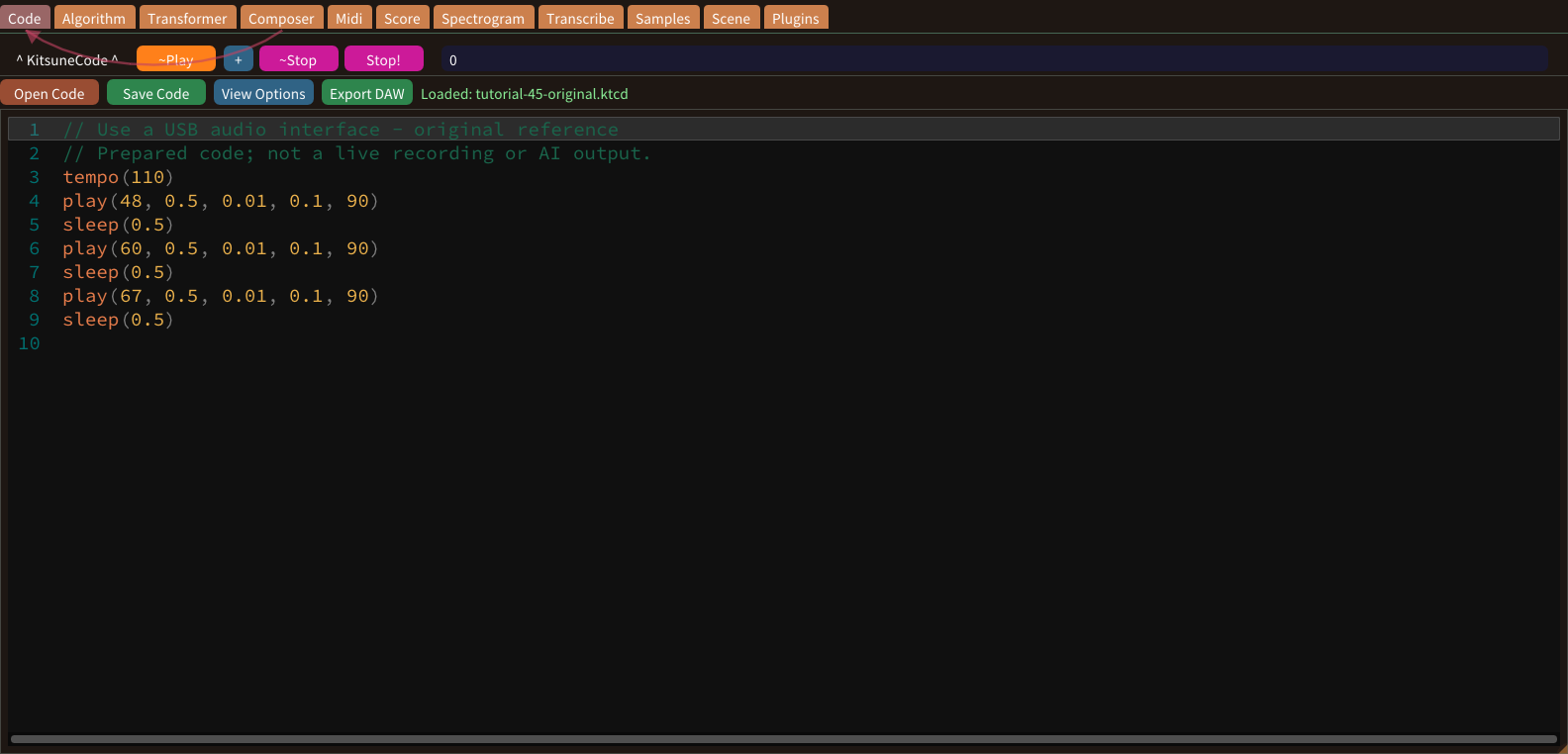
A USB interface provides an audio output only when the operating system and application recognize it. Connect the device and follow its manufacturer’s setup instructions. An interface brand does not imply that an ASIO path exists in this build.
Diatonic scales and keys
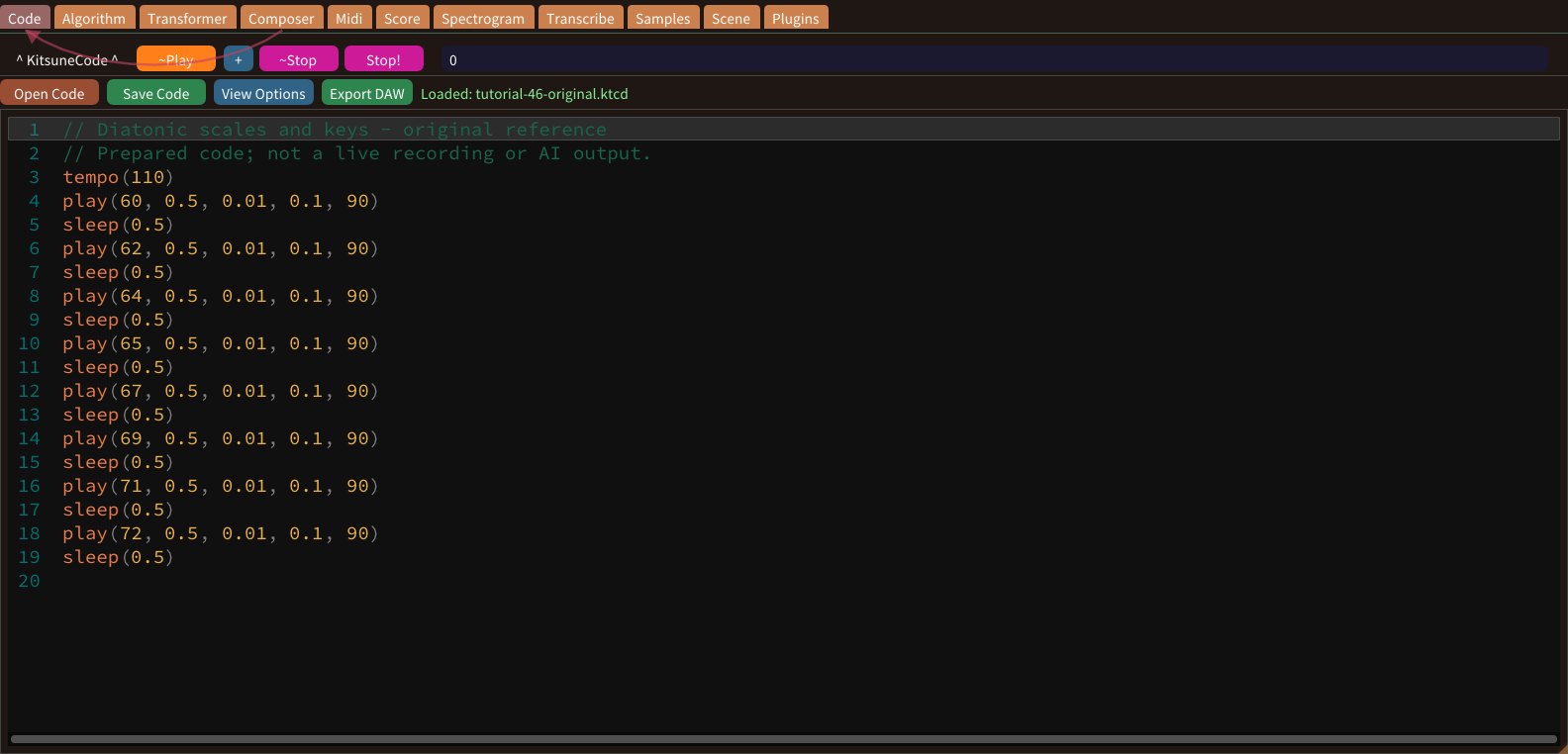
A diatonic collection organizes seven pitch classes. C major uses C, D, E, F, G, A and B. A melody needs timing as well as pitch: sequential play calls require sleep between them to move forward.
Pentatonic phrases
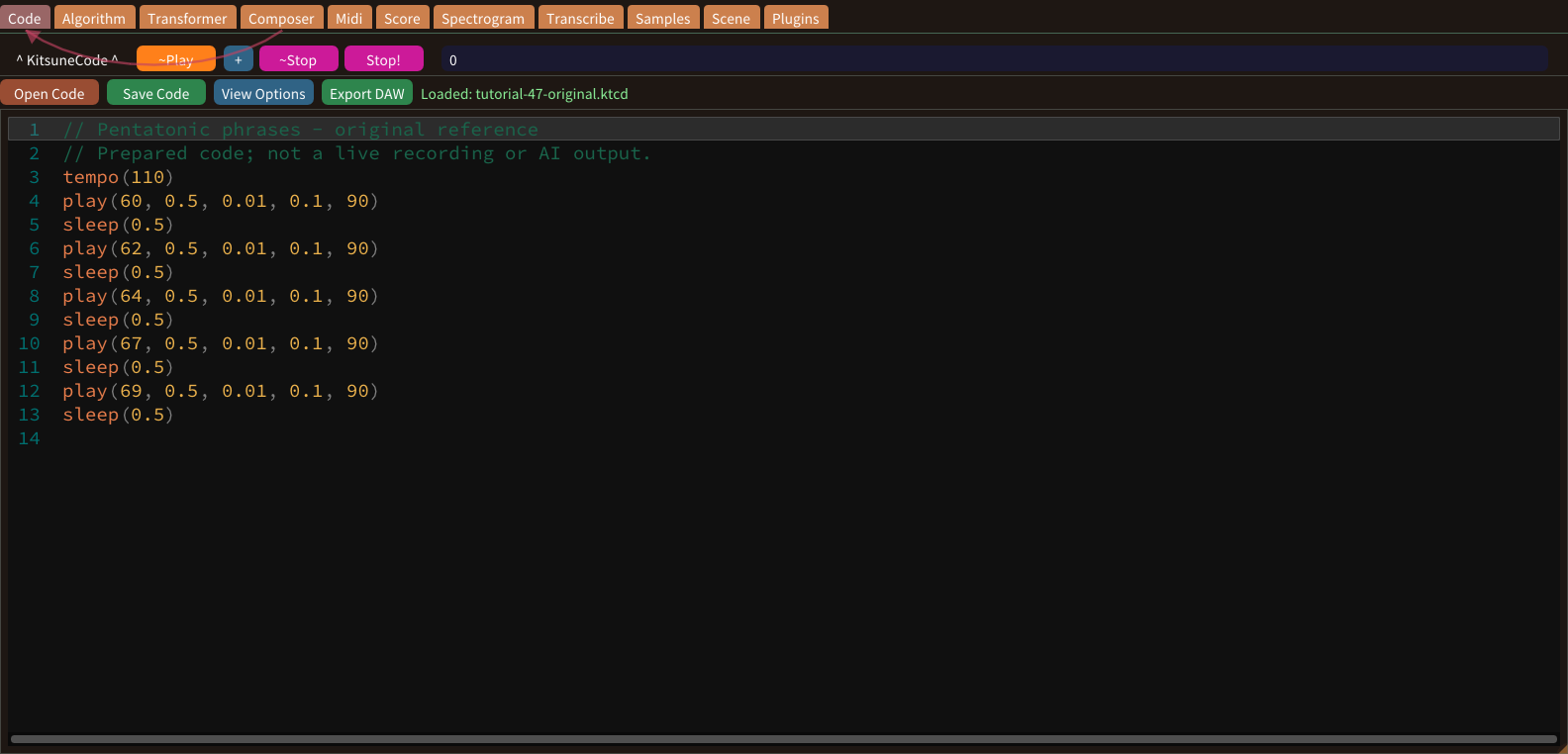
A major pentatonic collection contains five pitch classes. C major pentatonic uses C, D, E, G and A. Omitting other scale degrees changes the available melodic steps, but does not guarantee that every combination will fit every harmony.
Arpeggios and broken chords
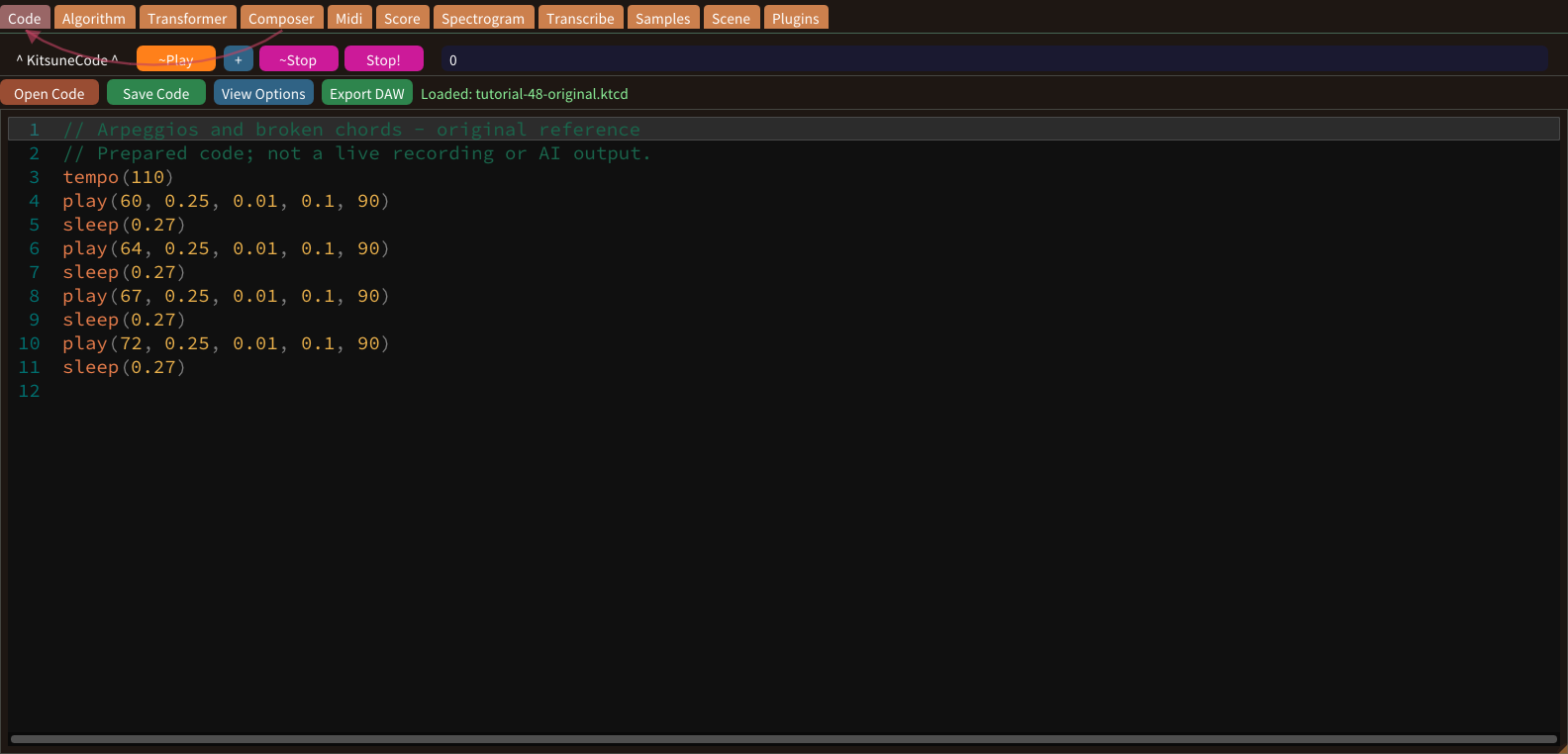
An arpeggio presents chord tones one after another instead of simultaneously. Use sleep between play calls to create the pattern. Quarter-beat spacing produces sixteenth-note attacks when a quarter note is the beat unit.
Reverb and delay effects
Reverb suggests a surrounding acoustic space; delay produces repeated echoes. A compatible effect must actually be available and loaded before its parameters can be adjusted. Code comments describing room size or delay time do not activate an effect.
Current keyboard shortcuts
Keyboard shortcuts depend on context. Informations > Keyboard Shortcuts lists the current set, generated from the same table the app uses. Keep the relevant tab focused before testing a command.
Live coding
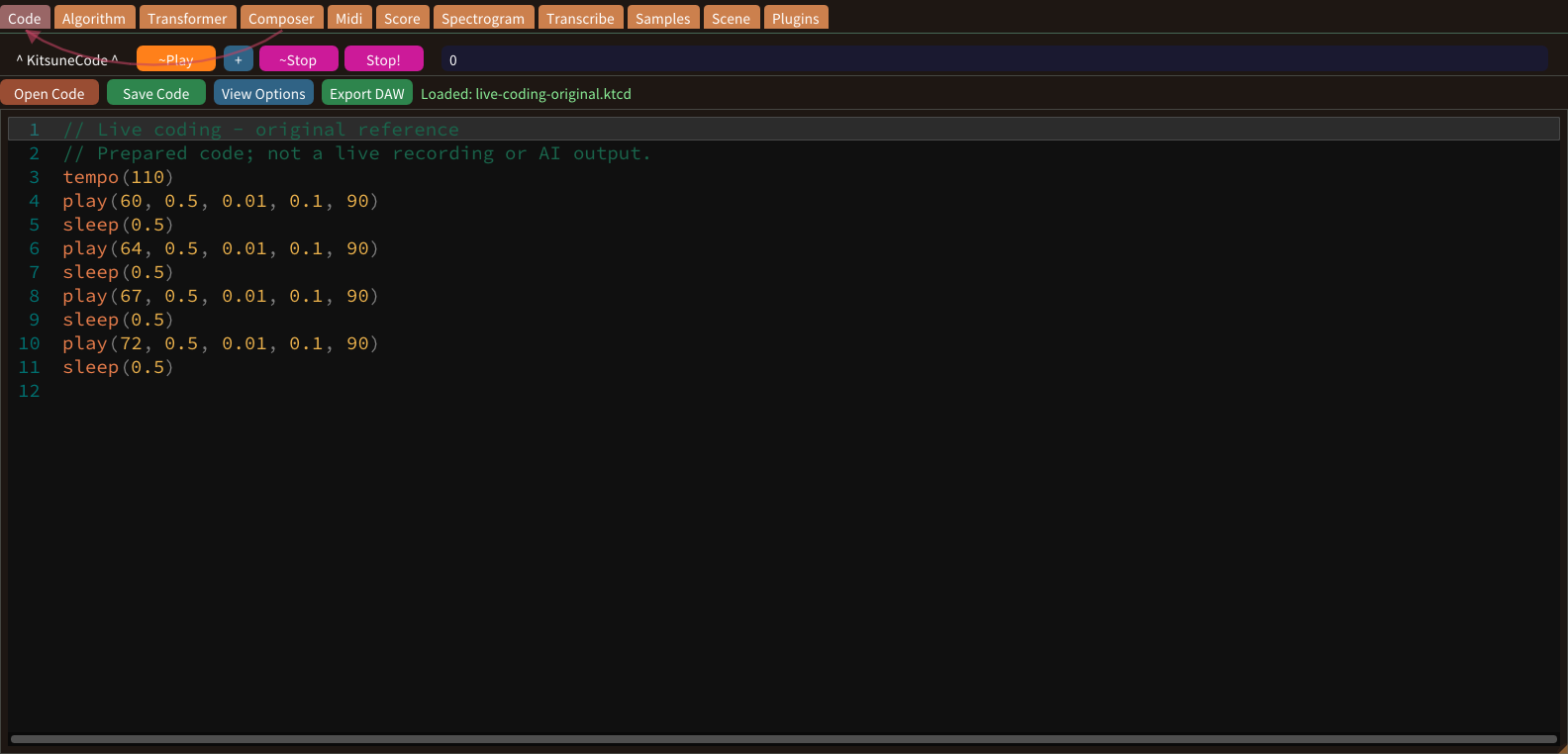
Code describes notes and time. play(C4, 1) starts a one-beat note; sleep(1) moves the next start one beat later. Count the beats in the example before running it. The code and its imported notes provide two views of the same scheduled musical events.
Synths & samples
Built-in waves synthesize a sound; Samples lists the WAV files that sampler() plays. The screenshot shows the actual sample list. Choose a short reference phrase before comparing sound sources. Holding its pitches and timing constant helps you hear the difference between waveform and musical pattern.
Algorithmic composition
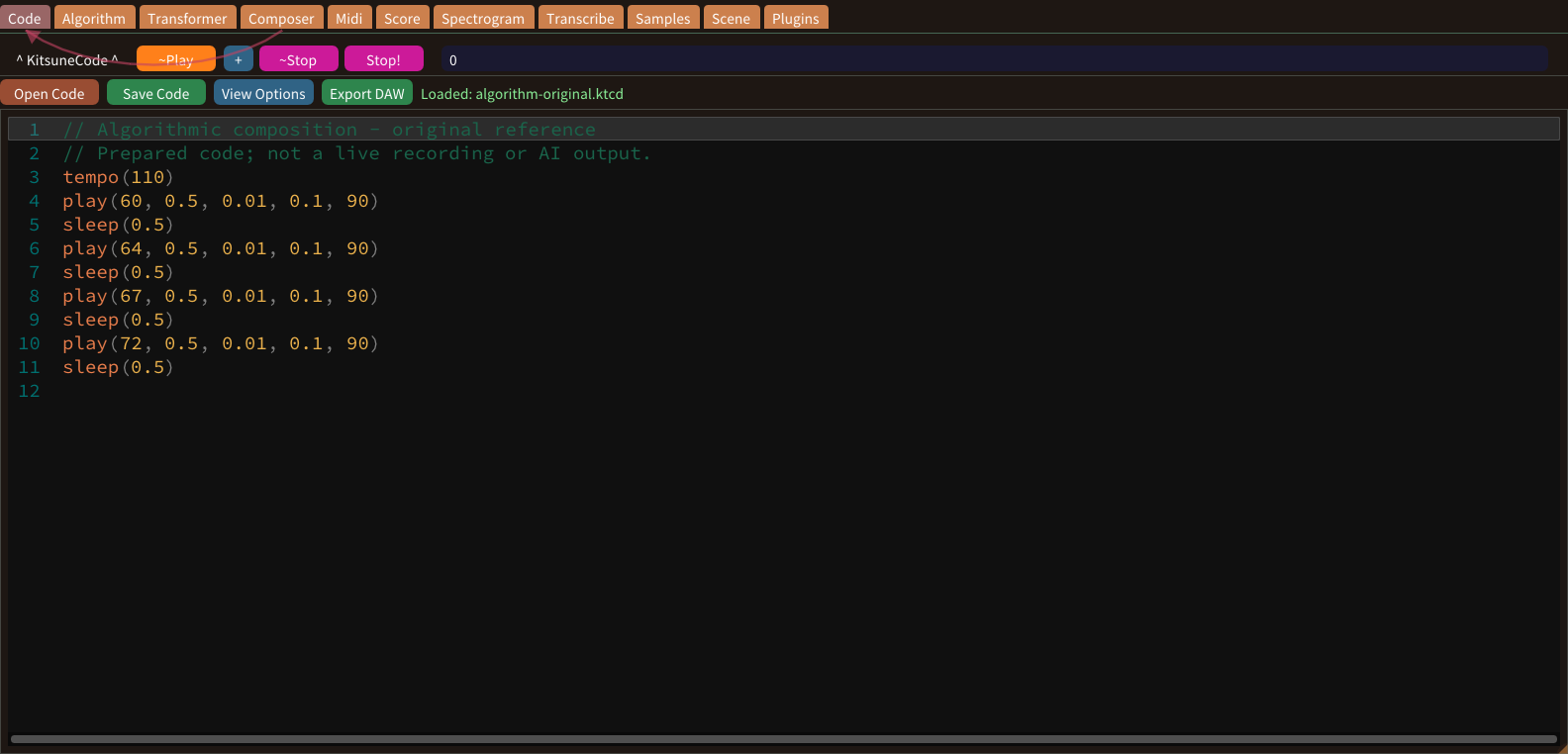
Algorithm builds phrases from rules and a pitch curve. This screenshot shows setup controls, not a completed generated phrase. Treat rules as a way to limit choices rather than an automatic quality guarantee. Decide the intended range and phrase length before using the generator.
Composer
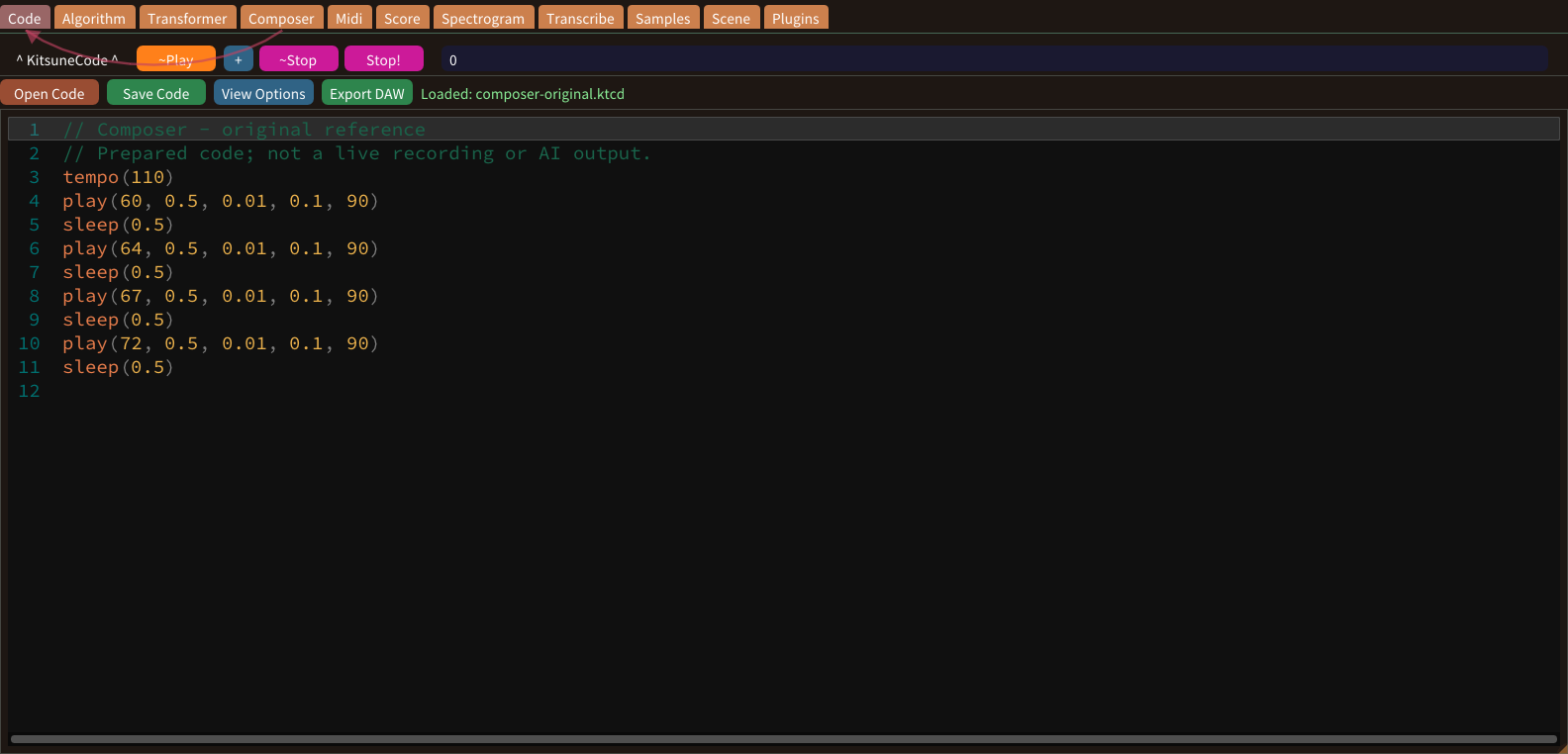
The Composer tab makes a whole song. Algorithm Composer uses a style circle and presets; Neural Prompt reads words with CogitsuneAgent. The presets sit around the edge of the style circle. A point between two presets blends them, and moving toward the centre mixes in the average of all presets.
Transformer
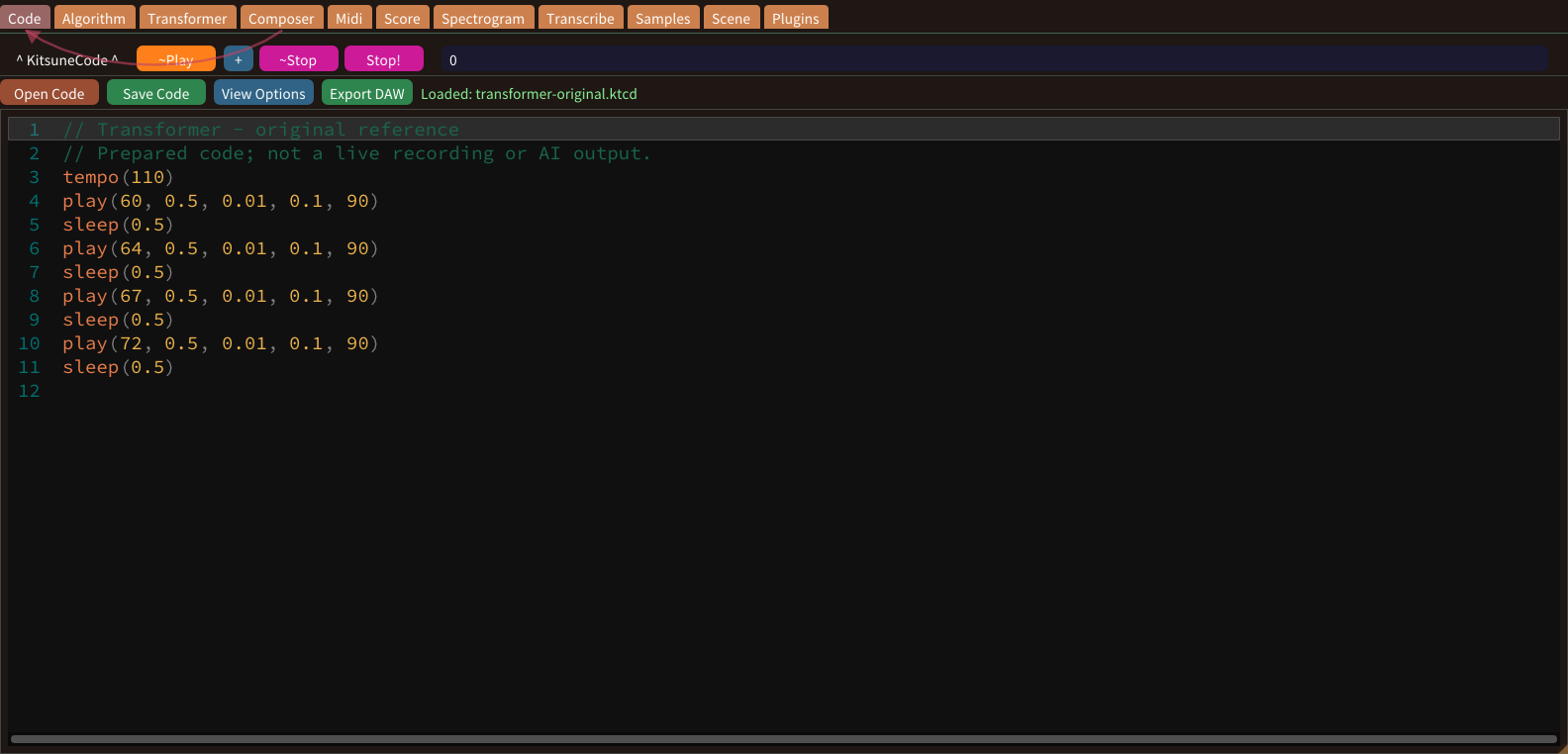
The Transformer tab turns a word or genre into a melody. With Style VAE on, that genre’s VAE re-composes the draft on every press. A word or genre name chooses the style, while other words influence the mood and tempo. The Transformer writes a draft; the Style VAE then writes a new version of it.
Model Retrainer
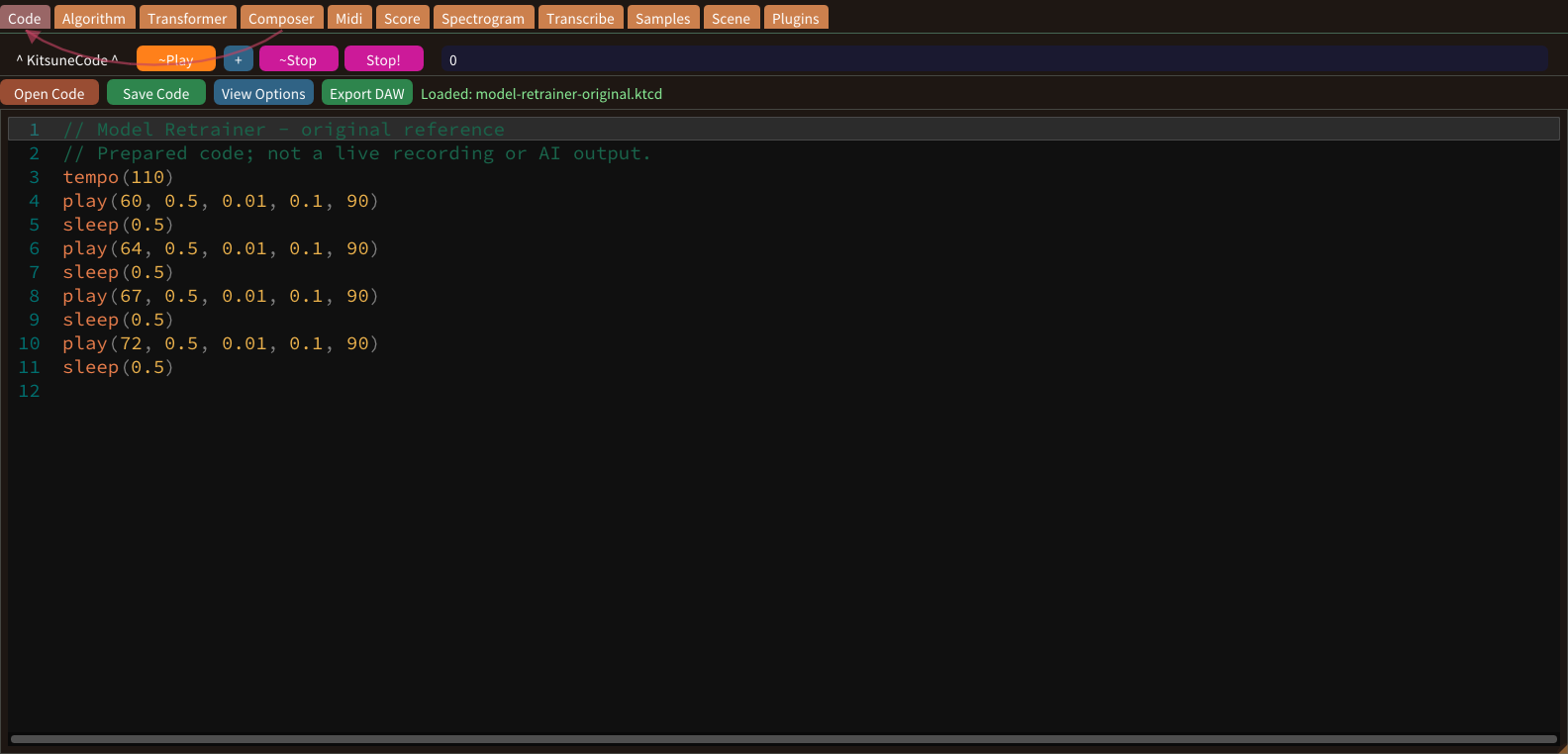
Customize > Model Retrainer teaches the bundled models your music. Its tabs are Transformer, Style VAE and CogitsuneAgent. Retraining changes how a model writes music. Start with a small number of clear examples, and keep the bundled model available as a reference for comparison.
Style VAE
Style VAEs sit under the Transformer and the Composer plan. Each genre has VAEs for Melody, Chords, Bass, Drums and Drone. A Style VAE learns the patterns of one part in one genre. Retraining the melody VAE of jazz does not change the drums of jazz or any part of another genre.
Piano roll
The Midi piano roll maps pitch vertically and time horizontally. Notes imported from Code keep their parts: Main, Lefthand, Righthand and the others. Identify one block by pitch, start and length before editing. These three properties are easier to learn separately than through a large batch of simultaneous changes.
MIDI keyboard
A MIDI keyboard supplies note events to the desktop app. No physical keyboard was connected for these screenshots; the visible notes were imported. Confirm that the operating system recognizes your device before selecting its port. This browser tutorial does not connect to MIDI hardware or verify your computer’s driver setup.
Find notes
Find notes searches a note pattern in Code, Midi, Score and the Model Retrainer roll. Press Ctrl+F or the Find notes button. Searching does not change the music. It selects matches so that you can look at them and decide what to edit yourself.
Export: WAV, MIDI, MusicXML & DAW
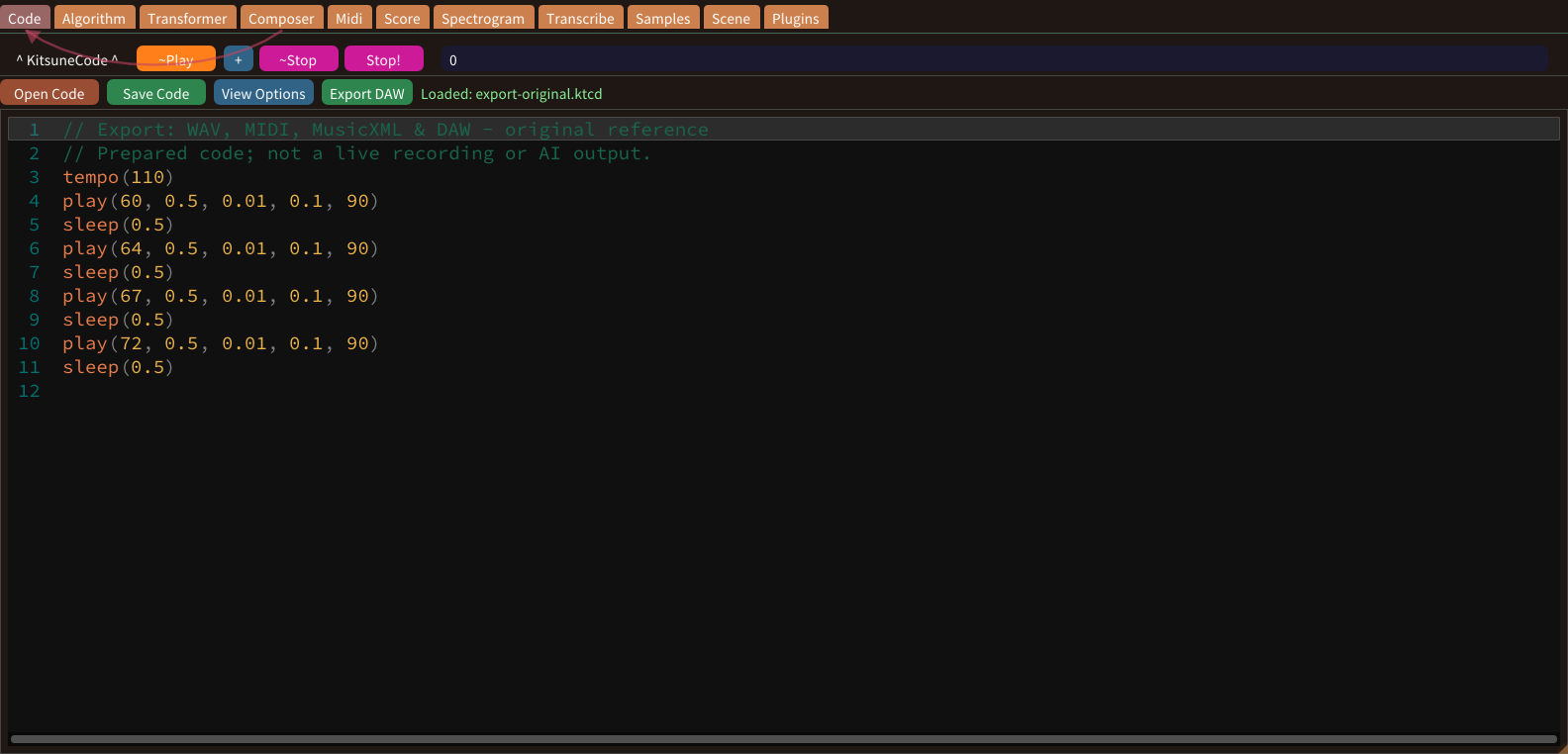
WAV stores rendered sound, MIDI stores notes, MusicXML and PDF store notation, and a DAW project keeps tracks and sections. Keep editable source files alongside rendered exports. Neither a WAV file nor a screenshot can reconstruct every command, plugin dependency or project setting used to produce the sound.
Transcribe
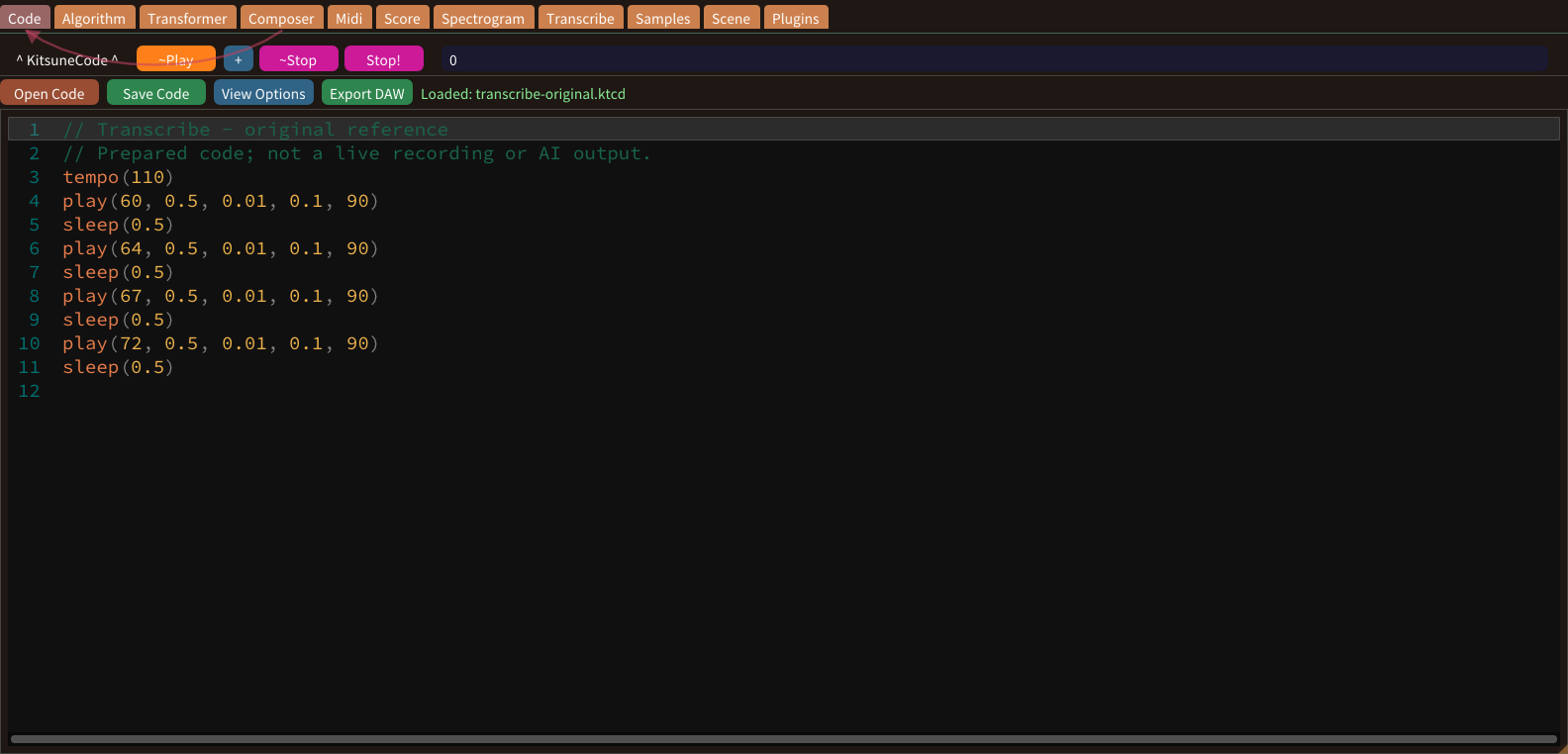
Transcribe listens to a WAV and reports its pitch, its beat and a melody you can paste back into Code. Pitch detection works best on one clear note at a time. Chords, noise and drums give less certain results, so listen to the WAV before trusting the numbers.
Scene
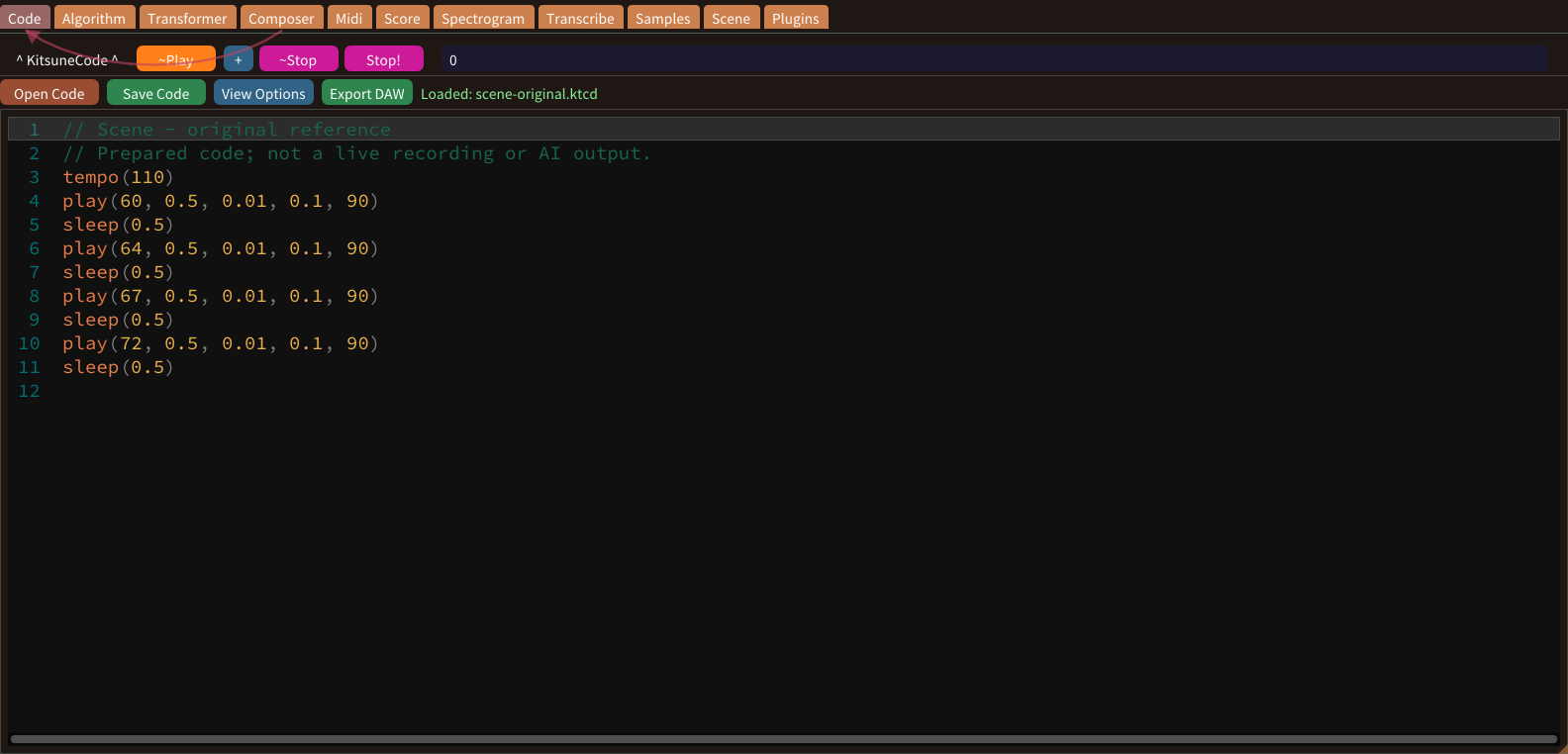
Scene is a 2D musical map. Every material, such as water, grass, stone, flower or tree, is a music function. Each material wraps different functions; water, for example, uses sin, cos and a triangle wave. Looking at the material description helps you predict how a tile will sound.
Spectrogram
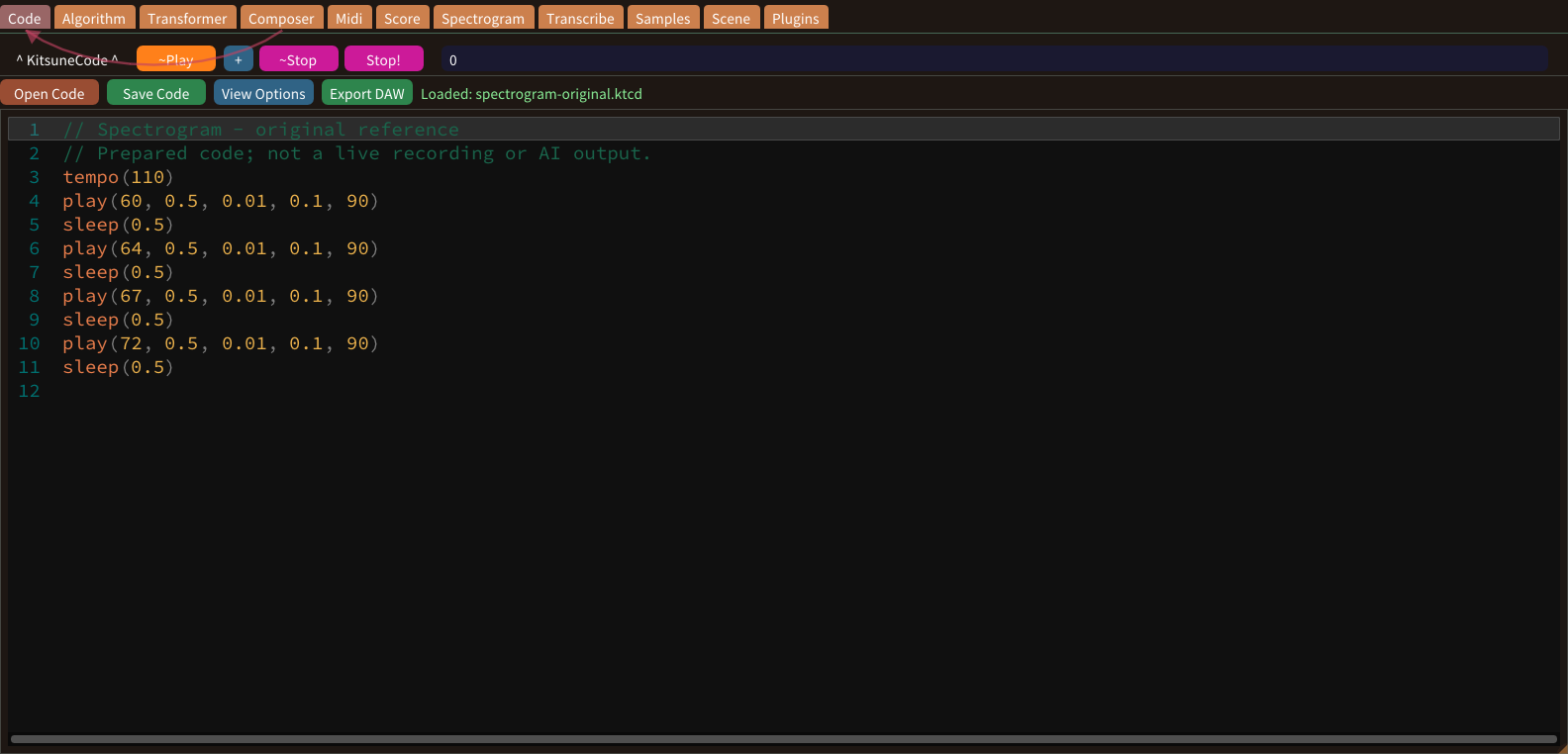
Spectrogram turns a time-frequency painting into sound. The screenshot is a two-second demonstration painting, not a recording of a real instrument. Read the painting as time and frequency rather than as a piano roll. Brush settings influence the painted energy, while duration changes how the image is mapped into time.
Score, MusicXML & PDF
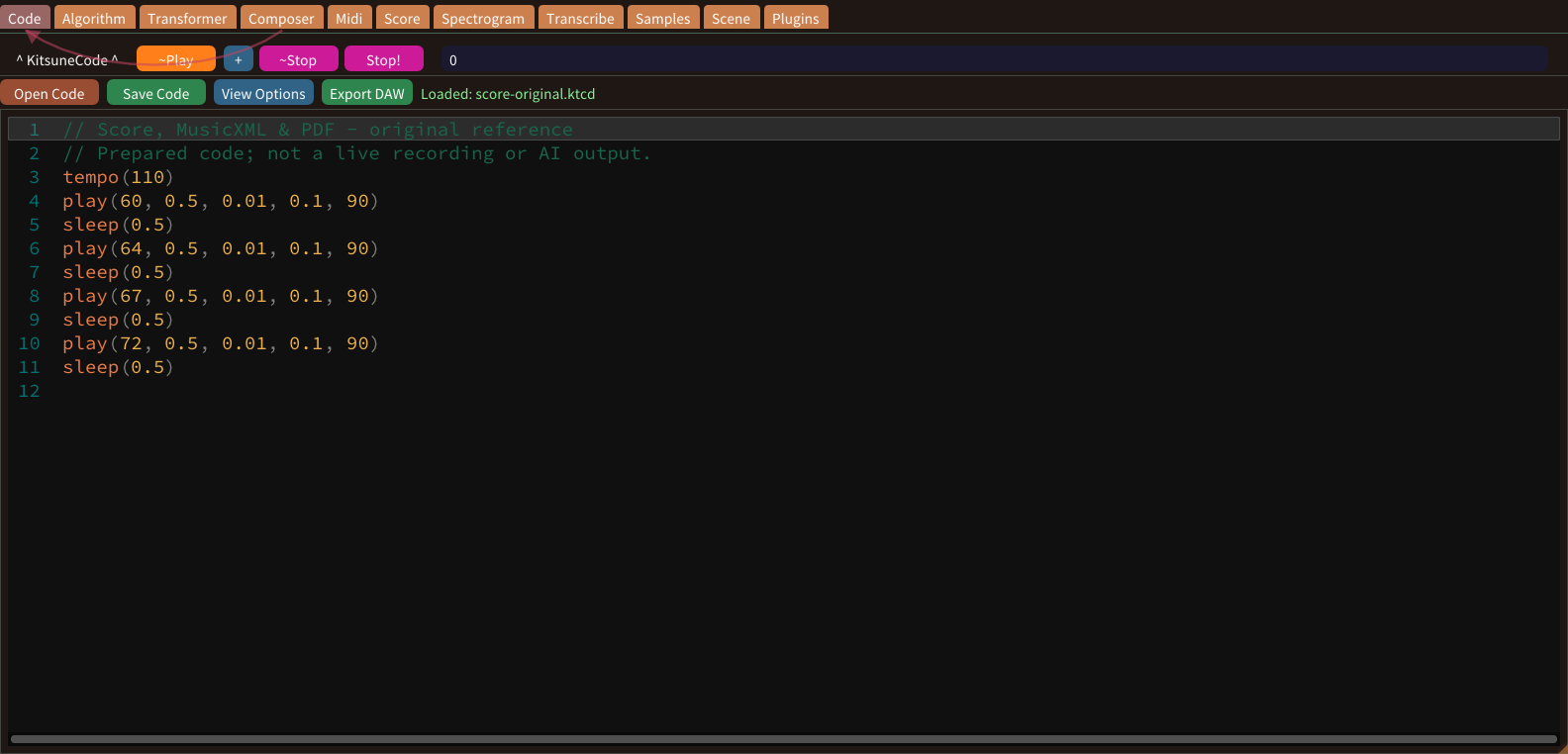
Score shows the code as sheet music. View reads and plays it; Write is a notation editor that can send the music back to Code. Use the score to inspect note relationships that may be less obvious in source text. It is a representation of note-generating code, not a universal transcription system for arbitrary audio.
Share Studio
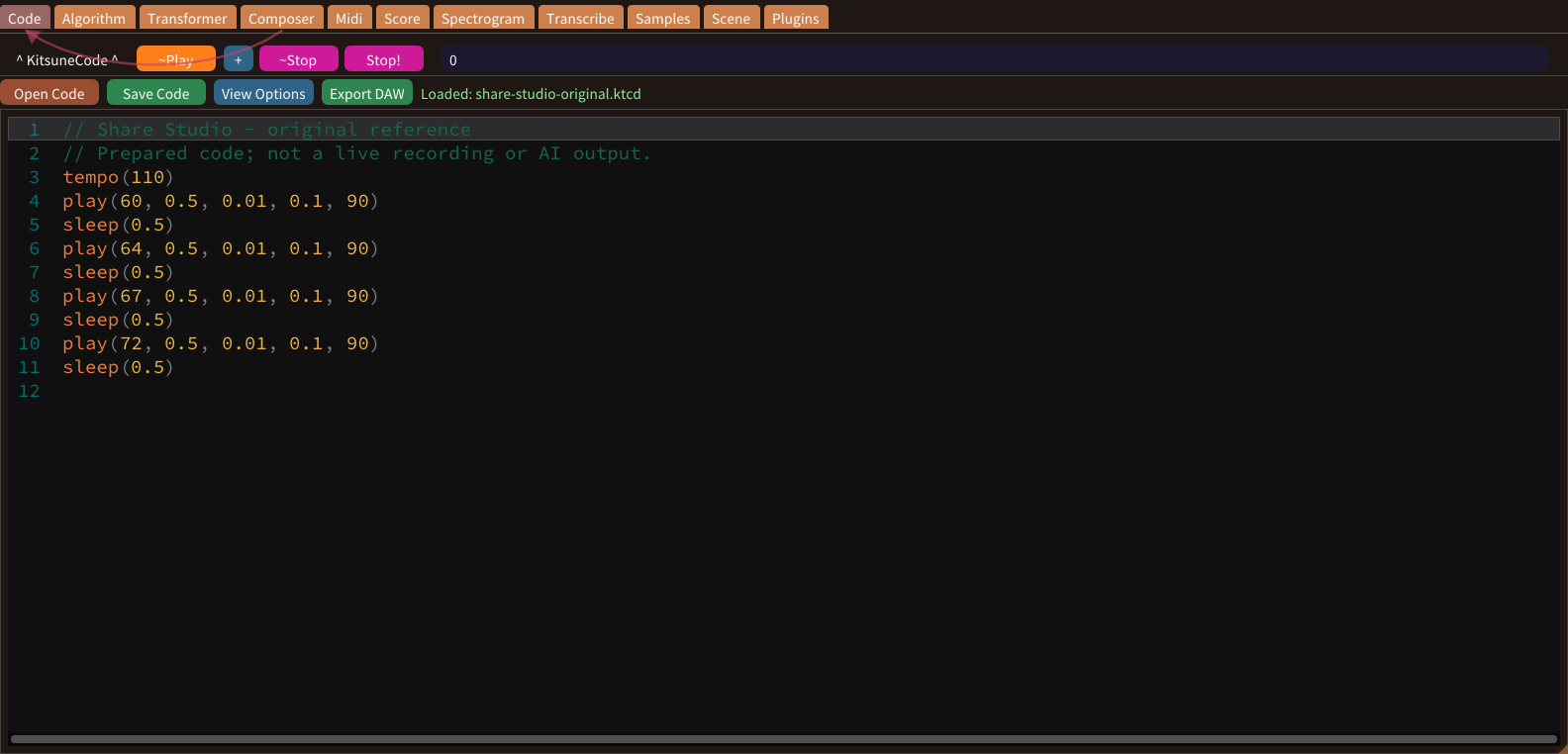
Share Studio turns your music into a square video or a WAV for social media. Open it from Share > Share.... A clip is one use of an image on the timeline. Several clips can come from the same image, and the top layer is drawn in front.
Number graphs
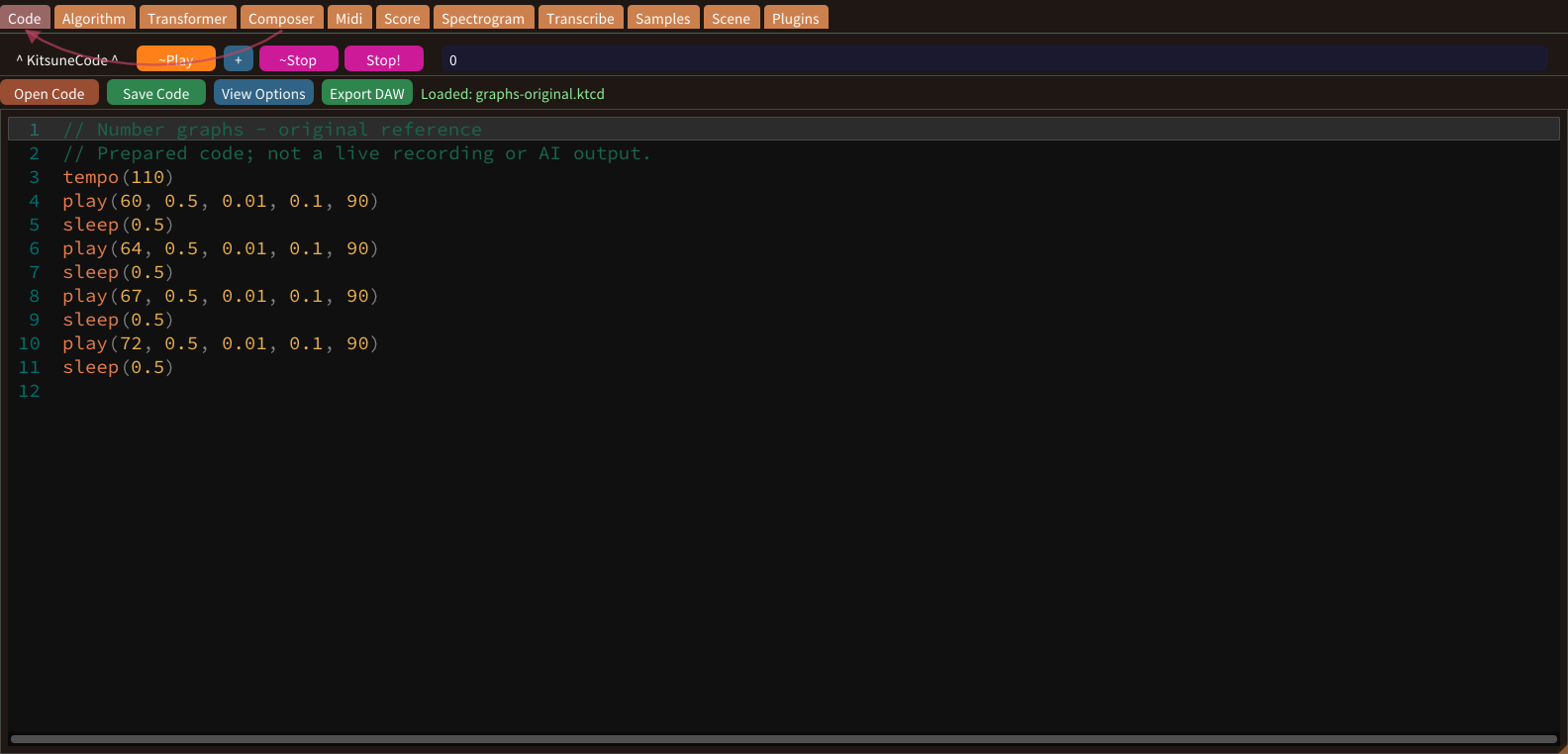
Number graphs reveal how tempo, pitch, duration and other values vary. They are read-only previews, not piano-roll editing surfaces. Each graph displays a particular parameter rather than a complete musical judgment. Compare it with the source values before deciding that an unusual shape represents an error in the phrase.
Effects, Shaper & Assist
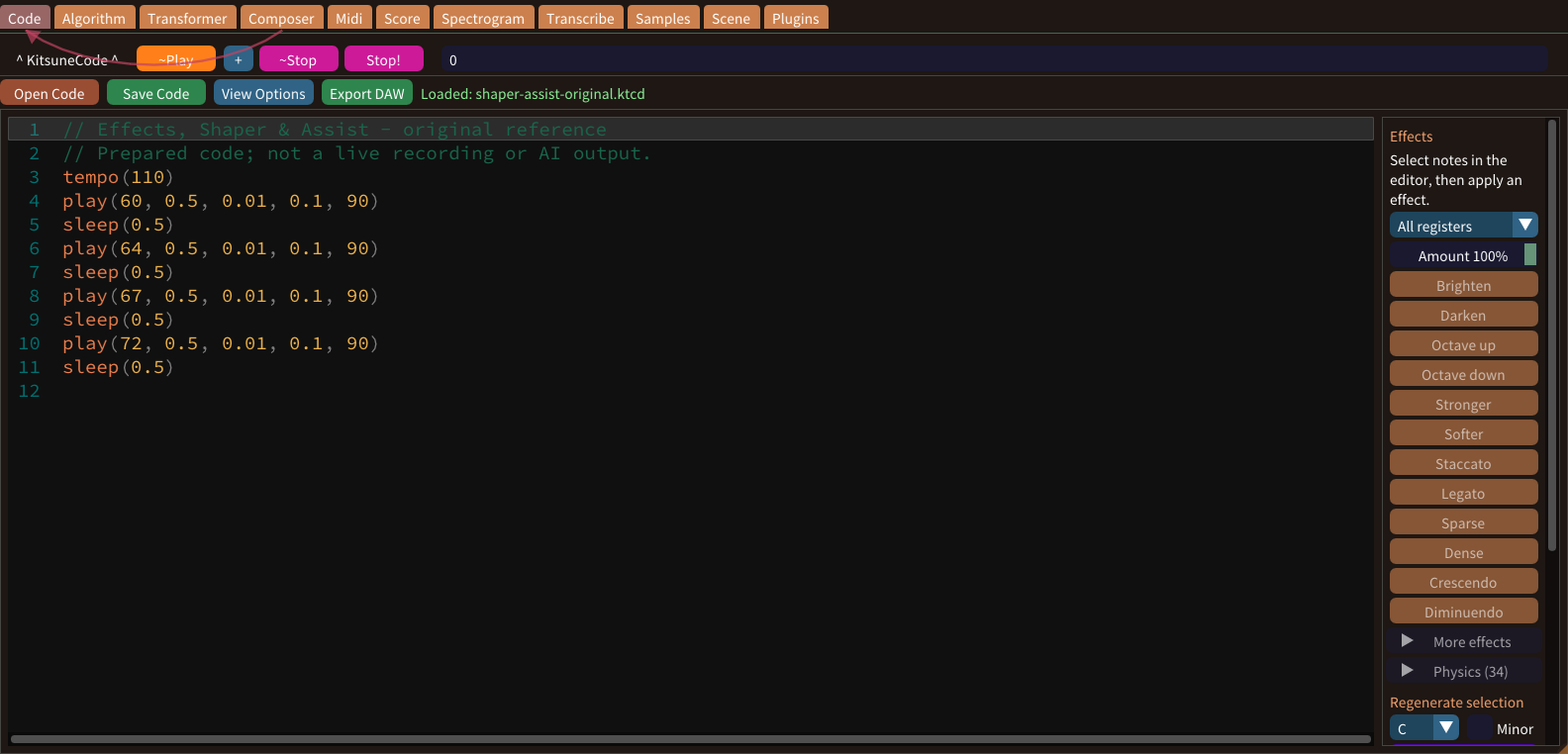
The panel beside the editor applies Effects to selected notes, and Shaper transforms a phrase. Assist helps you enter code. Keep an unmodified phrase so that a change has a clear reference. Musical differences are easier to judge when only one effect or transformation is applied at a time.
VST3 plugins
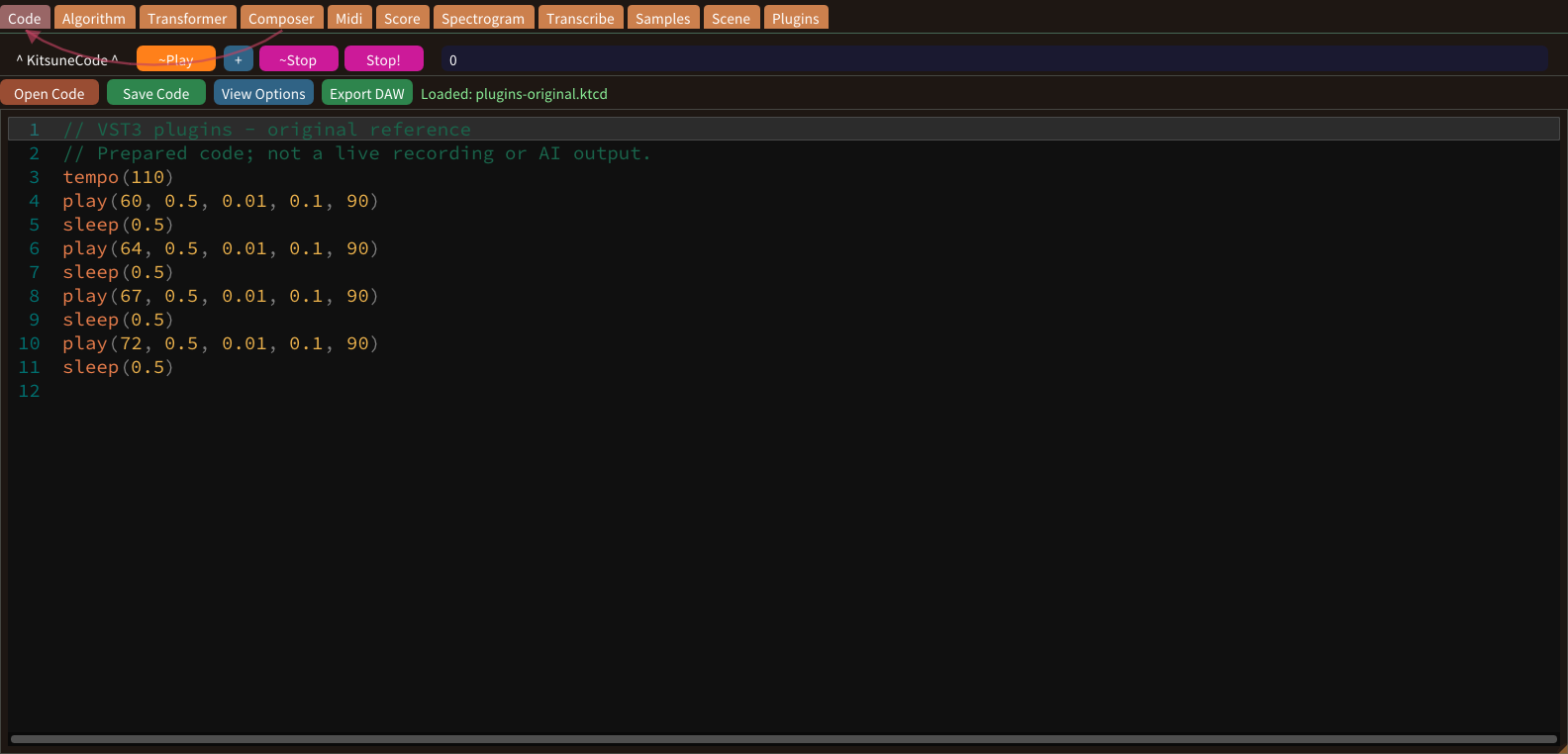
Plugin Manager keeps one plugin list for the whole app; each code window has its own chain. These screenshots were taken before a plugin scan. Distinguish plugin discovery from using a plugin in a particular window. A shared list may contain a component even when the current executor’s processing chain is empty.
Save & reopen
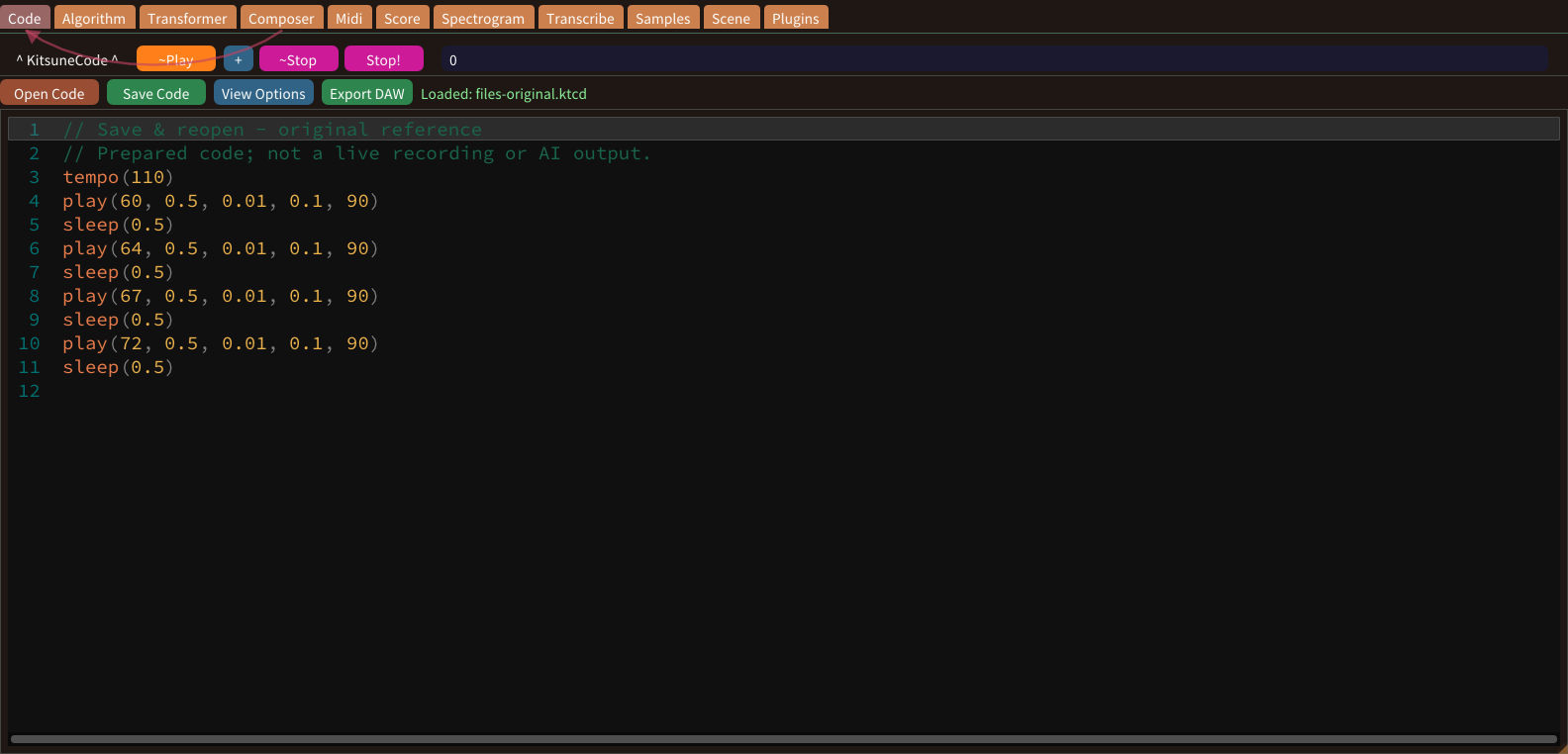
Save editable sources as well as exports. .ktcd stores code; WAV stores audio and MIDI stores note events. They are not interchangeable backups. Treat source files as part of the project, not as temporary material to discard after exporting audio. An editable backup is what makes later musical corrections practical.